Introduction
Every new hire’s first day and every exit’s last step hinge on IT. Don’t let clunky processes drop the ball. Smooth onboarding boosts morale and productivity. Secure offboarding protects data and ensures compliance. Mess it up, and you’re scrambling to fix accounts, track hardware, or plug security gaps. Sysadmins face a choice: script it with PowerShell or streamline it with tools like HappyFox. Each has trade-offs. In this post, we’ll explore PowerShell’s raw power against HappyFox Service Desk and Workflows’ team-friendly automation, with a nod to long-term sustainability.
The Onboarding Game: Setting New Hires Up for Success
A new hire’s first impression sets their tone. Delays or missing tools signal disarray, souring their experience and bogging down IT. Common pitfalls include last-minute HR emails, manual account creation, forgotten software licenses, or hardware stuck in shipping limbo. Let’s see how PowerShell and HappyFox tackle this.
PowerShell Approach
PowerShell scripts automate Active Directory (AD) user creation, group assignments, mailbox setup, and license provisioning. These are often fed by a CSV file or manual inputs. For example, a sysadmin might run a script to onboard 20 hires, setting custom attributes like department codes in AD. The benefits are clear: fast execution and precise control over every step. You decide exactly how accounts are structured or which permissions are granted.
HappyFox Approach
HappyFox splits the load between its Service Desk and Workflows. The Service Desk centralizes onboarding via tickets. HR requests a new hire setup, IT assigns a laptop, and Facilities preps a desk, all tracked in one portal. Workflows brings no-code automation. An HR form submission triggers AD account creation, asset allocation, and a welcome email via integrations with tools like Microsoft 365 or Okta. For instance, a hiring manager logs a request, and by Day 1, the employee’s badge, laptop, and accounts are ready without IT lifting a finger manually. This offers cross-team visibility, no scripting, and a repeatable process.
Offboarding Done Right: Securing the Exit
Lingering accounts in SaaS apps, unreturned hardware, or audit gaps are security time bombs. A single oversight can expose sensitive data or fail compliance checks. Here’s how each tool secures the exit.
PowerShell Approach
PowerShell scripts disable AD accounts, forward emails to managers, revoke licenses, and export OneDrive data to a secure share. For example, a single command can deactivate a departing employee’s access across Microsoft 365 and log it for compliance. It’s quick, customizable, and hits every system you code it for. If you need a specific sequence or unique system, PowerShell can handle it.
HappyFox Approach
HappyFox Workflows manages offboarding tickets. IT confirms hardware returns, HR verifies final payroll, and everything’s logged centrally with Smart Rules routing tasks. Workflows automates the sequence. A resignation ticket triggers access revocation, notifies Facilities to collect keys, and archives data, syncing with AD and third-party tools like Slack or Salesforce. For example, an HR ticket auto-disables accounts, alerts the team to retrieve a laptop, and updates records, all in one flow. This ensures nothing’s missed, stays auditable, and is accessible to non-tech staff.
Tools Face-Off: PowerShell vs. HappyFox
Let’s break down the strengths and weaknesses of each approach.
PowerShell
Pros:
- Granular control. Tweak every detail (e.g., custom OU paths, specific permissions).
- Free with Windows. No extra licensing unless you’re hitting premium APIs.
- Lightning-fast for scripted tasks once built.
Cons:
- Expertise bottleneck. Relies on a few PowerShell-savvy sysadmins. Most teams don’t have widespread scripting skills.
- Handover hell. When the point of contact leaves, scripts become cryptic relics. Undocumented logic or outdated dependencies stall progress.
- IT-only. HR can’t trigger or tweak it without a frontend kludge.
HappyFox Service Desk + Workflows
Pros:
- No-code. Anyone can learn it, from IT to HR, with a drag-and-drop interface.
- Unified platform. Service Desk tracks tasks, Workflows automates them, reducing tool sprawl.
- Future-proof. Centralized processes don’t vanish with a single departure. Documentation lives in the system.
- Integrates with AD, Teams, Slack, and more for a connected ecosystem.
Cons:
- Tied to HappyFox’s ecosystem. Less flexibility outside its integrations.
- Initial setup requires mapping your org’s processes, though templates ease this.
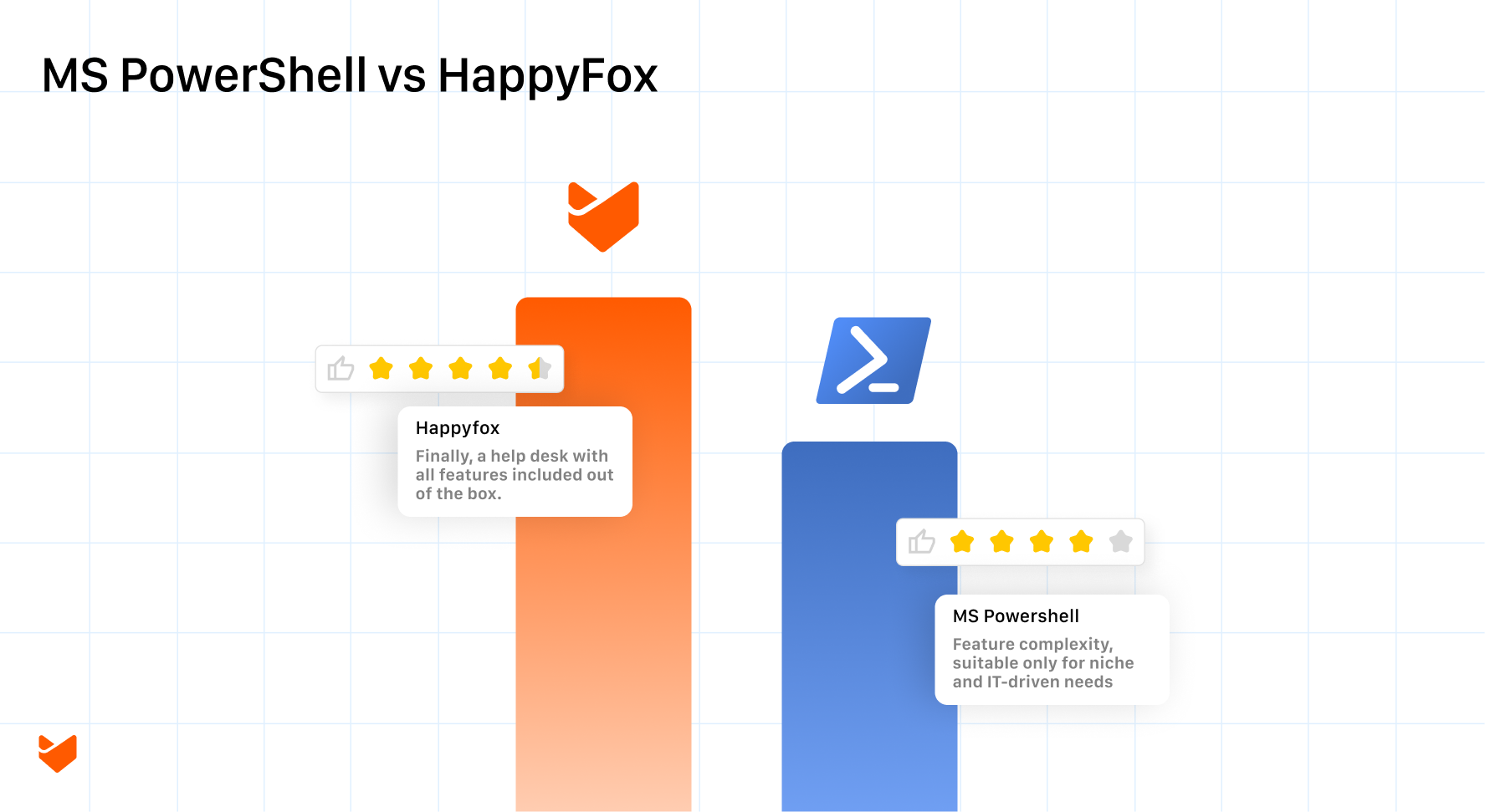
Key Difference: PowerShell’s bespoke power suits lone wizards. HappyFox’s polished flow scales across teams and time.
| Aspect | PowerShell Pros | PowerShell Cons | HappyFox Pros | HappyFox Cons |
| Control and Customization | Granular control. Tweak every detail (e.g., custom OU paths, specific permissions). | Expertise bottleneck. Relies on a few PowerShell-savvy sysadmins. Most teams don’t have widespread scripting skills. | No-code. Anyone can learn it, from IT to HR, with a drag-and-drop interface. | Tied to HappyFox’s ecosystem. Less flexibility outside its integrations. |
| Cost and Accessibility | Free with Windows. No extra licensing unless you’re hitting premium APIs. | Handover hell. When the POC leaves, scripts become cryptic relics. Undocumented logic or outdated dependencies stall progress. | Unified platform. Service Desk tracks tasks, Workflows automates them, reducing tool sprawl. | Initial setup requires mapping your org’s processes, though templates ease this. |
| Performance and Usability | Lightning-fast for scripted tasks once built. | IT-only. HR can’t trigger or tweak it without a frontend kludge. | Future-proof. Centralized processes don’t vanish with a single departure. Documentation lives in the system. | N/A (all cons covered above). |
| Integration and Scalability | N/A (pros covered above). | N/A (cons covered above). | Integrates with AD, Teams, Slack, and more for a connected ecosystem. | N/A (cons covered above). |
The HappyFox Edge
HappyFox outshines PowerShell in accessibility and longevity. No need to master cmdlets. Smart Rules and Workflows handle complexity with point-and-click simplicity. HR can initiate onboarding, IT can oversee it, and Facilities can close the loop, all within one system. When staff churn happens, HappyFox’s documented workflows outlast PowerShell’s tribal knowledge. Small teams get instant structure. Enterprises scale with integrations like Okta for SSO or Salesforce for HR. It’s a solution that grows with your organization, not one that hinges on a single expert.
Conclusion
PowerShell’s a powerhouse for script gurus but falters with limited expertise and handovers. HappyFox Service Desk and Workflows democratize and future-proof the process. Choose PowerShell for niche, IT-driven needs, or HappyFox for a resilient, team-wide solution. Test HappyFox at happyfox.com!
FAQ‘s
What’s the main difference between PowerShell and HappyFox for onboarding?
PowerShell offers deep, code-based customization ideal for IT experts, while HappyFox provides no-code workflows and ticketing that HR and other teams can use directly.
Is PowerShell free to use for offboarding scripts?
Yes, it’s built into Windows, but you may need additional licensing for premium APIs like those in Microsoft 365.
How does HappyFox handle integrations?
It connects seamlessly with tools like Active Directory, Microsoft Teams, Slack, Okta, and Salesforce, making it versatile for multi-tool environments.
What if my team lacks scripting skills?
PowerShell could be challenging due to its reliance on expert knowledge and potential handover issues. HappyFox’s drag-and-drop interface makes it accessible to everyone.
Can I combine PowerShell with HappyFox?
Absolutely. Use PowerShell for custom backend tasks and HappyFox for frontend automation and tracking to get the best of both worlds.How long does setup take for HappyFox?
Initial mapping of processes might take a few hours to days, but pre-built templates speed it up significantly.