


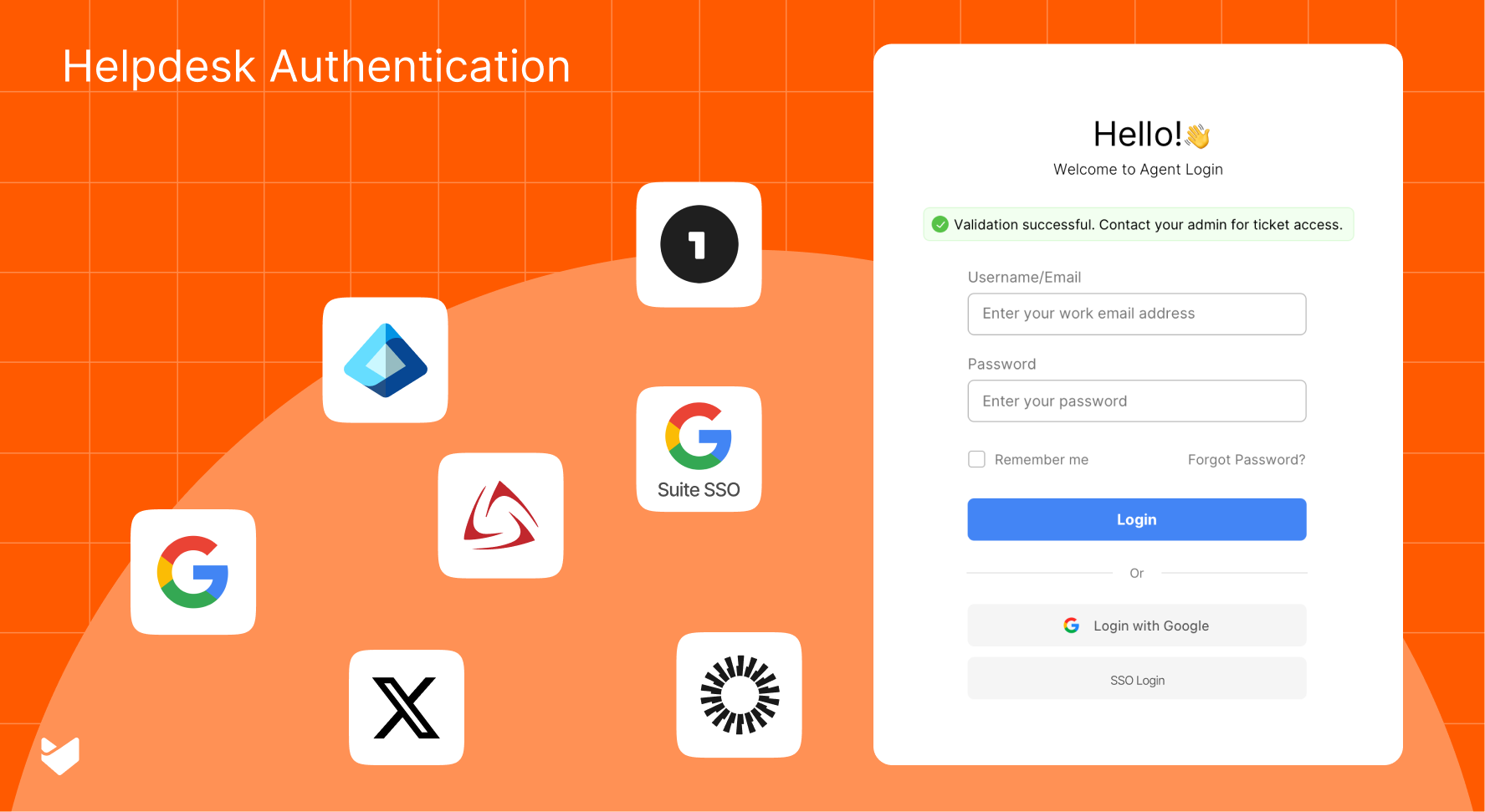
Three out of four security breaches involve weak or stolen credentials. For help desk managers, this statistic isn’t just a number—it’s a wake-up call. The right authentication method doesn’t just protect your data; it transforms how your entire support operation functions.
Why Help Desk Authentication Matters
Before diving into specific methods, let’s understand what’s at stake. Your help desk handles sensitive customer data, internal communications, and crucial business information. The right authentication method:
- Protects sensitive support data
- Streamlines user access
- Reduces security incidents
- Improves compliance
7 Authentication Methods for Modern Help Desks
1. Microsoft Entra ID SSO
Best for: Enterprise organizations using Microsoft ecosystem
- Unified access management
- Seamless Microsoft integration
- Advanced security controls
- Automated user provisioning
2. Google Workspace SSO
Best for: Organizations using Google Workspace
- Simple implementation
- Familiar user experience
- Strong security protocols
- Integrated user management
3. Social Login: Google
Best for: Customer-facing support portals
- Quick implementation
- User-friendly access
- Reduced friction
- Wide adoption
4. Social Login: X (Twitter)
Best for: Public support interfaces
- Simple authentication
- Broad accessibility
- Quick setup
- Customer convenience
5. OneLogin Integration
Best for: Organizations needing unified access management
- Centralized control
- Automated provisioning
- Enhanced security
- Simplified management
6. Okta Integration
Best for: Organizations using Okta Identity Cloud
- Centralized identity management
- Strong security controls
- Easy user provisioning
- Comprehensive monitoring
7. Custom SAML Authentication
Best for: Organizations with specific security and compliance needs
- Complete configuration control
- Custom security assertions
- Encrypted data transfer
- Advanced identity management
- Compatible with any SAML-based identity provider
Learn about SSO vs Social Login vs SAML help desk authentication methods
Choosing the Right Authentication Method
Consider these factors:
- User base (internal vs. external)
- Security requirements
- Existing technology stack
- Implementation resources
- Compliance needs
Security Best Practices
Regardless of chosen method:
- Enable multi-factor authentication
- Regular security audits
- Clear access policies
- Continuous monitoring
The HappyFox Advantage: Comprehensive Authentication Solutions
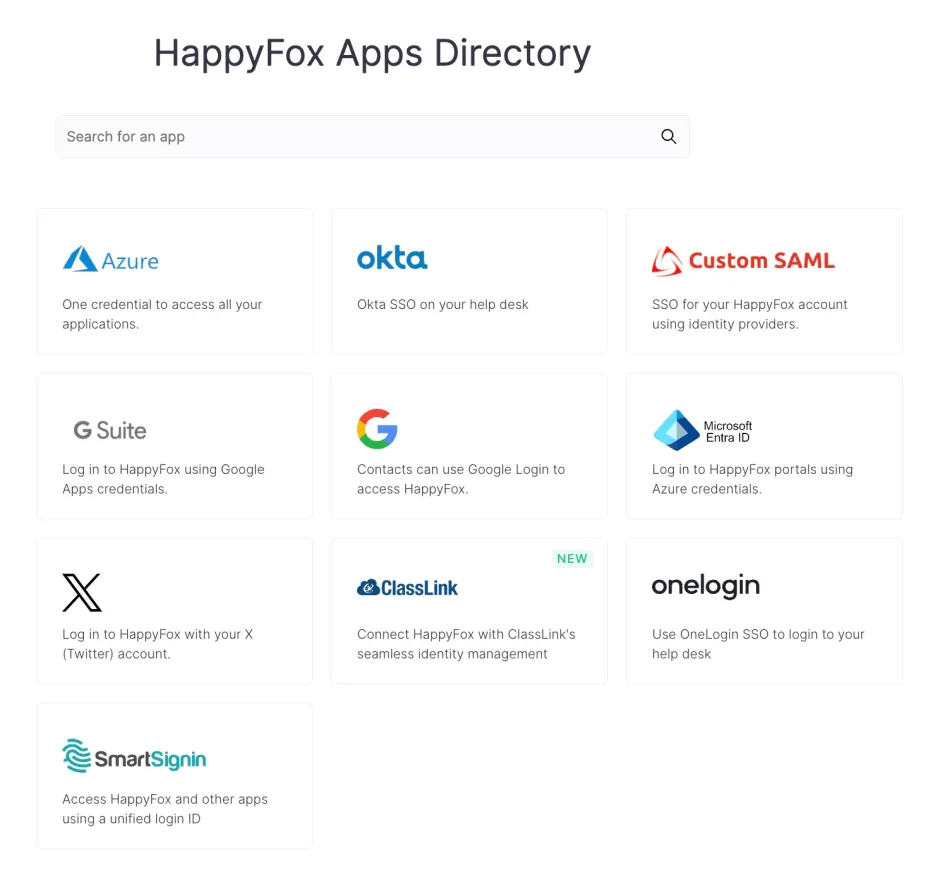
HappyFox is a comprehensive help desk ticketing system that offers flexible authentication options to match your security needs. Our platform supports:
Enterprise SSO Integration
- Microsoft Entra ID
- Okta
- Google Workspace
- OneLogin
- Smartsignin
- Custom SSO providers
Learn more about HappyFox SSO integration here
SAML Authentication
- Custom SAML configuration
- X.509 certificate support
- Encrypted assertions
- Flexible security policies
Learn more about HappyFox custom SAML integration
Social Login Options
- Google sign-in
- X (Twitter) authentication
Making the Right Choice
Consider these questions:
- What’s your primary user base?
- Which systems do you currently use?
- What are your security requirements?
- How many users need access?
Transform Your Help Desk Security Today
Don’t let authentication be your security weakness. HappyFox offers:
- Multiple authentication options
- Enterprise-grade security
- Simple implementation
- Comprehensive support
- Flexible configuration
Ready to secure your help desk? Book a demo to see how HappyFox’s authentication options can transform your support security.





