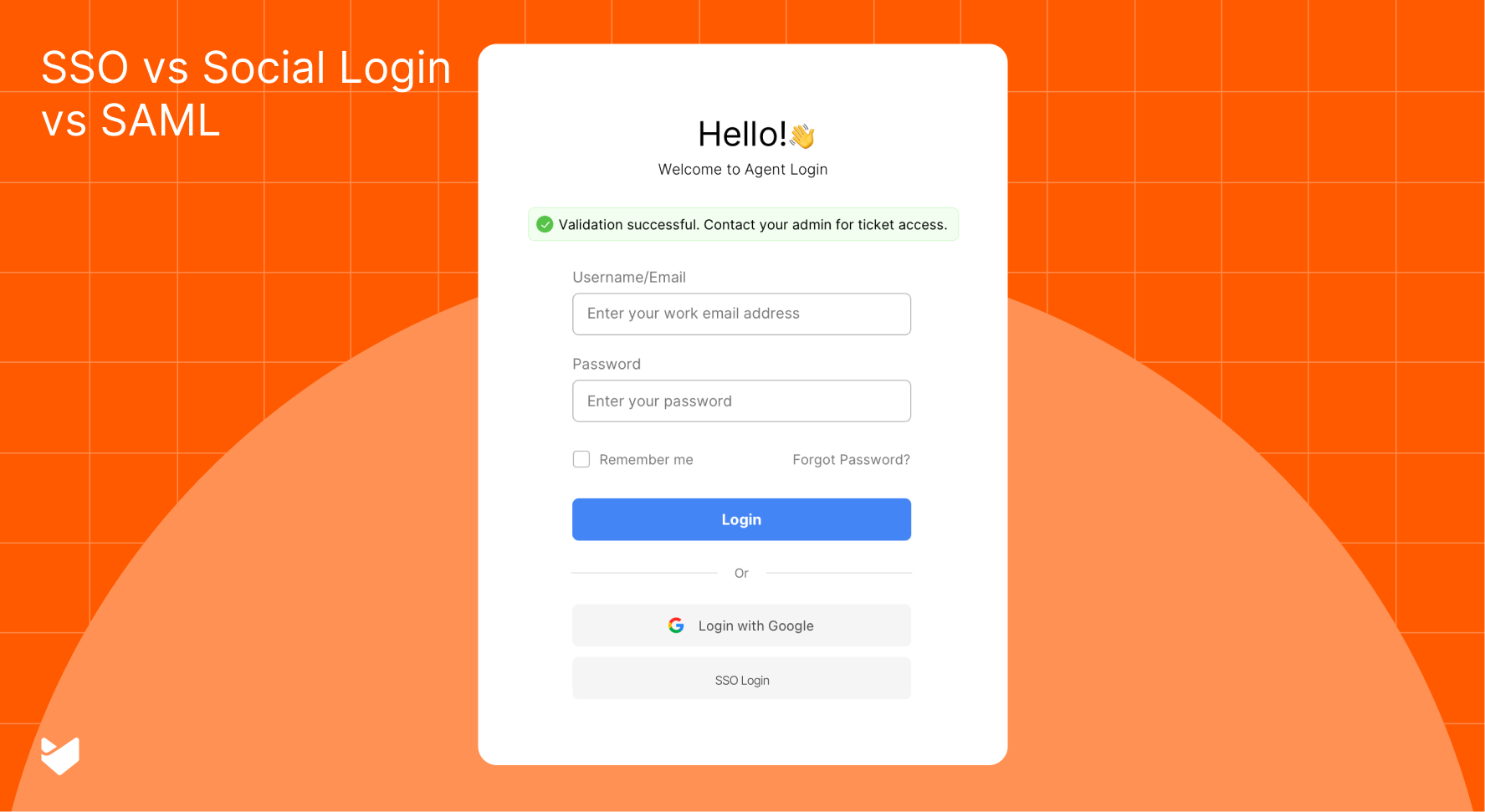
“Our tickets have doubled, and every agent is handling repetitive questions!” Sound familiar? If you’re considering hiring more agents, pause for a moment. What you need is an effective customer self-service strategy. Let’s explore eight proven scenarios that show how the right self-service approach transforms support operations.
Building an Effective Customer Self-Service Strategy
A well-designed customer self-service strategy empowers users to find answers independently while reducing ticket volume. By implementing the right knowledge management approach, you can speed up resolution times and let your agents focus on complex issues that truly need their expertise.
8 Game-Changing Self-Service Scenarios
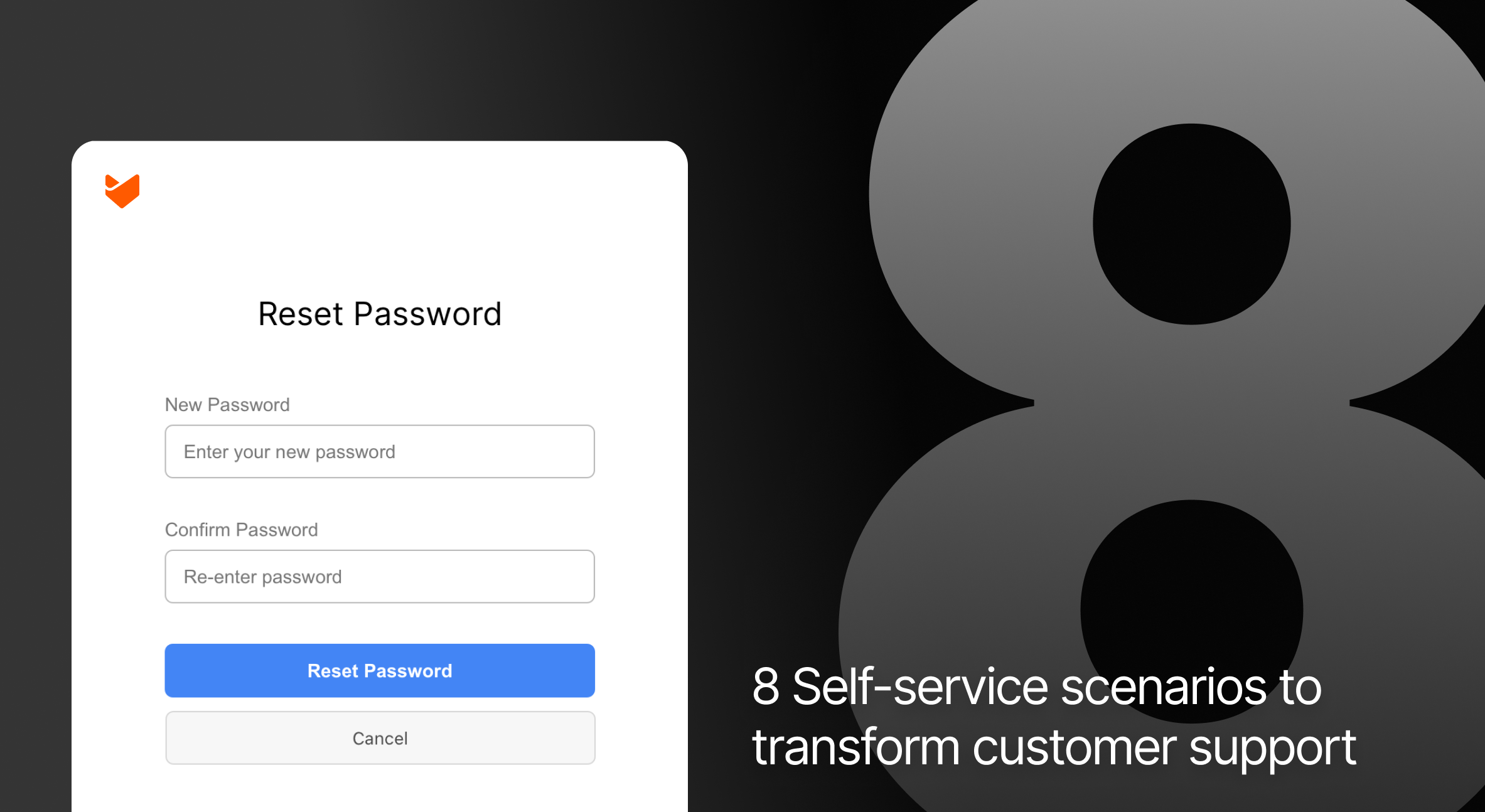
1. Password Resets and Account Access
Scenario: A marketing agency’s IT team spent 15 hours weekly handling password resets. Every Monday morning, they faced a backlog of access-related tickets, delaying response times for critical issues.
Solution:
Create comprehensive password reset guides for each system
Develop visual tutorials for account recovery processes
Build a dedicated knowledge base section for access management

Provide searchable FAQ articles for common access issues
Design quick-reference guides for security verification steps
2. Software Installation and Updates
Scenario: A company with remote teams struggled with software deployments. Each update cycle generated hundreds of support tickets, overwhelming the help desk team.
Solution:
Create detailed installation guides with screenshots and videos
Develop troubleshooting articles for common installation errors
Build step-by-step update procedure documentation
Provide system requirement checklists and guides
Design visual guides for post-installation verification
3. New User Onboarding
Scenario: The support team spent hours repeating the same onboarding information for each new user. Basic setup questions consumed valuable time that could be spent on specialized training.
Solution:
– Build a structured onboarding knowledge base
– Create role-based getting started guides
– Produce video tutorials for common workflows
– Implement an interactive setup checklist system
– Develop a targeted FAQ section based on user feedback
Learn more: How to create a knowledge base
4. Product Feature Guidance
Scenario: Users were only utilizing basic features, missing out on powerful functionality. The support team repeatedly explained the same advanced features.
Solution:
– Design a feature discovery guide with real-world examples
– Create step-by-step feature tutorials
– Develop use case scenarios and best practices guides
– Build quick-reference feature cards
– Produce video demonstrations of advanced features
5. Common Error Resolution
Scenario: Users frequently encountered standard errors with simple fixes, but each instance generated a support ticket, creating unnecessary delays.
Solution:
– Create an error message database with quick solutions
– Design visual troubleshooting guides
– Implement step-by-step resolution workflows
– Develop common pitfall warning guides
6. Billing and Subscription Management
Scenario: The billing team handled endless queries about invoice access, payment updates, and subscription changes – all tasks that could be self-served.
Solution:
Create comprehensive billing process guides
Develop visual tutorials for payment updates
Build subscription management documentation
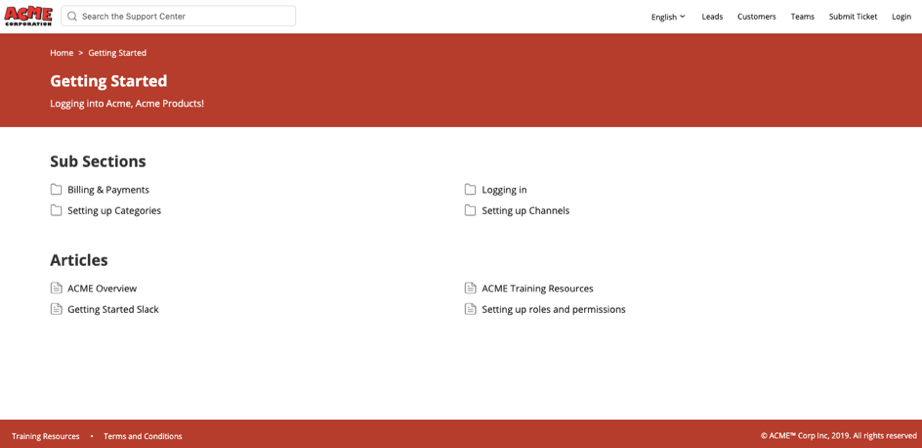
Provide searchable billing FAQ articles
Design invoice explanation guides
7. Product Documentation Access
Scenario: While comprehensive documentation existed, users couldn’t find the right information quickly, resulting in unnecessary support tickets.
Solution:
– Implement a searchable knowledge base with smart categorization
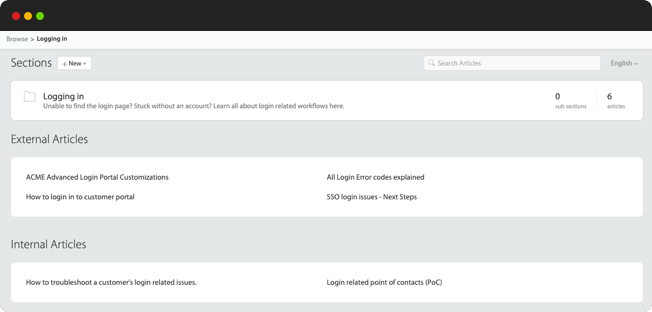
– Create quick-reference guides for common topics
– Set up a related article suggestion system
– Design a popular solutions section
– Build a user feedback collection system
Learn more: External vs Internal Knowledge Base – Which do you need?
8. System Status Updates
Scenario: During service interruptions, support channels became flooded with status inquiries, preventing agents from focusing on resolution efforts.
Solution:
Create system status documentation guidelines
Build resolution process guides
Provide status update best practices
Design incident response documentation
Make It Happen with HappyFox’s Smart Self-Service Features
Turn these scenarios into reality with HappyFox’s comprehensive self-service solutions:
Smart Knowledge Base: Create, organize, and share solutions with multilingual support to power your help desk knowledge management
Self-Service Portal: Deliver a unified support experience with integrated ticket tracking and knowledge access
Smart Suggestions: Guide users to relevant solutions with AI-powered answers in knowledge base
Customizable Widgets: Provide instant access to support resources by embedding self-service options directly on your website

These capabilities enable you to:
– Deploy consistent support content across all channels
– Reduce ticket volume through intelligent self-service
– Maintain 24/7 support coverage
– Speed up resolution times with smart automation
Transform Your Support Operations Today
Stop drowning in repetitive tickets. With HappyFox’s self-service solutions, you can empower users to find answers independently while your support team focuses on complex issues that truly need their expertise. Our comprehensive suite of features helps you:
– Reduce support costs
– Speed up resolution times
– Improve user satisfaction
– Enable round-the-clock support
– Scale operations efficiently
Ready to transform your support operations with intelligent self-service? Schedule a demo today and see how HappyFox can help streamline your support processes.