


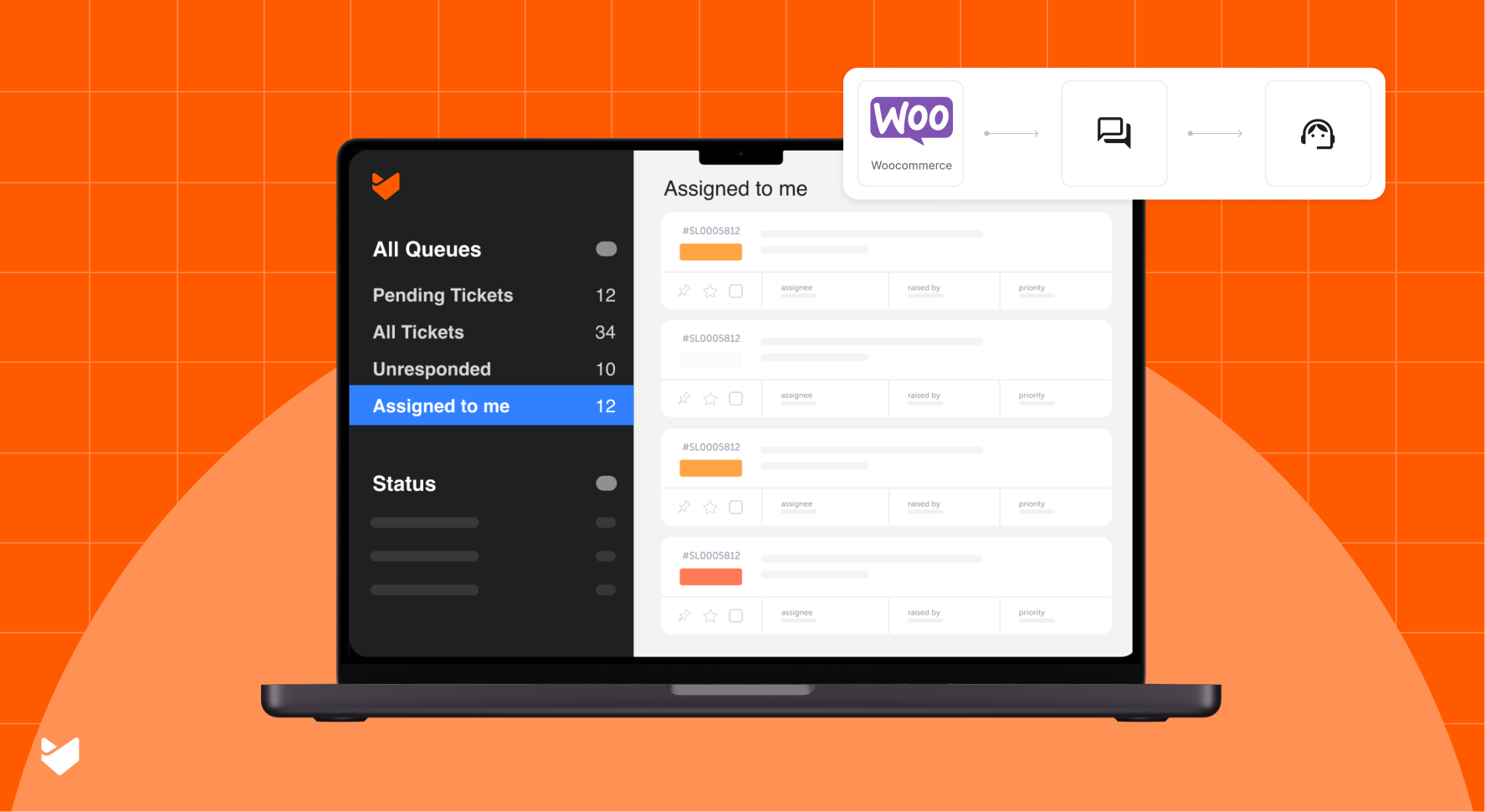
Operating a WooCommerce store requires managing a high volume of customer interactions, including order queries, refunds, and support requests. A robust help desk solution tailored to WooCommerce can optimize these processes, ensuring smoother workflows and improved customer satisfaction.
This guide provides a detailed, technical overview of selecting and implementing the ideal help desk system for your WooCommerce store.
Why Your WooCommerce Store Needs a Dedicated Help Desk
Managing customer interactions across multiple channels without a centralized system can lead to inefficiencies and missed support requests.
The Risks of an Inadequate System:
- Delayed responses to queries.
- Ineffective tracking of customer issues.
- Limited visibility into support team performance.
A professional help desk integrated with WooCommerce ensures:
- Customer queries across channels are recorded in a centralized platform.
- Real-time access to order and customer data for agents.
- Streamlined support workflows.
- Enhanced reporting capabilities for data-driven decisions.
Did you know?
Studies reveal that 89% of customers abandon businesses due to poor support. Implementing a help desk reduces churn by standardizing and automating critical support operations.
Key Features of a WooCommerce-Integrated Help Desk
1. Native WooCommerce Integration
A WooCommerce-specific help desk should provide deep integration, enabling your support team to:
- Access real-time order data directly within tickets.
- Synchronize customer details across WooCommerce and the help desk.
- Automate workflows for order-related requests like refunds and cancellations.
With API-driven integration, support agents can pull order histories, lifetime value, and transaction details without toggling between platforms.
2. Omnichannel Ticket Management
As customers interact through various channels, your help desk must unify these touchpoints. Essential features include:
- Multi-channel compatibility for email, live chat, and social media.
- Unified dashboards to view tickets from all sources in one interface.
- Channel-specific routing rules for seamless ticket assignment.
Look for solutions with webhook support to capture real-time updates from external platforms.
3. Advanced Automation Capabilities
Automate repetitive tasks and reduce manual effort with:
- Intelligent ticket routing based on predefined parameters (e.g., order type, priority).
- Automation options to resolve common queries.
- Workflow builders for automating SLA escalations and follow-ups.
Use dynamic fields in automation rules to handle personalized responses at scale.
4. Comprehensive Knowledge Base and Self-Service Options
An internal knowledge base enables customers to find answers without contacting support. Look for:
- AI-driven article suggestions based on customer queries.
- Help Desk solutions that support a multi-brand and multilingual knowledge base.
- Customizable customer portals with multilingual support.
What Should You Look For in a Help Desk Solution
When choosing a help desk, evaluate the following technical aspects:
Scalability and Performance
- Can the help desk handle increasing ticket volumes?
- What are the platform’s uptime guarantees?
- Is the architecture scalable for growth
Integration Ecosystem
- Does it offer native WooCommerce integration?
- Are connectors available for external tools (e.g., CRMs, inventory systems)?
- Does the platform support RESTful APIs for custom integrations?
Automation and Customization
- Can you customize workflows with low-code or no-code tools?
- Does it support advanced SLA configurations and escalation paths?
- Are there provisions for custom triggers and events?
Security and Compliance
- Is the platform GDPR-compliant?
- Does it offer data encryption at rest and in transit?
- Are user roles and permissions granular enough for your needs?
Why HappyFox is the Ideal Help Desk for Your WooCommerce Store
HappyFox provides a tailored help desk solution for WooCommerce stores, addressing the unique needs of e-commerce businesses. Here’s why it stands out:
Deep WooCommerce Integration
HappyFox’s native integration puts vital customer and order data directly into your agents’ hands:
- View order histories within tickets.
- Enable agents to quickly search for WooCommerce customers and order information when creating a new ticket.
- Allow agents to view detailed WooCommerce customer information within the ticket.
Smart Automation for E-commerce
Reduce manual effort with automation designed for online stores:
- Auto-categorize tickets based on order statuses.
- Send instant replies for FAQs like shipping updates.
- Prioritize tickets from high-value customers.
- Trigger automatic alerts for refund or cancellation requests.
Multi-Channel Support Made Easy
Centralize customer communication across all channels:
- Convert messages from Facebook, Twitter, and WhatsApp into tickets.
- Manage live chat, email, and contact form submissions in one dashboard.
- Streamline omnichannel workflows with automated routing.
Built for Growth
HappyFox scales as your store grows:
- Unlimited ticket handling across all pricing tiers.
- Flexible agent-based plans for growing teams.
- Multi-brand management for diverse product lines.
Pro Tip
Use the multi-brand feature to manage separate knowledge bases and ticket flows for different product categories.
E-commerce-Specific Features
HappyFox offers capabilities tailored to online retail:
- Prebuilt canned responses for common scenarios like shipping delays.
- Custom SLA policies for different brands/categories.
- Analytics to track customer satisfaction and agent performance.
- AI powered self-service knowledge base for reducing ticket volume.
Security and Reliability
Keep customer data secure with enterprise-grade features:
- SSL encryption and GDPR compliance.
- Regular system updates and backups.
- A guaranteed uptime of 99.9% for uninterrupted support.
Cost-Effective Pricing
HappyFox’s pricing includes:
- Unlimited tickets and contacts at every tier.
- Unlimited agents plan for growing teams.
- Transparent pricing. No hidden charges.
Steps to Implement Your Help Desk System
1. Set Up WooCommerce Integration
- Configure API endpoints to sync customer and order data.
- Verify real-time data flow between WooCommerce and the help desk.
- Test webhooks to ensure instant ticket creation for order-related events.
2. Define Support Workflows
- Establish routing rules for ticket assignment based on categories and priorities.
- Create automated responses for FAQs using macros.
- Configure SLA timers and escalation triggers for overdue tickets.
3. Deploy the Knowledge Base
- Use machine learning to suggest relevant articles during ticket creation.
- Optimize the knowledge base for search engines with schema markup.
- Set up access controls to segment internal and external content.
4. Train Your Team
- Use sandbox environments for agent training.
- Develop playbooks for handling common support scenarios.
- Integrate analytics dashboards for performance tracking.
Making the Final Decision
To ensure you’re investing in the right solution, answer these questions:
- Does it integrate deeply with WooCommerce, offering real-time sync?
- Can it scale with your business, both in volume and feature set?
- Does it meet security and compliance standards?
- Is the pricing aligned with your budget and expected ROI?
Conclusion
Implementing a help desk tailored to WooCommerce enhances customer satisfaction, streamlines operations, and prepares your business for growth. By choosing a system with deep integration, automation, and self-service capabilities, you can optimize support processes and focus on scaling your business.
Ready to optimize your WooCommerce store’s customer support? Get a demo of HappyFox Help Desk to understand how you can supercharge your customer support with the tools you need for seamless operations and superior customer experiences.





