


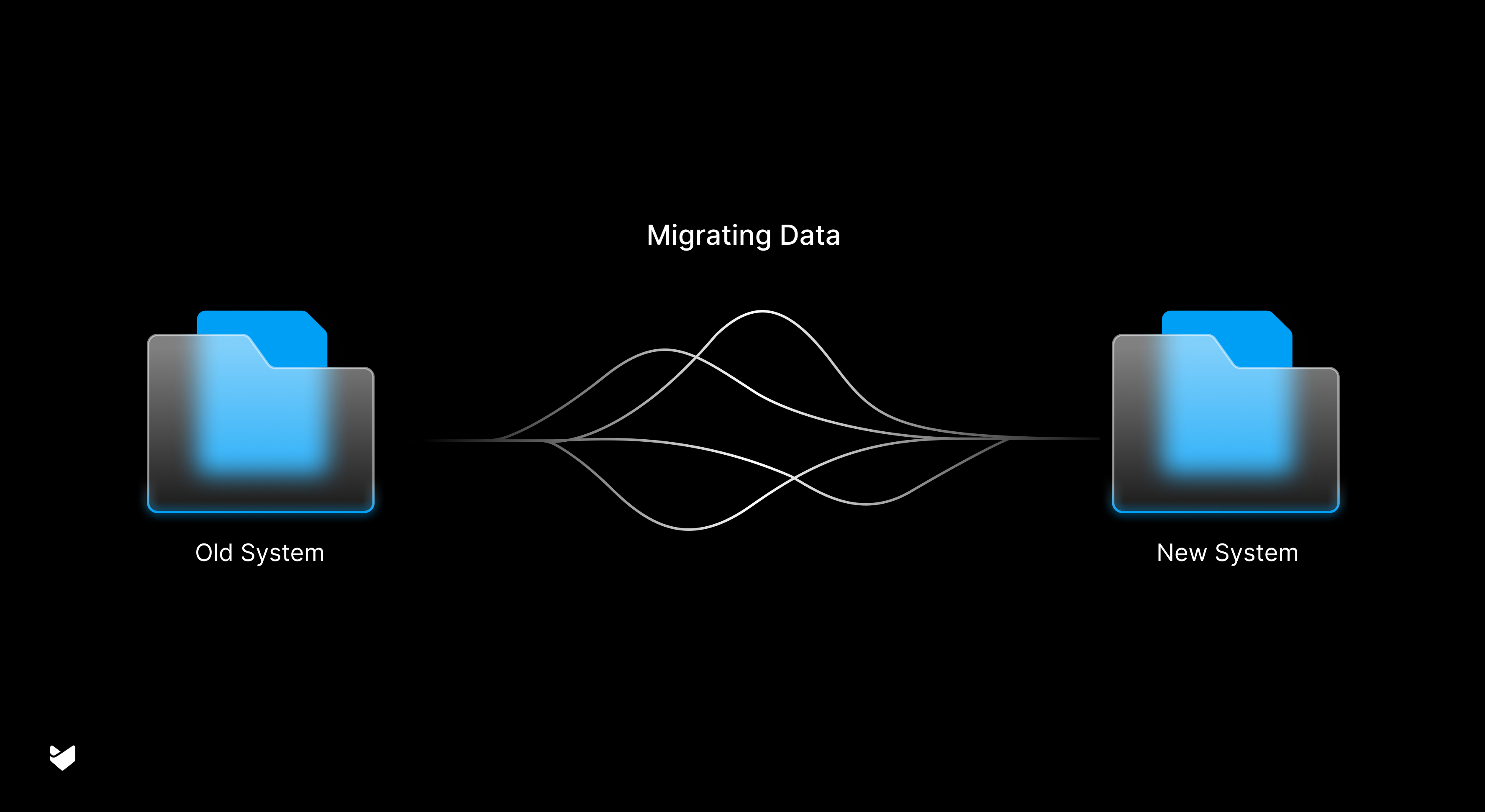
Your help desk is the heart of your customer support operations. It holds years of invaluable data, including customer interactions, support workflows, and valuable insights. Migrating to a new help desk system can seem daunting, especially when dealing with thousands of tickets and complex support processes. However, a well-planned migration ensures minimal disruption to your team’s productivity while preserving critical customer information and setting the stage for improved customer service.
What is Help Desk Migration?
Help desk migration involves transferring your customer support data, workflows, and processes from your existing system to a new platform. This intricate process requires meticulous planning to ensure a smooth transition of all your tickets, customer information, knowledge base articles, and support workflows while maintaining data integrity and minimizing service interruptions.
Understanding the Need for Migration
1. Outgrowing Your Current Solution:
As your business grows, your support needs inevitably evolve. Many organizations find that their initial help desk solution struggles to keep pace with increasing ticket volumes and expanding teams.
- Signs you’ve outgrown your current system:
- Slow performance: Tickets take longer to load, searches are slow, and the system frequently freezes.
- Limited scalability: The system struggles to handle increasing ticket volume and user accounts.
- Lack of mobile accessibility: Agents and customers cannot efficiently access the system on mobile devices.
- Insufficient reporting and analytics: Limited insights into customer behavior and team performance hinder data-driven decision-making.
- Poor integration capabilities: Difficulty integrating with other essential business tools like CRM, email, and phone systems.
These limitations can significantly impact agent productivity and customer satisfaction. For example, slow response times due to system slowdowns can frustrate customers and damage brand reputation.
2. Advanced Feature Requirements:
Modern customer service demands sophisticated solutions beyond basic ticketing. Today’s support teams require features like:
- Advanced automation: Automating routine tasks like ticket routing, automated responses, SLA management, ticket escalations, and customer notifications frees up agents to focus on complex issues.
- Self-service portals: Empowering customers to find answers independently through a knowledge base, FAQs, and AI-powered chatbots reduces ticket volume and improves customer satisfaction.
- Omnichannel support: Providing a seamless customer experience across multiple channels (email, chat, phone, social media) is crucial in today’s digital world. Look for platforms that can enable seamless omnichannel support.
- Advanced reporting and analytics: Gaining deep insights into customer behavior, agent performance, and key support metrics is essential for continuous improvement.
If your current system cannot deliver these essential features, migrating to a platform that can is crucial to maintain competitive service levels.
3. Integration Demands:
Modern businesses rely on interconnected systems. Your tech stack likely includes CRM software, phone systems, and various other business tools. When your help desk cannot seamlessly integrate with these systems, it creates data silos, inefficiencies, and a fragmented customer view. A modern help desk platform should offer robust integration capabilities to ensure smooth data flow and improve overall operational efficiency.
Planning Your Migration Strategy
1. Data Assessment:
Begin by conducting a thorough inventory of your existing system. Review:
- Active and historical tickets: Analyze ticket trends, customer issues, and resolution times.
- Customer data: Ensure all customer information (contact details, communication preferences, purchase history) is accurately captured.
- Knowledge base articles: Assess the quality and relevance of your existing knowledge base content.
- Custom fields and workflows: Document all custom fields used by your team and the workflows that rely on them.
This comprehensive assessment ensures that no critical data or functionalities are overlooked during the migration process.
2. Timeline Development:
- Choose the right time: Select a period with typically lower ticket volume, such as weekends or off-peak hours, to minimize disruption to your support operations.
- Break down the process: Divide the migration into manageable phases:
- System setup and configuration: Configure the new help desk system with your team’s specific workflows, SLAs, and reporting requirements.
- Test migration: Perform a test migration with a small subset of data to identify and resolve potential issues before migrating the entire dataset.
- Full data transfer: Migrate all your customer data, tickets, and knowledge base articles to the new system.
- Team training: Conduct comprehensive training sessions for your support team to familiarize them with the new system and its features.
3. Data Extraction and Preparation:
- Data extraction: Export data from your existing system in a compatible format (e.g., CSV, XML).
- Data cleansing: Clean and validate the exported data to ensure accuracy and consistency.
- Data mapping: Map fields from your old system to the corresponding fields in the new system.
Executing a Successful Migration
1. System Configuration:
- User accounts: Create user accounts for all your support agents and configure their access levels and permissions.
- Ticket workflows: Define ticket routing rules, SLAs, and escalation procedures within the new system.
- Email integration: Configure email integration to ensure seamless ticket creation and routing via email.
- Knowledge base setup: Import and organize your existing knowledge base articles within the new system.
2. Test Migration:
- Select a representative sample: Choose a small but representative subset of your data for the initial migration.
- Thorough testing: Verify that all ticket data, customer information, and workflows are transferred accurately.
- Identify and resolve issues: Address any data inconsistencies, system errors, or configuration problems identified during the test migration.
3. Full Data Migration:
- Schedule downtime: Minimize disruption to your support operations by scheduling the full data migration during off-peak hours.
- Monitor the process: Continuously monitor the migration process to ensure it’s proceeding as expected.
- Data validation: After the migration is complete, thoroughly validate all data to ensure accuracy and completeness.
4. Post-Migration Excellence
1. Quality Assurance:
- Ongoing monitoring: Continuously monitor ticket resolution times, customer satisfaction scores, and other key performance indicators.
- Regular data audits: Conduct regular data audits to ensure data accuracy and identify any potential issues.
- System optimization: Regularly review and optimize system configurations to improve performance and efficiency.
2. Team Adaptation:
- Ongoing training: Provide ongoing training and support to your team to ensure they are comfortable using the new system.
- Knowledge base resources: Create easily accessible resources (e.g., FAQs, user guides, video tutorials) to help your team quickly find answers to their questions.
- Gather feedback: Regularly gather feedback from your team on their experience with the new system and address any concerns or issues.
3. Continuous Improvement:
- Analyze performance data: Leverage the new system’s reporting and analytics capabilities to gain insights into customer behavior, agent performance, and areas for improvement.
- Optimize workflows: Continuously refine your support workflows based on data analysis and team feedback.
- Embrace new features: Explore and leverage the advanced features of your new help desk system, such as AI-powered automation and self-service portals, to enhance customer support.
Addressing Potential Challenges
- Budget constraints: Evaluate different help desk solutions and choose a platform that fits within your budget. Consider cloud-based options that offer flexible pricing models.
- Resistance to change: Address concerns from your support team by emphasizing the benefits of the new system and providing comprehensive training and support.
- Data security concerns: Choose a help desk provider with robust security measures to protect your customer data.
Maximizing Your New Help Desk
- Automation Advantages:
- Streamline workflows: Automate routine tasks like ticket routing, SLA management, and customer notifications to free up your team’s time and improve efficiency.
- Improve response times: Implement automated responses to common customer inquiries to provide quick resolutions and improve customer satisfaction.
- Reduce human error: Minimize errors and ensure consistent service delivery through automated workflows.
- Knowledge Management Evolution:
- Create a comprehensive knowledge base: Build a comprehensive knowledge base with articles, FAQs, and how-to guides to empower customers to find answers independently.
- AI-powered search: Implement AI-powered search functionality to help customers quickly find relevant information within your knowledge base.
- Chatbots: Deploy chatbots to provide instant answers to common customer questions and guide them through self-service options.
- Analytics and Improvement:
- Track key metrics: Monitor key performance indicators (KPIs) such as ticket volume, resolution times, customer satisfaction scores, and agent productivity.
- Identify trends and patterns: Analyze data to identify trends, patterns, and areas for improvement in your support processes.
- Data-driven decision-making: Use data insights to make informed decisions about resource allocation, staffing levels, and process improvements.
Looking Ahead
Help desk migration marks the beginning of a new chapter in your customer support journey. While the process requires careful planning and execution, the benefits of a modern, efficient help desk system make the effort worthwhile. By following these guidelines and leveraging the power of your new platform, you can significantly enhance your customer support operations, improve customer satisfaction, and drive business growth.
Ready to transform your support operations? Schedule a demo today to learn how Happyfox can eliminate gaps in your support process and help deliver better customer experiences.





