


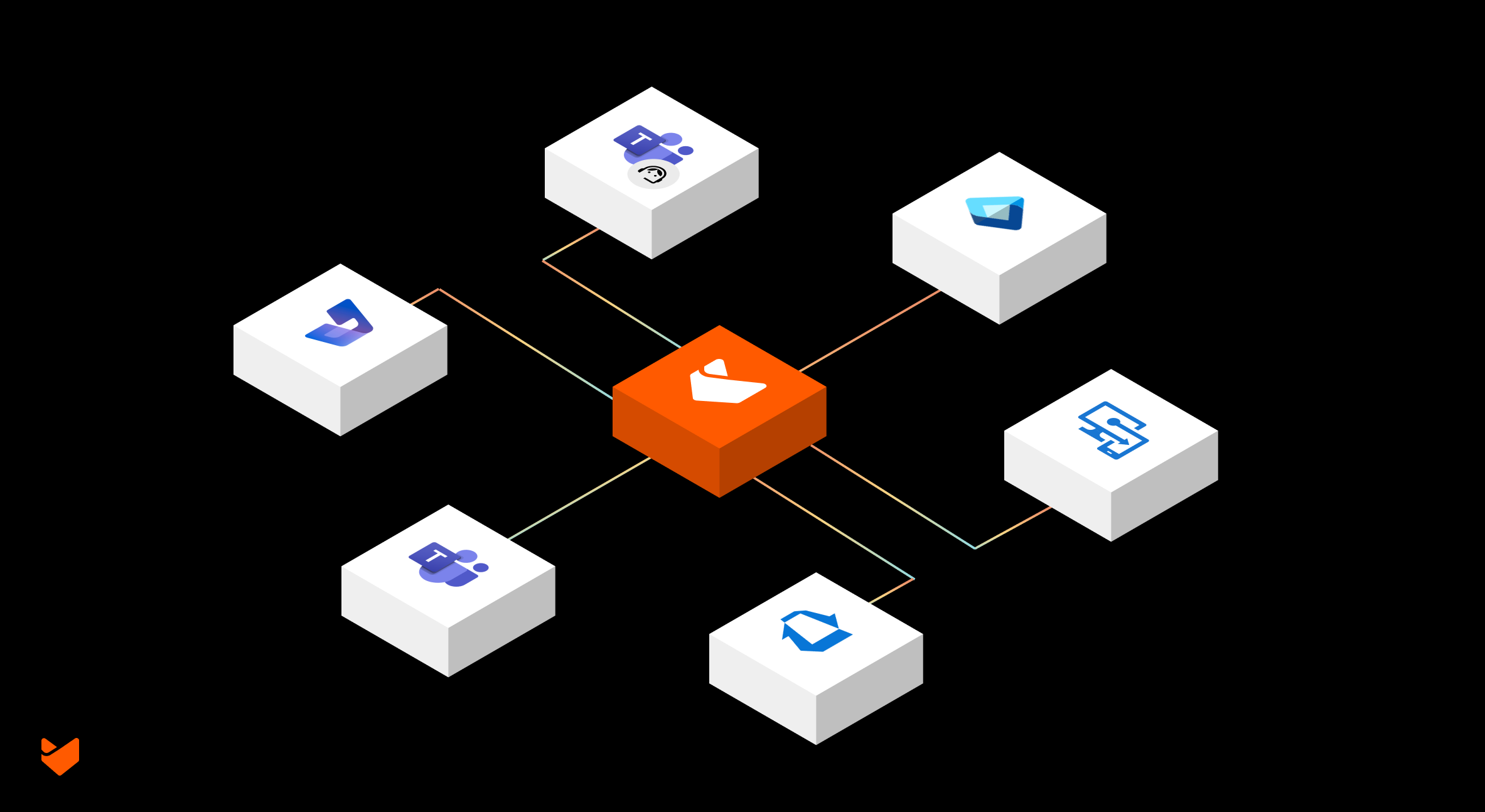
Whether you’re an IT support team handling internal requests, a technical support team managing product inquiries, or a customer service department serving external customers, Microsoft enterprise solutions are likely central to your operations. Moving between multiple Microsoft platforms while delivering support creates complexity. Additionally, when your help desk sits outside this ecosystem, it further widens the efficiency gap – impacting both agent productivity and support quality.
The Help Desk Integration Challenge
Support teams using a standalone help desk alongside Microsoft enterprise solutions face several key challenges:
- The constant switching between the help desk and Microsoft platforms
- Support tickets lack Microsoft ecosystem context
- Help desk contacts need manual sync with Microsoft user data
- Separate authentication for help desk and Microsoft apps
- Support tickets disconnected from development workflows
- Customer data siloed between the help desk and Microsoft CRM
Why Integrate Your Help Desk with Microsoft Solutions?
Bringing your help desk into your Microsoft ecosystem transforms support delivery through:
- Unified Experience: Access Microsoft tools directly from your help desk
- Complete Context: Microsoft data and insights within your support tickets
- Streamlined Workflows: Automated processes between the help desk and Microsoft platforms
- Enhanced Collaboration: Help desk aligned with your Microsoft tools
- Improved Efficiency: Eliminate platform switching and manual updates
The HappyFox Approach
As a leading help desk solution, HappyFox understands that enterprises need their support platform to work seamlessly with their Microsoft ecosystem. Our customers – from IT admins to customer support departments – consistently request Microsoft integration capabilities that maintain their existing workflows while enhancing efficiency.
Here are the top 6 Microsoft enterprise integrations HappyFox supports, each designed to bring our help desk into your Microsoft environment while maintaining security and efficiency:
1. Microsoft Entra ID: Unified Access & Contact Management
Support teams managing multiple Microsoft tenants face unique challenges with user authentication and contact management.
Use Case
A global enterprise with regional offices in the US, Europe, and Asia manages separate Microsoft tenants for compliance reasons. Their support team struggled with maintaining updated contact information and managing authentication across these tenants. With HappyFox’s Entra ID integration, they now manage all contacts from a single help desk while maintaining tenant-specific access controls.
HappyFox’s Entra ID integration delivers this through:
- Multi-Tenant Support: Manage contacts from separate Microsoft tenants in a single help desk, perfect for enterprises with regional or departmental setups
- Automated Synchronization: Daily updates ensure your contact database stays current with user information from all tenants
- Flexible Implementation: Separate authentication flows for agent and customer portals. Sync all users or specific groups.
- Custom Field Mapping: Sync key attributes from Entra ID to maintain consistent user information
Learn more about HappyFox integration with MS Entra ID here
2. Microsoft Intune: Device-Aware Support
When every device-related ticket requires checking multiple systems, resolution time suffers.
Use Case
An IT support team managing over 5,000 corporate devices spent significant time switching between their help desk and MS Intune for every device-related ticket. Simple issues like password resets required checking device status, compliance, and ownership in separate systems. With HappyFox’s Intune integration, they now see all device information directly in tickets, cutting resolution time by 60%.
HappyFox’s Intune integration brings device management into your support workflow:
- Complete Device Context: Access Intune-managed device information directly within tickets
- Ticket-Device Association: Link support tickets to specific devices for accurate tracking
- User-Device Mapping: Connect contacts with their assigned devices for better support context
- Real-time Status: View synchronized device information without switching platforms
See in Action – HappyFox integration with MS Intune
3. Azure DevOps: Development-Support Alignment
The gap between support and development teams often leads to lost context and delayed solutions.
Use Case
A software company’s support team received frequent feature requests and bug reports that needed development attention. Converting these into development tasks involved manual copying, context loss, and delayed updates. Using HappyFox’s Azure DevOps integration, they now automatically convert relevant tickets into work items and track progress directly from the help desk.
HappyFox bridges this through:
- Ticket-Work Item Conversion: Transform relevant tickets into Azure Boards work items
- Two-Way Synchronization: Track development progress directly from support tickets
- Auto-Closure: Tickets automatically close when linked work items complete
- Field Mapping: Maintain context with synchronized descriptions, due dates, and custom fields
Learn more about HappyFox integration with MS Azure DevOps here
4. Dynamics 365: Context-Rich Support
Customer context shouldn’t require CRM access.
Use Case
A B2B support team handling enterprise clients needed constant access to account history, relationship status, and customer tier information stored in Dynamics 365. Agents regularly paused ticket handling to look up customer details in CRM. With HappyFox’s integration, they now see all relevant customer information directly in support tickets, enabling informed and personalized support.
HappyFox’s Dynamics 365 integration ensures support teams have the information they need:
- Customer Data Access: View Dynamics 365 contact information directly in tickets
- Case Management: Support tickets appear as cases against Accounts and Contacts
- Real-time Sync: Maintain current customer information across platforms
- Relationship Visibility: Access complete customer context for informed support
See in Action – HappyFox integration with Dynamics 365
5. Microsoft Teams: Collaborative Support
Support shouldn’t require leaving your primary collaboration platform.
Use Case
A remote support team using MS Teams for internal communication found themselves constantly switching between MS Teams and their help desk to create and update tickets. Important support requests shared in MS Teams channels often got lost in the conversation. Now, they manage tickets directly from MS Teams and automatically convert important messages into support tickets.
HappyFox’s MS Teams integration enables:
- Native Ticket Management: Create and update tickets directly within MS Teams
- Channel Notifications: Map notifications to relevant MS Teams channels
- Knowledge Base Access: Search and share help articles without switching contexts
- Message Conversion: Turn MS Teams messages into support tickets with one click
Learn more about HappyFox integration with Microsoft Team here
6. MS Teams Meetings: Visual Support
Some issues need face-to-face interaction.
Use Case
A technical support team often needed to schedule video calls for complex troubleshooting sessions. Managing meeting links and keeping them associated with relevant tickets created confusion and wasted time. With HappyFox’s MS Teams Meetings integration, they now schedule and manage all support-related video calls directly from tickets.
HappyFox’s MS Teams Meetings integration facilitates:
- One-Click Scheduling: Create MS Teams meetings directly from tickets
- Context Retention: Keep meeting details with ticket history
- Quick Access: Join meetings directly from the ticket interface
- Enhanced Collaboration: Provide visual support when needed
See in Action – HappyFox integration with MS Teams Meetings
Implementing Microsoft Integrations with HappyFox
Getting started with HappyFox’s Microsoft integrations is straightforward:
- Identify your integration needs
- Configure selected integrations from our integrations directory
- Train your team on new workflows
- Monitor and optimize usage
Security and Compliance
HappyFox ensures your Microsoft integrations maintain enterprise security standards:
- Secure authentication protocols
- Data encryption
- Role-based access control
- Regular security updates
Ready to Enhance Your Support Delivery?
See how HappyFox can integrate your Microsoft enterprise solutions into a unified support platform. Join organizations already delivering efficient, context-rich support through our Microsoft integrations. Book a consultation with our team today.





