


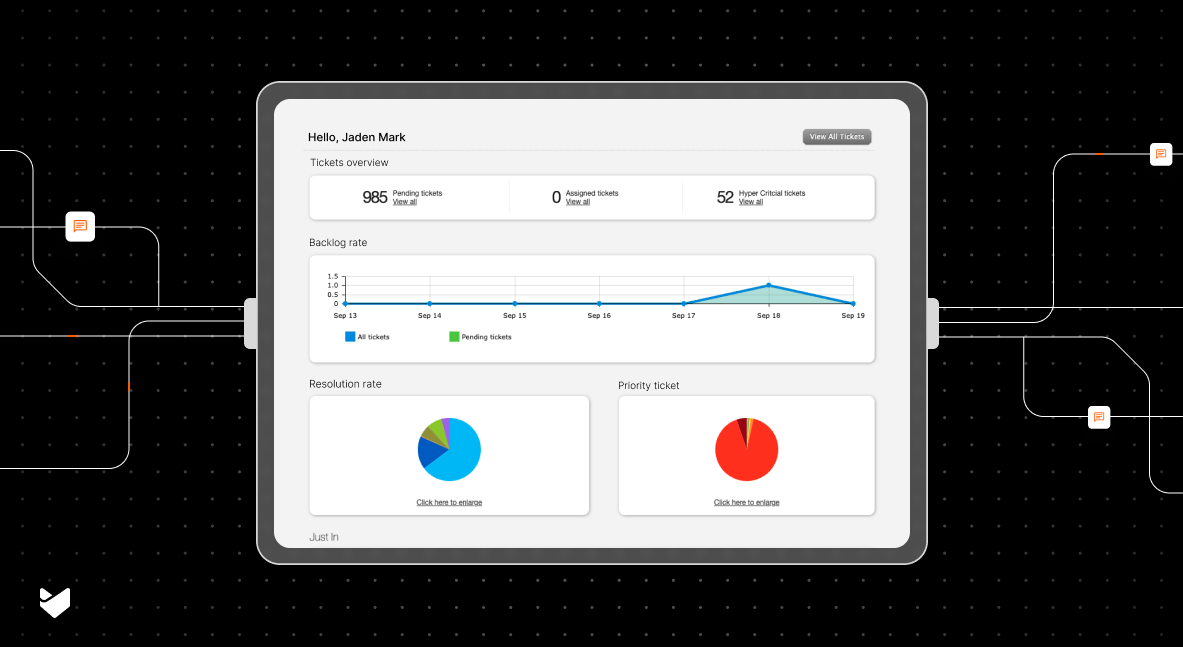
Modern support teams need precise metrics to optimize their shared inbox operations and deliver exceptional service. This comprehensive guide walks through critical KPIs that shape successful support teams. You’ll discover how to implement effective measurement systems for each KPI and interpret the data meaningfully. The guide also includes practical steps to set up automated tracking and reporting systems in your shared inbox software.
Why Monitor Shared Inbox KPIs?
Consider managing a support team handling hundreds of customer emails daily without proper metrics. You might feel overwhelmed, yet you can’t identify why some customers receive instant responses while others wait for days.
Through proper KPI tracking, support teams often discover revealing patterns. Peak email volumes during off-hours create backlogs. Certain product features generate more queries than others. Workload distribution among agents becomes uneven. Complex issues bounce between multiple agents before resolution.
8 Critical KPIs Every Support Team Should Track
1. Average First Response Time (AFRT)
Average First Response Time measures how quickly your support team acknowledges customer inquiries, providing insights into initial team responsiveness. Support teams calculate this metric by dividing the sum of all first response times by the total number of tickets handled.
Break this down by:
- Time zones
- Priority levels
- Issue categories
- Communication channels
2. Resolution Time
Resolution time measures the total duration from ticket creation to closure, excluding customer response wait times. Understanding this metric helps identify bottlenecks in your support process.
A well-structured resolution time analysis includes initial response, actual handling time, waiting periods, and final resolution. Each component provides valuable insights into process efficiency.
Key components to track:
- Initial Response Time
- Handle Time (actual time spent working)
- Wait Time (customer responses, internal delays)
- Final Resolution Time
Did you know?
Through smart automation in HappyFox, teams can streamline resolution times. Ticket templates speed up common issues. Automatic categorization ensures proper routing. SLA rules maintain accountability. Escalation paths prevent tickets from aging.
3. First Contact Resolution Rate (FCR)
FCR represents the percentage of issues resolved in the first interaction. This metric directly impacts customer satisfaction and support costs. High FCR rates typically indicate well-trained agents and efficient problem-solving processes.
Support teams can improve their First Contact Resolution rate by establishing clear resolution criteria. A well-defined system considers a ticket resolved under three conditions: when customers explicitly confirm their satisfaction, when no follow-up questions arise within 24 hours of the response, or when the team successfully completes the customer’s requested action.
Monitor FCR variations by:
- Issue type
- Product category
- Customer segment
- Agent experience level
Quick Tip
HappyFox’s canned responses and knowledge base features support high FCR rates. Support teams can create comprehensive response templates and maintain detailed documentation for common issues.
4. Email Volume Trends
Understanding email volume patterns provides crucial insights into support operations by revealing daily surges, weekly trends, and seasonal variations. Support teams can optimize staffing and plan resources by analyzing these patterns alongside predictable volume changes triggered by product releases and marketing campaigns. Advanced analytics help teams identify precise volume patterns, enabling proactive staffing decisions and ensuring consistent service levels even during peak periods.
Advanced analytics in HappyFox reveal precise volume patterns, enabling proactive staffing decisions and ensuring consistent service levels even during peak periods.
Quick Tip
Map your email volume patterns against your team’s work schedules. If you notice high volumes during specific hours, adjust shift schedules to match peak periods.
5. Team Productivity Metrics
Support team productivity goes beyond simple ticket resolution counts. The Agent Productivity Score provides a balanced view of performance. This score considers resolved tickets, quality metrics, and customer satisfaction in relation to hours worked.
- Individual Metrics:
- Tickets resolved per hour
- Average handle time
- Response quality score
- Customer satisfaction rating
- Team Metrics:
- Workload distribution
- Skill-based routing efficiency
- Cross-team collaboration
- Knowledge sharing effectiveness
Measuring both individual and team metrics helps support managers identify training needs, optimize workflows, and ensure consistent service quality. Regular monitoring of these metrics enables proactive adjustments to workload distribution and helps maintain healthy satisfaction levels for both customers and support staff
6. Response Quality Score
Quality scoring encompasses three key areas.
- Technical accuracy ensures correct solutions and proper explanations.
- Communication style focuses on clarity and tone.
- Process adherence verifies SLA compliance and proper documentation.
Support teams can maintain high service standards through regular random ticket audits, which help identify both strengths and areas for improvement. Implementing a peer review system creates opportunities for agents to share knowledge and learn different approaches to problem-solving. Direct customer feedback after support interactions provides valuable insights into service quality and helps teams understand the real impact of their support efforts.
Quick Tip
Create a quality checklist for agents to reference before sending responses. Include items like grammar check, tone assessment, and solution completeness.
7. Backlog Rate
The backlog rate indicates the percentage of tickets exceeding SLA targets. This metric helps identify systemic issues in your support process.
Effective backlog management starts with a clear classification system that helps teams prioritize their workload. While new tickets require prompt attention to meet customer expectations, aging tickets need an escalation process to prevent them from being overlooked.
Support teams must treat critical backlogs with urgency, often requiring immediate intervention from senior agents or managers. A well-designed ticketing system with custom views and automated escalation rules ensures backlogs remain manageable and tickets are resolved within appropriate timeframes.
Quick Tip
Set up daily backlog review sessions. Even a 15-minute team huddle can help identify stuck tickets and distribute complex issues to experienced agents.
8. Customer Satisfaction (CSAT) Score
Customer satisfaction scores provide direct insights into support quality through different types of feedback collection. While post-resolution surveys help teams understand immediate customer reactions, periodic relationship surveys reveal long-term satisfaction trends. Support teams can also measure customer effort scores to identify and eliminate friction points in their service process.
- Age-based:
- New (<24 hours)
- Aging (24-48 hours)
- Critical (>48 hours)
- Priority-based:
- Urgent
- High
- Medium
- Low
A robust customer satisfaction measurement system automatically sends surveys after support interactions, eliminating the need for manual follow-ups. By targeting different types of interactions and customer segments, support teams can gather more precise feedback about their service quality. Modern support systems can aggregate this feedback data to provide meaningful insights that guide service improvements and team training.
Best Practices for KPI Monitoring
Set Realistic Targets
Start with your current performance baseline. Set incremental improvement goals based on team capacity and industry standards. Consider seasonal variations in your targets. Regular benchmark analysis helps maintain competitive service levels.
Regular Review Cycles
Daily monitoring focuses on immediate operational metrics. Weekly reviews examine performance patterns and resource needs. Monthly analysis guides strategic planning and process optimization.
Use Automation Wisely
HappyFox’s automation capabilities streamline support operations. Smart rules handle routine tasks automatically. Reporting automation delivers timely insights. Workflow automation maintains process consistency.
Taking Action on KPI Insights
Effective KPI utilization follows a systematic approach that begins with analyzing data trends and identifying unusual patterns in support performance. Support teams should then develop specific, actionable plans that address the insights revealed through this analysis. The next step involves implementing these changes methodically across support operations while closely monitoring their impact. Regular assessment of results helps teams refine their strategies and make necessary adjustments to achieve optimal performance.
Conclusion
Monitoring shared inbox KPIs transforms support operations through data-driven insights. HappyFox’s comprehensive tracking and reporting features enable this transformation. Every metric provides opportunities for service improvement and team development.
Ready to elevate your support team’s performance? Start implementing these KPI tracking strategies in your shared inbox software. Your customers and team will experience the positive impact of data-driven support management.
Get a demo of HappyFox’s shared inbox solution to see how our advanced KPI tracking can transform your support operations.





