


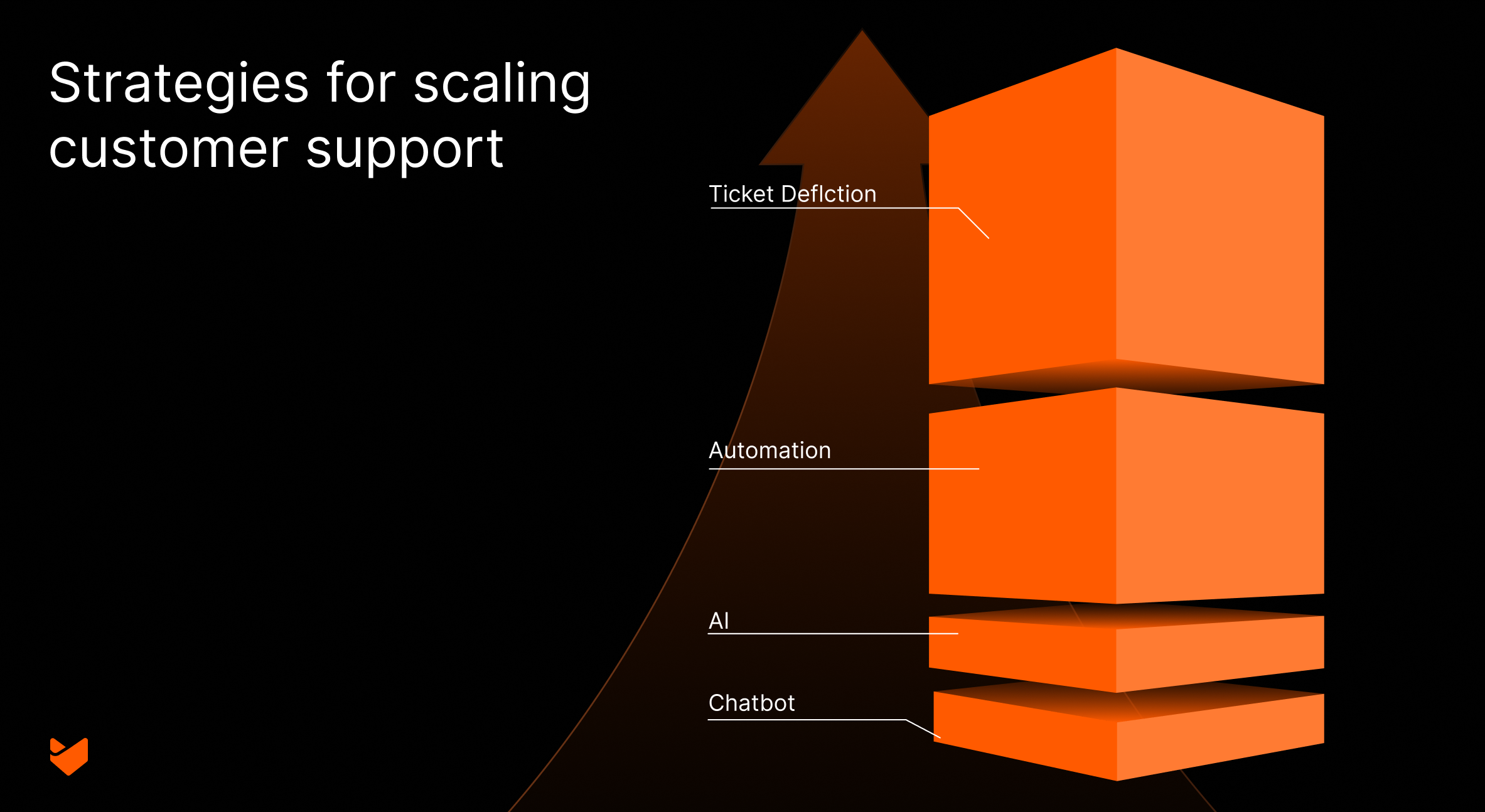
As businesses grow, customer support teams face increasing pressure to maintain quality while handling higher volumes. This blog explores advanced strategies to scale your support operations effectively. We’ll dive into AI-powered solutions, automation techniques, and innovative approaches to ticket deflection. You’ll learn how to leverage technology to enhance team productivity, improve response times, and maintain high-quality support even as demand increases.
The Challenge of Scaling Customer Support
As businesses expand, customer support teams face several challenges:
- Increasing ticket volume
- Maintaining response times
- Ensuring consistent quality
- Managing support costs
- Handling complex, multi-channel interactions
- Retaining institutional knowledge as teams grow
To address these challenges, support teams need to adopt smart scaling strategies that leverage technology and optimize processes.
Key Strategies for Scaling Customer Support
1. Leveraging AI in Customer Support
Artificial Intelligence (AI) is revolutionizing customer support. Here’s how you can harness its power:
AI-Powered Ticket Triage
Implement machine learning algorithms to automatically categorize and prioritize incoming tickets. These systems can analyze ticket content, customer history, and other metadata to assign priority levels and route tickets to the most appropriate team or agent.
Technical implementation:
- Use Natural Language Processing (NLP) to extract key information from ticket text
- Implement a classification model (e.g., Random Forest, Support Vector Machines) trained on historical data to categorize tickets
- Utilize a ranking algorithm to assign priority based on urgency, impact, and customer SLAs
Intelligent Response Suggestions
AI can analyze ticket content and suggest relevant responses from your knowledge base or canned responses. This speeds up response times and ensures consistency in communication.
Technical approach:
- Implement a semantic similarity model (e.g., using BERT or Word2Vec) to match ticket content with existing knowledge base articles.
- Use a recommendation system to suggest the most relevant canned responses based on ticket context and historical usage patterns.
- Incorporate a machine learning model to continuously improve suggestions based on agent feedback and selection.
Sentiment Analysis
AI-driven sentiment analysis can help identify frustrated customers, allowing your team to prioritize and handle these cases with extra care.
Implementation details:
- Train your teams to prioritize tickets based on customer sentiment.
- Set up escalation protocols for highly negative sentiments to trigger immediate action.
2. Automating Support Processes
Automation is key to scaling support efficiently. Here are some critical areas to automate:
Ticket Routing
Set up smart rules to automatically assign tickets based on criteria like issue type, customer priority, or agent expertise.
Advanced routing strategies:
- Implement a round-robin algorithm with load balancing to evenly distribute tickets among available agents
- Use a skills-based routing system that matches ticket requirements with agent proficiencies
- Incorporate time-based routing to account for different time zones and working hours
Automated Responses
For common queries, create a library of canned-responses that help solve tickets instantly.
Enhancing auto-responses:
- Implement dynamic content insertion to personalize automated responses with customer-specific information
- Use decision trees to create multi-step automated workflows for more complex issues
- Incorporate A/B testing to continuously optimize the effectiveness of automated responses
Workflow Automation
Automate repetitive tasks like status updates, follow-ups, and escalations.
- Use the Automation options to design and execute complex support workflows
- Use Automation for tasks that involve interacting with multiple systems
- Implement event-driven architectures to trigger automated actions based on specific occurrences or thresholds
Smart Automation Features:
- Automatic ticket categorization based on keywords
- SLA breach prevention alerts
- Follow-up reminders for pending responses
- Automated escalation for aging tickets
3. Implementing Effective Ticket Deflection Strategies
Ticket deflection is crucial for managing support volume. Here’s how to do it right:
Comprehensive Knowledge Base
Develop a robust, searchable knowledge base covering common issues and FAQs.
Optimizing your knowledge base:
- Implement full-text search with advanced features like fuzzy matching and synonym support
- Use analytics to identify knowledge gaps and prioritize content creation
- Implement a version control system to manage and track changes to knowledge base articles
AI Powered Chatbots
Implement AI-powered chatbots to handle simple queries and guide customers to relevant resources.
Advanced chatbot features:
- Implement intent recognition using machine learning to understand user queries better
- Incorporate contextual awareness to provide more relevant responses based on user history and current session information
4. Scaling Support Without Expanding Your Team
It’s possible to handle increased support volume without proportionally increasing your team size. Here’s how:
Tiered Support Structure
Implement a tiered support model to efficiently allocate resources:
- Tier 1: Handle common issues, often resolved through self-service or AI
- Tier 2: Address more complex problems requiring human expertise
- Tier 3: Tackle the most challenging issues involving product specialists
Optimizing the tiered structure:
- Implement clear escalation paths and criteria for moving between tiers
- Use analytics to predict which tickets are likely to require escalation and route them appropriately from the start
- Implement a knowledge sharing system to help lower tiers learn from higher tier resolutions
Skills-Based Routing
Direct tickets to the most qualified agents, improving first-contact resolution rates.
Advanced routing techniques:
- Set up automated rules that assign tickets based on expertise of agents
- Use predictive modeling to estimate the likelihood of first-contact resolution for different agent-ticket pairings
- Incorporate workload balancing to prevent overburdening highly skilled agents
Continuous Training and Upskilling
Invest in ongoing training to enhance your team’s capabilities.
Innovative training approaches:
- Implement a Learning Management System (LMS) with personalized learning paths for each agent
- Use AI-powered training systems that adapt to each agent’s learning style and pace
- Implement gamification elements to encourage continuous learning and improvement
5. Measuring and Optimizing Support Performance
To scale effectively, you need to track the right metrics:
Key Performance Indicators (KPIs)
Monitor these essential support KPIs:
- First Response Time
- Average Handle Time
- Customer Satisfaction Score (CSAT)
- First Contact Resolution (FCR)
- Ticket Deflection Rate
Advanced KPI analysis:
- Implement real-time dashboards for immediate visibility into performance
- Use statistical process control to identify significant changes in KPI trends
- Implement predictive analytics to forecast future KPI values and take proactive measures
6. Integrating Support Across Channels
As you scale, maintain a consistent support experience across all channels:
Omnichannel Support
Manage support across email, chat, phone, and social media from a single platform.
Optimizing omnichannel support:
- Implement a unified queue system that prioritizes and distributes requests across all channels
- Use Natural Language Processing to categorize and route requests consistently regardless of the channel
- Implement cross-channel analytics to understand customer journey and preferences
How HappyFox Can Help Scale Your Customer Support
HappyFox offers a comprehensive help desk solution designed to support your scaling efforts:
- AI-powered ticket triage and response suggestions
- Robust automation capabilities for ticket routing and workflow management
- Advanced knowledge base functionality with AI-powered suggestions
- Omnichannel support management from a single platform
- Comprehensive analytics and reporting features
- Customizable ticket forms and fields to capture all necessary information
By leveraging HappyFox’s features, support teams can efficiently handle increasing volumes while maintaining high-quality customer service.
Conclusion: Embracing Technology for Scalable Support
Scaling customer support teams successfully requires a strategic approach that leverages AI, automation, and smart processes. By implementing these strategies, you can handle increased support volume without sacrificing quality or dramatically expanding your team.
Remember, the goal is not just to handle more tickets, but to provide better, faster support that enhances customer satisfaction and loyalty. With the right tools and strategies, you can turn your support team into a key driver of business growth.
Ready to take your support operations to the next level? Explore how help desk solutions can help you scale your support efficiently and book a demo to discover the power of intelligent, scalable customer support.





