


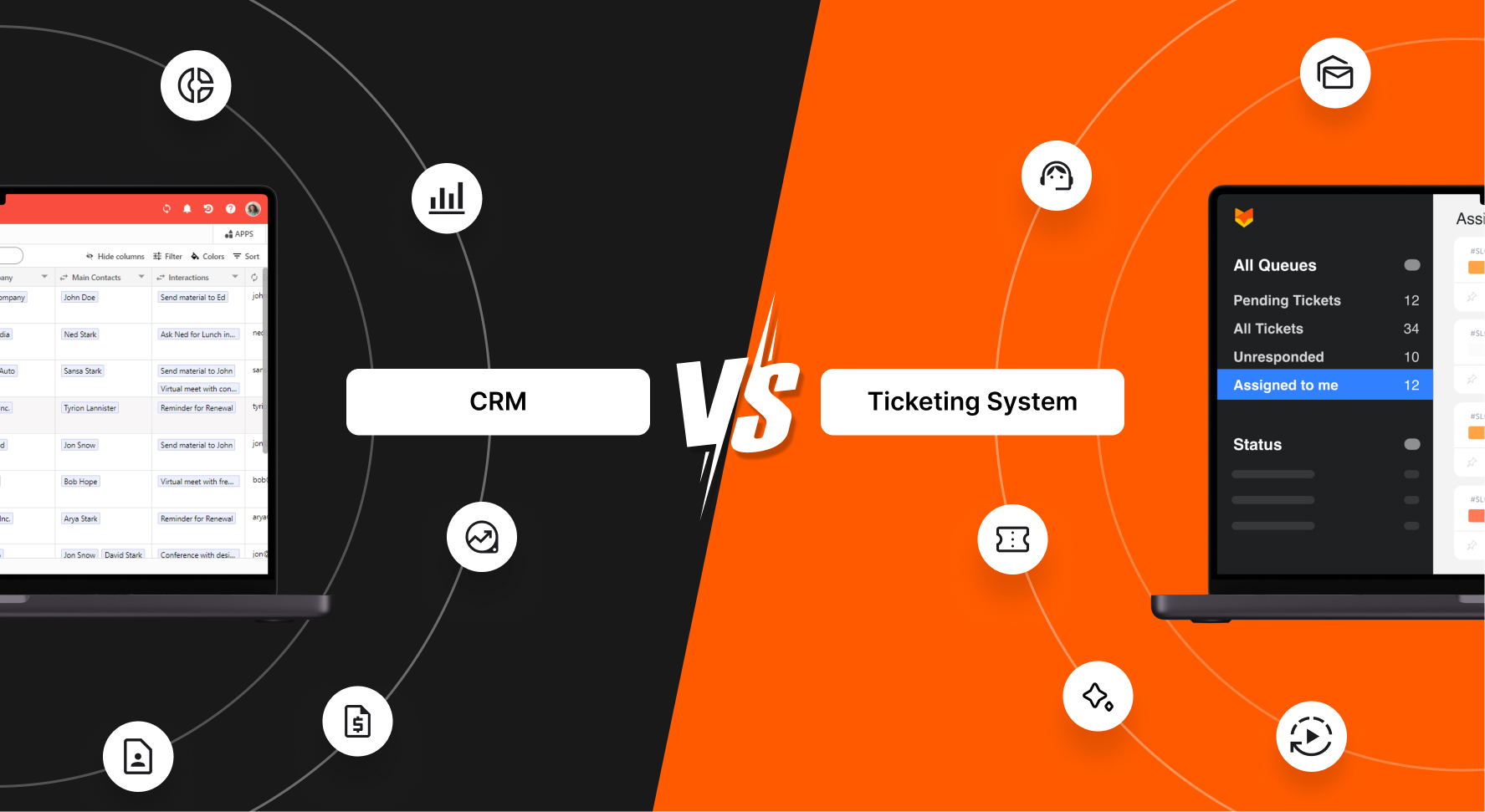
Imagine you’re in the middle of a busy day, juggling customer inquiries, follow-ups, and internal requests. You’re not just handling one task; you’re managing a whole ecosystem of customer interactions. That’s where the right tools come into play. But here’s the catch, when it comes to a ticketing system vs. CRM, choosing the right tool can feel like deciding between a hammer and a screwdriver when you’re building a house. Both are essential, but they serve very different purposes. Whether you’re weighing the merits of a help desk vs. CRM or considering both, this comparison will help you understand when to use each tool—and why.
In this blog, we’re going to dive into the nitty-gritty of what makes these tools distinct.
What is a Ticketing System?
A ticketing system like Happyfox Help Desk is designed to manage and streamline customer support requests like a pro. When customers hit a snag, they reach out for help, and these requests—we call them tickets—are logged, tracked, and resolved within the system. This tool isn’t just the backbone of customer support; it’s the entire skeleton, helping teams manage high volumes of inquiries with the efficiency of a well-oiled machine.
Key Features
When comparing ticketing system features vs. CRM features, it’s important to understand what makes ticketing systems so powerful. Let’s break it down:
- Omnichannel Support: Handles tickets from various channels—email, chat, social media—ensuring that no customer inquiry slips through the cracks.
- Robust Ticket Management: Centralizes all customer inquiries in one place, making it a breeze for support agents to prioritize and resolve issues.
- Smart Automation: Automates repetitive tasks such as ticket assignment and status updates, freeing up agents to focus on more complex problems that require their skills.
- SLA Tracking: Keeps an eagle eye on Service Level Agreements to ensure that support teams meet response and resolution deadlines, keeping customer satisfaction sky-high.
Use Cases
Understanding the use cases for ticketing system vs. CRM is crucial for maximizing their potential in your business operations. Ticketing systems shine in scenarios where customer inquiries are as frequent as coffee breaks. Think e-commerce platforms dealing with order issues, or IT departments managing tech issues. If your primary goal is to provide quick and effective customer support, HappyFox’s ticketing system is your golden ticket.
Benefits
By centralizing and streamlining customer support, HappyFox’s ticketing system doesn’t just enhance productivity; it supercharges it. It ensures that no issue goes unresolved, creating a smooth, efficient experience for both the customer and the support team.
What is a CRM?
A Customer Relationship Management (CRM) software helps businesses manage their interactions with current and potential customers. While ticketing systems focus on resolving issues faster, a CRM is all about building and nurturing relationships over time. It’s the ultimate tool for keeping track of customer information, sales opportunities, and communication history.
Key Features
Let’s take a peek at what a CRM brings to the party:
- Contact Management: Stores detailed information about customers, including contact details, communication history, and preferences (like whether they prefer chocolate or vanilla).
- Sales Tracking: Helps sales teams manage their pipelines by tracking leads, opportunities, and deals at various stages.
- Customer Data Analysis: Provides insights into customer behavior, helping businesses make informed decisions and tailor their marketing strategies.
- Automation: Automates tasks such as follow-up emails and reminders, ensuring that no lead or opportunity is neglected.
Use Cases
CRMs are crucial for businesses that rely heavily on sales and marketing. When considering a ticketing system vs. CRM, the latter shines in scenarios focused on relationship building. Whether you’re nurturing leads in a B2B environment or managing a large customer base in retail, a CRM helps you stay organized and responsive. It’s particularly valuable for teams that need to track long-term relationships and sales cycles.
Benefits
The primary benefit of a CRM is its ability to enhance customer relationships. By keeping all customer information in one place, it allows businesses to provide personalized service, anticipate needs, and build loyalty over time. It’s about turning data into actionable insights that drive growth.
When to Use a Ticketing System or a CRM?
Exploring the distinct advantages of a ticketing system vs. CRM reveals how each tool uniquely enhances customer interactions. Understanding how CRM differs from ticketing system is key to making an informed choice for your business. Let’s dive into the specific benefits these systems offer, helping you determine which solution aligns best with your business goals for issue resolution and relationship management.
| Scenario | Ticketing System | CRM |
|---|---|---|
| Business Focus | Customer support and issue resolution | Sales, marketing, and relationship management |
| Primary Goal | Quickly resolve customer inquiries and problems | Track and nurture long-term customer relationships |
| Team Usage | Support and IT teams | Sales, marketing, and customer success teams |
| Data Priority | Support ticket history and issue tracking | Customer life-cycle and sales pipeline |
| Key Metrics | Resolution time, customer satisfaction scores | Sales conversion rates, customer lifetime value |
| Main Benefit | Improved efficiency in handling customer issues | Enhanced customer relationships and sales tracking |
Key Differences Between Ticketing Systems and CRMs
Ticketing systems and CRMs serve distinct purposes in managing customer interactions. This section outlines the critical differences between these tools, covering their core functions, user roles, and data management approaches. Understanding the distinctions between ticketing system features vs. CRM features is crucial for determining which tool best fits your business needs. Let’s explore these key differences:
1. Purpose & Focus
The main difference between a ticketing system and a CRM lies in their purpose. A Ticketing System is support-focused, designed to resolve customer issues from different channels, quicker.” In contrast, a CRM is relationship-focused, helping businesses manage customer interactions across the entire lifecycle—from the first “hello” to post-sale support.
2. User Roles
Different teams typically use each system:
- Ticketing System Users: Support agents and IT teams who need to resolve issues promptly, like superheroes swooping in to save the day.
- CRM Users: Sales, marketing, and customer success teams focused on growing and maintaining customer relationships, more like gardeners nurturing their plants.
3. Data Management
While both systems handle customer data, they do so differently:
- Ticketing Systems: Focuses on specific issues and the history of support interactions, like a detailed diary of customer support adventures.
- CRMs: Manage a broader scope of data, including sales history, communication records, and customer preferences, more like an encyclopedia of customer information.
4. Integration Capabilities
One key area where these tools overlap is integration. Many businesses find that integrating HappyFox with a CRM allows for a seamless customer experience. This integration ensures that customer support teams have access to relevant customer data, while sales teams can see the support history, providing a more holistic view of each customer.
5. Scalability
Both tools are scalable, but in different ways:
- Ticketing Systems: Scales to accommodate growing support demands, with features like automated workflows and expanded multi-channel support, growing with your business like a loyal sidekick.
- CRMs: Scale by adding more advanced features, such as AI-driven insights and deeper integration with other business tools.
Can You Use Both?
Absolutely! While the help desk vs. CRM debate often focuses on their differences, many businesses find that combining these tools creates a customer service powerhouse. Let’s explore how these tools can work together to elevate your customer experience and streamline your operations.
Integration Benefits
Many businesses find that using both HappyFox and a CRM offers the best of both worlds. By integrating these tools, you can create a seamless experience for both your customers and your teams. Support teams can access customer data from the CRM, while sales teams can view the support history, ensuring that everyone is on the same page.
Scenarios for Dual Usage
Here are a few examples where businesses benefit from using both tools:
- E-commerce Platforms: Use HappyFox Ticketing System to manage customer inquiries and a CRM to track sales and marketing efforts.
- IT Service Providers: Use HappyFox Ticketing System for technical support and a CRM to manage client relationships and contracts.
- Educational Institutions: Utilize HappyFox for student and faculty support requests, IT issues, and facility management, while employing a CRM to manage student recruitment, alumni relations, and donor engagement.
- Financial Services: Deploy HappyFox Ticketing System to handle customer inquiries about accounts, transactions, and general banking questions, while using a CRM to manage client portfolios, track investment opportunities, and coordinate financial advisory services.
- Hospitality Industry: Use HappyFox Ticketing System for guest inquiries, reservation issues, and service requests, while leveraging a CRM to manage guest profiles, track preferences, and coordinate loyalty programs.
Cost vs. Benefit
Implementing both HappyFox and a CRM can be an investment, but the benefits often outweigh the costs. By providing a more comprehensive solution, you can improve customer satisfaction, increase efficiency, and drive business growth faster than a caffeinated cheetah.
Conclusion
So, what’s the bottom line? While ticketing systems and CRMs serve different purposes, they can complement each other beautifully when used together. If your focus is on resolving customer issues quicker, HappyFox Help Desk is your best bet. But if you’re looking to build and nurture long-term customer relationships, a CRM is the way to go. And for those who want the best of both worlds, integrating these tools can provide a comprehensive solution that enhances both customer support and sales efforts.
So, whether you go for the ticketing system, the CRM, or both, make sure it aligns with your business goals and customer needs. After all, happy customers make for a happy business!





