AI in customer service is transforming support operations everywhere – and with good reason. Support teams handling 150 tickets daily find agents spending 40% of their time on repetitive questions. Response times stretch to hours, and customer satisfaction scores keep dropping. Sound familiar?
Support teams everywhere face this reality: mounting ticket volumes, increasing customer expectations, and pressure to deliver faster responses with limited resources. While throwing more agents at the problem might seem like the answer, there’s a smarter solution – AI customer service software.
Companies implementing AI in their support operations see dramatic improvements: customer inquiry resolution times drop by 62%, agent productivity increases by 40%, and teams can handle 3x more tickets without adding headcount. The impact is clear – AI isn’t just changing customer service; it’s transforming how teams deliver exceptional support experiences.
What is AI Customer Service Software?
AI customer service software combines artificial intelligence with help desk capabilities to automate support tasks, assist agents, and deliver personalized customer experiences. It uses natural language processing and machine learning to understand customer inquiries, suggest responses, and streamline support workflows.
AI customer service software isn’t just another tool in your support stack – it’s a fundamental shift in how support teams operate. Imagine having a digital assistant that not only handles routine queries but also learns and improves from every interaction, freeing your human agents to focus on complex issues that truly require their expertise.
Why Your Team Needs AI Support Software
The landscape of customer support has transformed dramatically. Today’s customers expect instant, personalized responses across multiple channels, while support teams struggle to keep pace with limited resources. Let’s look at the numbers:
- 72% of customers expect resolution within 1 hour
- Support tickets have increased by 30% year-over-year
- 83% of customer service leaders expect AI investment to increase next year
- Teams using AI report 40% higher agent retention rates
Beyond these statistics, three key factors make AI adoption crucial for modern support teams:
Rising Customer Expectations
Gone are the days when next-day responses were acceptable. Today’s customers demand 24/7 availability and personalized support across all channels. They expect agents to know their history, understand their issues instantly, and provide relevant solutions quickly. This level of service is simply impossible to maintain with traditional support methods.
Resource Constraints
While customer demands increase, support budgets often remain static or even shrink. Training new agents takes time and resources, and high turnover rates in customer service make it difficult to maintain consistent service quality. AI helps bridge this gap by automating routine tasks and enhancing agent capabilities without requiring additional headcount.
Complex Support Environments
Modern support teams must manage multiple communication channels while maintaining consistent service quality. They need to handle email, chat, social media, and phone support seamlessly – all while keeping response times low and satisfaction scores high. AI makes this possible by providing intelligent assistance across all channels.
Pro Tip:
When building your case for AI adoption, focus on efficiency metrics like ticket deflection rates and response times. These concrete numbers help justify the investment to stakeholders.
Key Features of Modern AI Customer Support Solutions
1. AI-Powered Ticket Management
The days of manual ticket routing and basic queue management are over. Modern AI systems transform ticket handling through intelligent automation and smart routing capabilities. Here’s how it works:
When a ticket arrives, the AI analyzes its content, context, and urgency. It automatically categorizes the ticket, identifies potential duplicates, and routes it to the most appropriate agent or team. This intelligent routing ensures that high-priority issues receive immediate attention while routine queries can be handled efficiently through automation.
Key capabilities include:
- Smart prioritization using urgency algorithms
- Automated tagging and categorization
- Real-time escalation for critical issues
Pro Tip:
Configure your ticket routing rules to account for both issue type and customer value. VIP customers should always be routed to experienced agents, while routine queries can be handled by junior staff or automation.
2. Intelligent Agent Assistance
Think of AI agent assistance as having a knowledgeable colleague who never sleeps and can instantly recall every previous customer interaction. This system works alongside your agents, providing real-time suggestions and insights to help them work more efficiently.
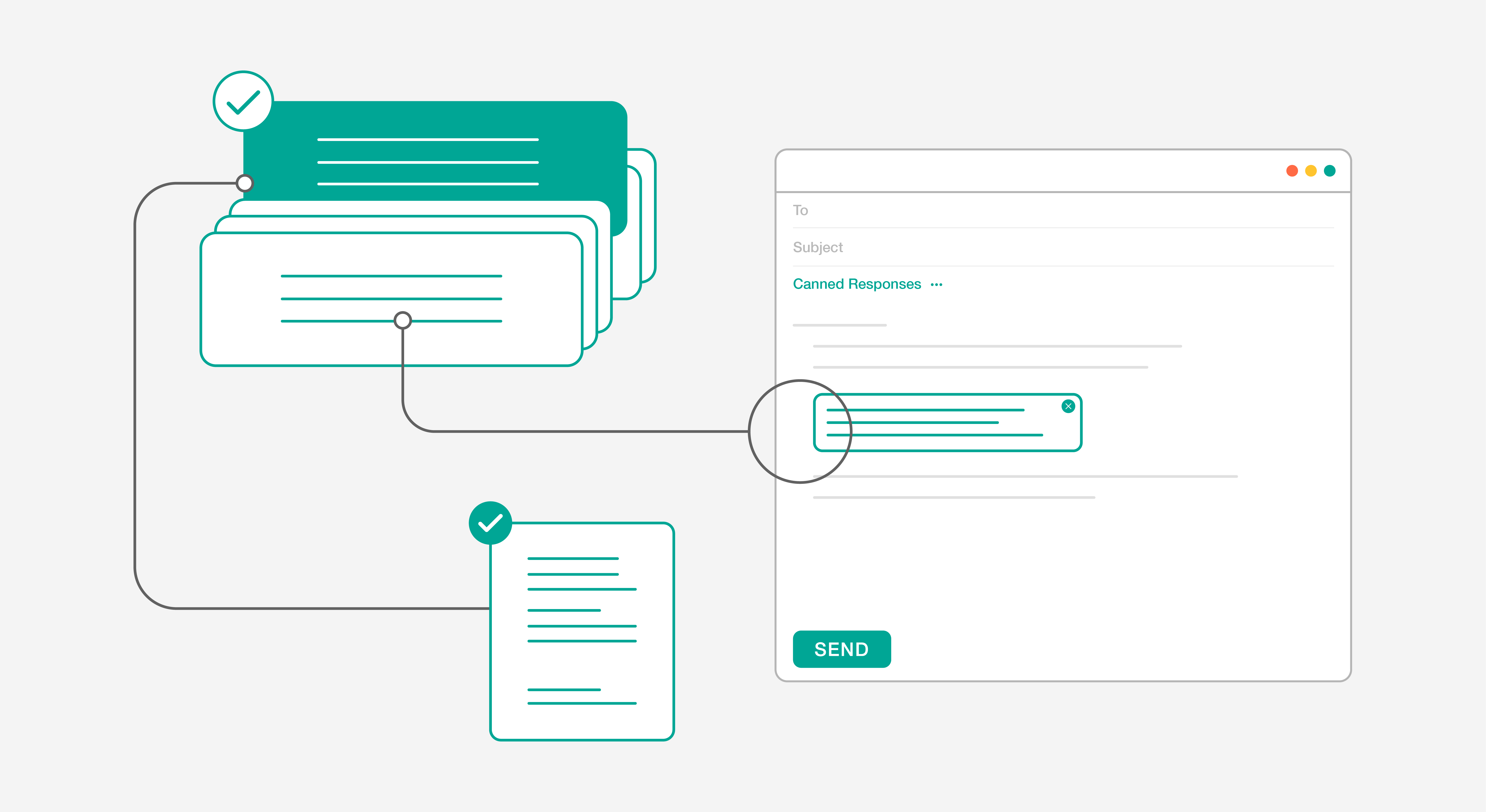
The AI analyzes incoming tickets and automatically suggests relevant responses based on similar past issues. It pulls up related knowledge base articles and previous solutions, helping agents respond quickly and accurately. Even better, it learns from each interaction, continuously improving its suggestions over time.
Key features include:
- Real-time response suggestions
- Context-aware knowledge base recommendations
- Sentiment analysis for better response handling
3. Automated Customer Self-Service
Self-service is no longer just a nice-to-have feature – it’s an essential component of modern customer support. Today’s AI-powered self-service goes far beyond basic FAQs, creating an intelligent, interactive experience that evolves with your customers’ needs.
At the heart of this system is an AI chatbot that can understand natural language queries and provide instant, accurate responses. But what makes it truly powerful is its ability to learn and adapt. Every customer interaction helps the system become smarter, improving its responses and understanding of customer needs.
Core components include:
- Dynamic FAQ updates based on customer interactions
- Multilingual support capabilities
- Intelligent ticket deflection
- Custom workflow automation
Pro Tip:
Start by automating your most common customer queries. Analyze your ticket history to identify the top 10 questions that come up repeatedly – these are perfect candidates for AI-powered self-service.
4. Advanced Analytics and Insights
Modern AI customer service software doesn’t just handle tickets – it provides deep insights into your support operations. These analytics help you understand trends, predict issues before they occur, and make data-driven decisions about your support strategy.
The system continuously analyzes support interactions, identifying patterns and trends that might be invisible to the human eye. This analysis helps you optimize staffing levels, improve response times, and identify areas where additional training or resources might be needed.
Key analytical capabilities include:
- Predictive analytics for staffing needs
- Customer behavior analysis
- Knowledge gap identification
- ROI and efficiency reporting
Implementation Guide: Making AI Work for Your Team
Successfully implementing AI customer service software requires a strategic approach. Here’s a practical guide to getting it right:
Phase 1: Preparation and Planning
Before diving into implementation, you need to lay the groundwork for success. Start by assessing your current support operation and setting clear objectives for what you want to achieve with AI.
Begin with these essential steps:
- Document your existing workflows
- Identify your biggest pain points
- Set measurable goals for improvement
- Prepare your team for the transition
Pro Tip:
Create a change management plan early. The biggest challenge in AI implementation often isn’t technical – it’s getting your team on board with the new system.
Phase 2: Data Preparation and System Configuration
The effectiveness of your AI system depends heavily on the quality of data you feed it. This phase focuses on preparing your support data and configuring the system for optimal performance.
Key activities include:
- Cleaning up ticket categories and tags
- Organizing knowledge base articles
- Reviewing and updating canned responses
- Setting up initial automation rules
Phase 3: Training and Launch
With your system configured, it’s time to focus on training your team and launching the new solution. This should be a gradual process, not a sudden switch.
Start with:
- Comprehensive team training sessions
- Pilot testing with a small group
- Gradual rollout of features
- Regular feedback collection
Implementation Checklist:
- Complete team training
- Test all automated workflows
- Verify chatbot responses
- Set up monitoring systems
- Establish feedback loops
Optimizing Your AI Support System
Once your AI customer service software is up and running, focus on optimization and continuous improvement. This isn’t a set-it-and-forget-it solution – it’s a dynamic system that gets better with attention and refinement.
Knowledge Base Optimization
Your knowledge base is the foundation of effective AI support. Keep it current and comprehensive by:
- Regularly reviewing and updating content
- Adding new articles based on common queries
- Organizing content for easy access
- Maintaining consistent formatting and style
Performance Monitoring and Adjustment
Monitor these key metrics to ensure your system is performing optimally:
- Response accuracy rates
- Ticket resolution times
- Customer satisfaction scores
- Agent productivity levels
Pro Tip:
Set up weekly performance reviews to identify areas where your AI system might need adjustment. Look for patterns in tickets that get escalated to human agents – these often indicate areas where your AI needs additional training.
Making the Investment Decision
When evaluating AI customer service software, consider these crucial factors:
Integration and Scalability
Your AI support solution should seamlessly integrate with your existing tools and grow with your business. Look for:
- Easy integration with current systems
- Flexible API capabilities
- Scalable pricing models
- Customization options
Support and Training Resources
Success with AI requires proper support and training. Ensure your vendor provides:
- Comprehensive implementation assistance
- Ongoing technical support
- Regular training opportunities
- Access to best practices and resources
Taking the Next Step
Implementing AI customer service software is a significant step toward modernizing your support operations. The key is choosing the right solution and partner for your journey.
To get started:
- Schedule a personalized demo to see the features in action
- Request a custom ROI calculation for your business
- Start a trial to experience the benefits firsthand
With the right AI solution, you can transform your customer support from a cost center into a competitive advantage. Your team will be more efficient, your customers will be more satisfied, and your business will be better positioned for growth.
Contact our team today to learn how AI customer service software can revolutionize your support operations and deliver exceptional customer experiences at scale.
Frequently Asked Questions
1. What is AI customer service software and how does it work?
AI customer service software is a platform that combines help desk functionality with artificial intelligence to automate support tasks and enhance agent efficiency. It works by integrating with communication channels to capture customer interactions, using AI to categorize and route tickets, suggest responses based on historical data, and automate resolution of common issues while escalating complex cases to appropriate team members.
2. What core features should you expect in AI customer service software?
Core features include intelligent ticket routing, automated response suggestions drawn from knowledge bases and past resolutions, sentiment analysis to identify frustrated customers requiring priority attention, and workflow automation for repetitive tasks. Look for chatbot integration, reporting dashboards that track AI performance, and seamless escalation paths to human agents.
3. What business metrics improve when implementing AI customer service software?
Organizations typically see reduced average handle time as agents access instant suggestions, improved first response time through automated acknowledgments and initial triage, and higher ticket resolution rates from AI-assisted troubleshooting. Customer satisfaction scores often increase due to faster resolutions and 24/7 availability, while cost per ticket decreases as automation handles routine inquiries and agents resolve issues more efficiently.
4. How do you evaluate and select the right AI customer service software for your company?
Start by assessing your ticket volume, support channels, and integration requirements with existing tools like CRM or billing systems. Evaluate AI accuracy through demos or trials, checking how well the system handles your specific industry terminology and use cases. Consider implementation time, training requirements, scalability for growth, and total cost including setup, licensing, and ongoing maintenance versus the projected efficiency gains.
5. How does AI customer service software support both agents and automated self-service?
For agents, AI provides real-time response suggestions, pulls relevant knowledge articles, summarizes ticket history for context, and flags urgent issues. For customers, AI chatbots handle FAQs and simple requests, recommend relevant help articles in self-service portals, and enable natural language search across knowledge bases—resolving issues at the appropriate level without agent intervention.