


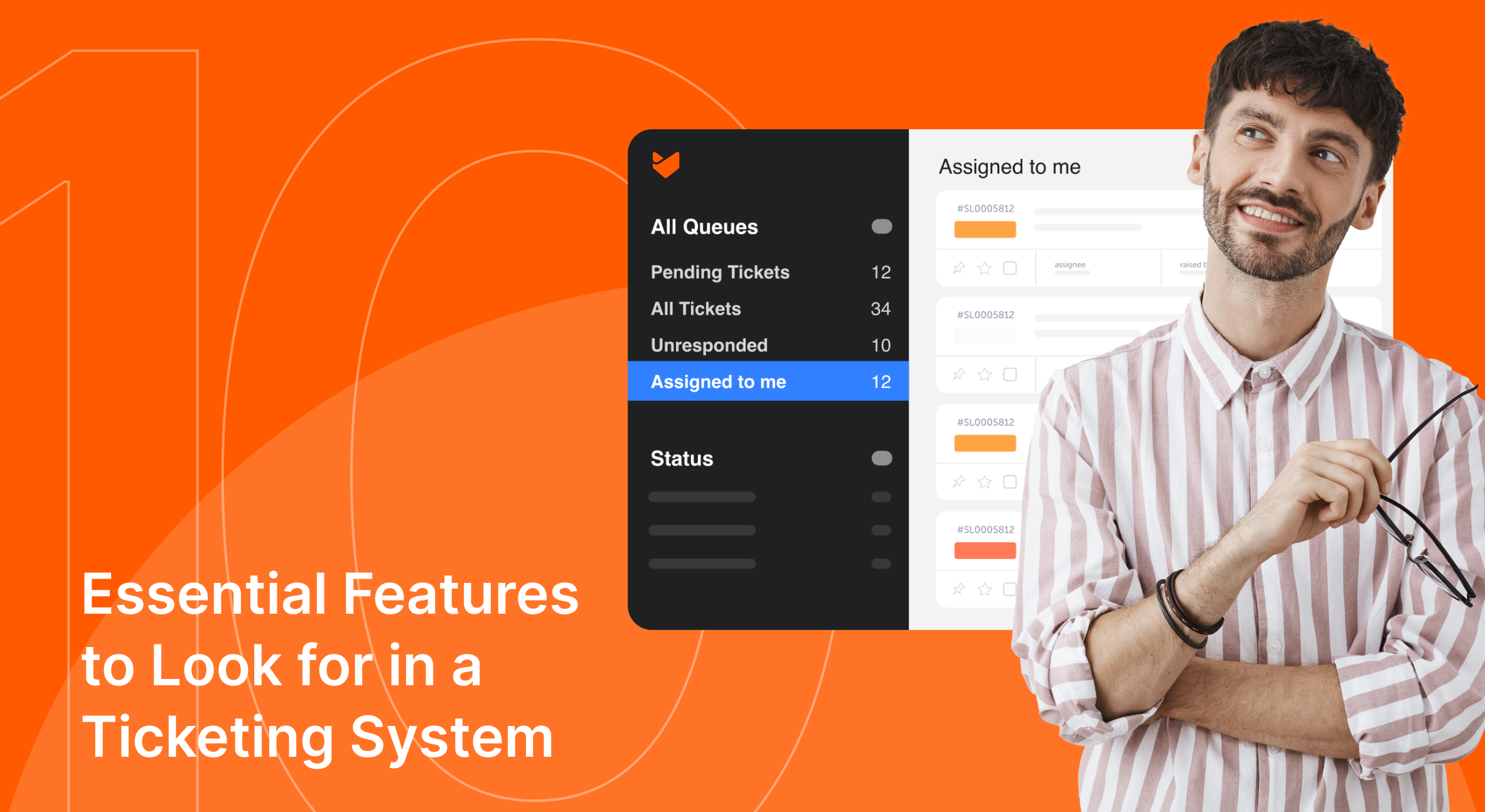
Choosing the right help desk software is crucial for your customer support operations. If you’re in the market for a new system or looking to upgrade your current one, you’re probably wondering what features really matter. This guide breaks down ten essential features to look for in a ticketing system. We’ll explore how each feature, from AI capabilities to customizable workflows, can benefit your team and customers. Understanding these key elements will help you choose a system that best fits your company’s needs and elevates your customer service.
1. Omnichannel Support Capabilities
Modern customers expect to reach out through various channels, including email, social media, live chat, and phone. A robust ticketing system should seamlessly integrate all these channels into a unified inbox.
Key aspects to look for:
- Integration with email, social media platforms, live chat, and phone systems.
- Ability to convert interactions from any channel into tickets.
- Unified view of customer interactions across all channels.
- Real-time synchronization of customer interactions across channels.
Benefits:
- Improved customer experience through channel of choice.
- Reduced response times.
- Consistent service quality across all touchpoints.
- Better context for agents handling customer issues.
2. Artificial Intelligence (AI) Capabilities
AI is revolutionizing customer support by enhancing efficiency and providing more personalized experiences. A modern ticketing system should leverage AI to improve various aspects of customer service.
Key AI features to look for:
- AI-powered chatbots for instant responses and 24/7 support.
- Sentiment analysis to gauge customer emotions and prioritize tickets.
- Automatic ticket categorization and tagging.
- Automatic AI-responses to routine, transactional queries
- Smart suggestions for knowledge base articles and canned responses.
- AI analytics for identifying trends and resource needs.
Benefits:
- Faster response times through automated initial responses.
- Improved ticket routing and prioritization.
- Enhanced self-service options for customers.
- More personalized customer interactions.
- Better resource allocation based on AI-driven insights.
3. Automation Features
Automation is key to scaling your support operations efficiently. Look for a ticketing system that offers robust automation capabilities to streamline repetitive tasks and workflows.
Essential automation features:
- Rule-based ticket assignment and routing.
- Canned responses for common queries.
- Trigger-based actions (e.g., status changes, notifications)
- Automated escalation based on SLA or other criteria.
- Bulk actions for handling multiple tickets simultaneously.
- Scheduled reporting and alerts.
Benefits:
- Reduced manual workload for support agents.
- Consistent handling of routine tasks.
- Faster response and resolution times.
- Minimized human error in repetitive processes.
- Improved scalability of support operations.
4. Customization Options
Every business has unique processes, challenges, and requirements. Your ticketing system should be flexible enough to adapt to your specific needs rather than forcing you to change your workflows.
Important customization options:
- Ability to create and modify ticket statuses and priorities.
- Custom fields to capture business-specific information.
- Configurable ticket lifecycle stages.
- Customizable automation rules and triggers.
- Flexible ticket forms for different types of requests
Benefits:
- Alignment with existing business processes.
- Improved efficiency through tailored workflows.
- Better data collection for reporting and analysis.
- Ability to adapt the system as business needs evolve.
5. Integrated Knowledge Base
An integrated knowledge base serves two crucial purposes: it empowers customers to find solutions independently and provides agents with quick access to information.
Essential knowledge base features:
- Easy-to-use article creation and editing tools.
- Categorization and tagging for easy navigation.
- Full-text search functionality.
- Ability to suggest relevant articles based on ticket content.
Benefits:
- Reduced ticket volume through customer self-service.
- Faster resolution times as agents can quickly access information.
- Consistent answers to common questions.
- Improved agent onboarding and training.
6. Comprehensive Reporting and Analytics
Data-driven insights are crucial for continually improving your customer service operations. A good ticketing system should offer robust reporting and analytics features.
Key reporting capabilities:
- Pre-built reports for common metrics (e.g., ticket volume, response times)
- Real-time dashboards for at-a-glance performance monitoring.
- Trend analysis and forecasting tools.
- Exportable custom reports in various formats (e.g., CSV, PDF).
- Scheduled report delivery.
Benefits:
- Identify areas for improvement in support processes.
- Track and improve key performance indicators (KPIs).
- Make data-driven decisions about resource allocation.
- Demonstrate the value of customer support to stakeholders.
7. SLA Management
Service Level Agreements (SLAs) are commitments you make to your customers regarding response and resolution times. An effective ticketing system should help you manage and meet these commitments.
Important SLA features:
- Ability to set up multiple SLA policies based on various criteria.
- Automatic SLA tracking and breach alerts.
- Escalation notifications for breached SLAs.
- SLA reporting and analytics.
Benefits:
- Improved customer satisfaction through consistent service delivery.
- Better management of customer expectations.
- Ability to identify and address service bottlenecks.
- Compliance with contractual obligations for enterprise customers.
8. Collaboration Tools
Resolving complex customer issues often requires input from multiple team members. Your ticketing system should facilitate easy collaboration among your support team.
Essential collaboration features:
- Internal notes and comments on tickets.
- @mentions to notify specific team members.
- Ability to share tickets across departments.
- Real-time updates on ticket status and activities.
- Integration with team communication tools (e.g., Slack, Microsoft Teams).
Benefits:
- Faster resolution of complex issues.
- Improved knowledge sharing among team members.
- Reduced email clutter and improved transparency.
- Better cross-departmental collaboration.
9. Mobile Support
In an always-connected world, the ability to provide support on the go is increasingly important. Your ticketing system should offer robust mobile capabilities.
Key mobile features:
- Native mobile apps for iOS and Android.
- Ability to view, update, and create tickets from mobile devices.
- Push notifications for important ticket updates.
- Mobile-responsive customer portal.
Benefits:
- Improved response times for urgent issues.
- Increased agent productivity when away from the desk.
- Better support for remote and field service teams.
- Enhanced customer experience through faster mobile resolutions.
10. Integration with your tech-stack
Your ticketing system should be able to integrate with other business tools to create a seamless workflow.
Important integrations to consider:
- CRM systems for a complete view of customer interactions.
- Project management tools for better task tracking.
- Communication platforms for improved team collaboration.
- E-commerce platforms for order-related support.
- Survey tools for gathering customer feedback.
Benefits:
- Streamlined workflows across different business functions.
- Reduced data silos and improved information sharing.
- Ability to provide more context-aware support.
- Time savings through automated data synchronization.
How HappyFox Delivers on These Essential Features
HappyFox has been designed with these critical features in mind, offering a comprehensive solution that meets the diverse needs of businesses across industries. Our ticketing system incorporates:
- Robust omnichannel support, integrating email, social media, phone, and chat.
- Advanced AI capabilities including chatbots and smart suggestions.
- Powerful automation tools that boost agent productivity.
- Highly customizable as per your business needs.
- An integrated knowledge base with powerful search capabilities.
- Comprehensive reporting and analytics tools.
- Advanced SLA management features.
- Collaboration tools including internal notes and @mentions.
- A fully-featured mobile app for iOS and Android.
- Wide range of integrations with popular business tools.
By offering all these features in one unified platform, HappyFox empowers businesses to deliver exceptional customer service, improve agent productivity, and ultimately boost customer satisfaction.
Make an Informed Decision!
Selecting the right ticketing system is a critical decision that can significantly impact your customer service quality and operational efficiency. The features discussed in this guide are essential components of a robust ticketing system that can help you meet and exceed customer expectations.
As you evaluate different ticketing systems, consider how each of these features aligns with your specific business needs and goals. Remember, the best ticketing system is one that not only meets your current requirements but can also scale and adapt as your business grows.
Are you ready to elevate your customer support operations? Sign up for a personalized demo and learn how Happyfox can help you deliver exceptional customer experiences.





