


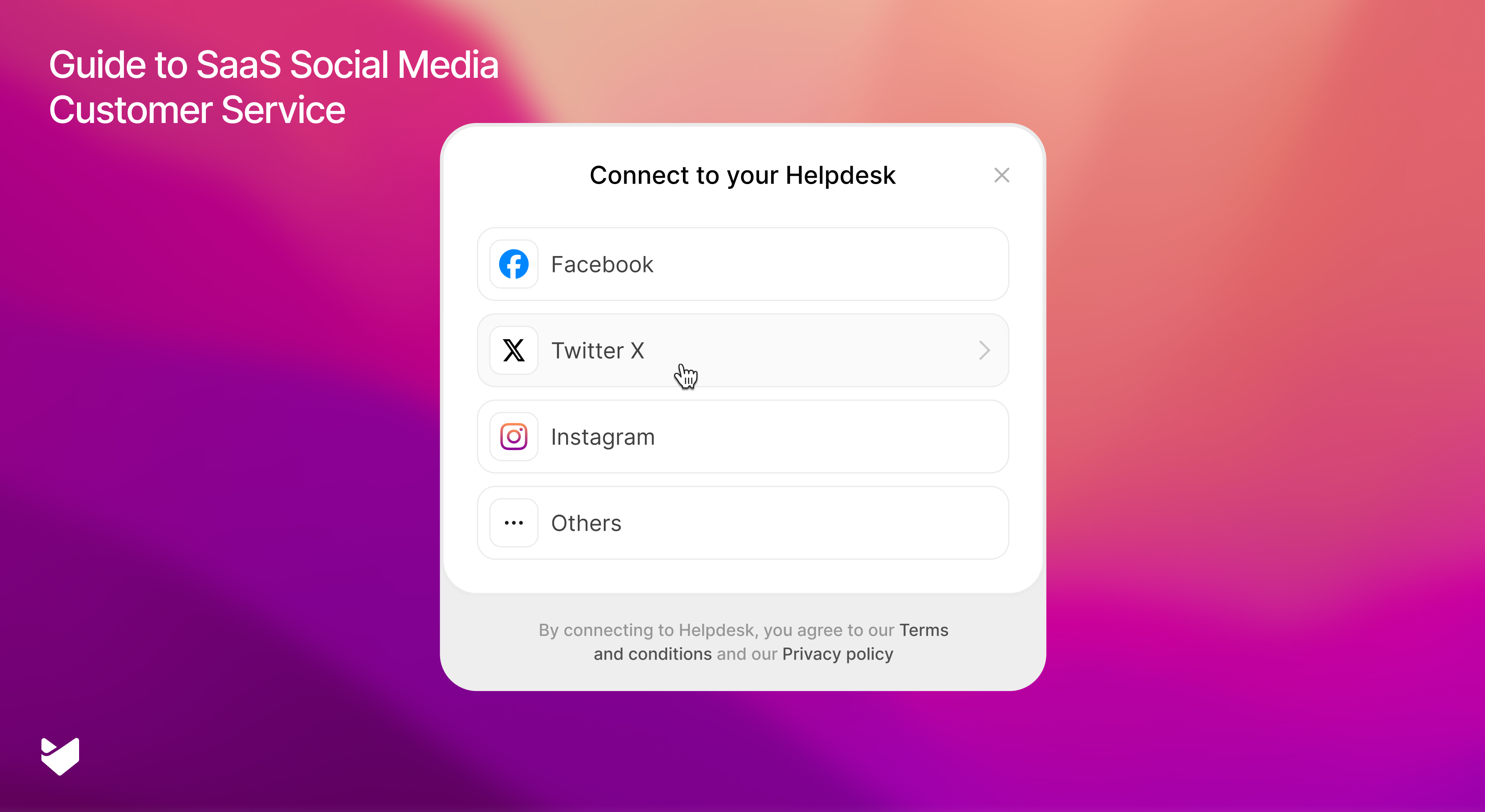
“Our website is down!” This tweet from a frustrated customer just appeared on your feed. Your development team is already working on the fix, but dozens more complaints are rolling in across social platforms. How quickly and effectively you handle this situation could mean the difference between retaining or losing valuable customers.
For SaaS companies, social media isn’t just a marketing channel – it’s become ground zero for customer support tickets. When your customers experience issues or need help, social media is often their first stop for reaching out to your support team. Let’s dive into how you can transform SaaS social media customer service to your advantage.
Understanding SaaS Social Media Customer Service:
Social media customer service for SaaS refers to the process of managing support tickets and resolving customer issues through social media platforms using a dedicated help desk solution. It involves monitoring social channels, converting customer messages into support tickets, tracking issue resolution, and maintaining consistent service quality through a centralized ticketing system that integrates with your social media presence.
The Impact of Social Support on SaaS Success
For SaaS companies, effective social media support directly influences customer retention and satisfaction. Well-executed social support strategy helps:
* Address customer issues before they escalate
* Build trust through public problem resolution
* Strengthen brand reputation through responsive service
* Create a community around your product
* Turn customer feedback into product improvements
When support teams actively manage social channels as dedicated support platforms, they transform potential crisis points into opportunities for customer relationship building.
Building Your Social Media Support Strategy
1. Choose the Right Platforms
Focus your support efforts where your customers are most active:
* Twitter/X: Ideal for real-time updates and quick problem resolution
* Facebook: Perfect for detailed support conversations and community building
* Instagram: Crucial for e-commerce companies handling product inquiries, showcasing solutions, and managing visual troubleshooting requests
2. Set Clear Response Time Standards
Response time expectations on social media require:
* Emergency issues: Swift acknowledgment and updates
* Standard questions: Clear communication timelines
* General inquiries: Consistent follow-through
Pro Tip: Use automated responses to acknowledge receipt of customer messages, but ensure these responses are personalized and helpful rather than generic.
Learn more: 9 ways to deliver proactive customer service
How to Manage Social Media Support Effectively
Social media support management involves three key components:
1. Monitoring: Track mentions, messages, and relevant conversations
2. Response Management: Address issues quickly and professionally
3. Issue Resolution: Solve problems efficiently and document solutions
Best Practices for Social Support Success
1. Use a Unified Inbox
* Keep all social interactions in one place for efficient management
* Track conversations across platforms without switching tools
* Maintain complete conversation history and context
* Monitor brand mentions and support requests in real-time
2. Maintain Consistent Voice
* Establish clear tone and communication guidelines
* Keep responses professional yet approachable
* Ensure brand personality shines through all interactions
3. Handle Multi-Channel Conversations Effectively
* Acknowledge public posts promptly
* Smoothly transition sensitive discussions to private channels
* Return to public threads with resolution updates
* Maintain conversation context across channels
Learn more: Social media customer service: Friend or Foe?
HappyFox: A Help Desk with Powerful Social Media Support
HappyFox is a comprehensive help desk solution that transforms how support teams handle customer issues across social media channels. Our ticketing system seamlessly integrates social media conversations into your customer support workflow, ensuring no customer inquiry gets missed. Here’s how our help desk solution enhances your social support operations:
Comprehensive Social Media Integration
HappyFox’s social media help desk capabilities transform scattered social interactions into organized support tickets:
Facebook Integration Features:
* Convert all Facebook messages and wall posts into support tickets automatically
* Respond to customer conversations directly from your help desk interface
* Track full conversation history with threaded responses
* Maintain context across multiple interactions
* Have ticket responses automatically post back to Facebook
* Monitor customer engagement across your Facebook pages
Twitter/X Integration Capabilities:
* Convert tweets and direct messages into trackable tickets
* Enable instant response to brand mentions and customer queries
* Monitor multiple Twitter handles from one dashboard
* Maintain conversation context across public tweets and DMs
* Post responses seamlessly while respecting character limits
* Track social response times and team performance
Social Support Management:
* Unified social inbox for all customer communications
* Real-time monitoring of social channels
* Smart ticket routing based on social media channels
* Automated ticket creation for all social interactions
* Custom status tracking for social media tickets
* Response templates optimized for social platforms
* Performance analytics for social support channels
Pro Tip: Set up custom workflows to prioritize social media tickets based on message type, customer status, or mention visibility.
Core Features
Our help desk platform provides essential tools for effective support:
Ticketing System:
Centralized ticket management across all channels
Custom ticket fields and categories
Automated ticket assignment and routing
SLA tracking and management
Multi-brand support capabilities
Workflow Automation:
Customizable automation rules
Smart ticket categorization
Time-based triggers and actions
Team collaboration tools
Knowledge Base:
Integrated knowledge management
Self-service customer portal
Article suggestions based on tickets
Multi-language support
Taking Action
Transform your social media customer support from reactive to proactive with HappyFox’s comprehensive help desk solution. Our ticketing system centralizes all your customer issues and support requests, whether they come through social media or other channels. As a complete help desk platform, HappyFox provides everything you need to deliver exceptional customer support:
- Unified social inbox
- Automated ticket creation
- AI-powered assistance
- Custom workflows
- Detailed analytics
Your customers are already talking about your product on social media. Turn these conversations into opportunities to showcase your outstanding support. Schedule a demo with HappyFox today.





