


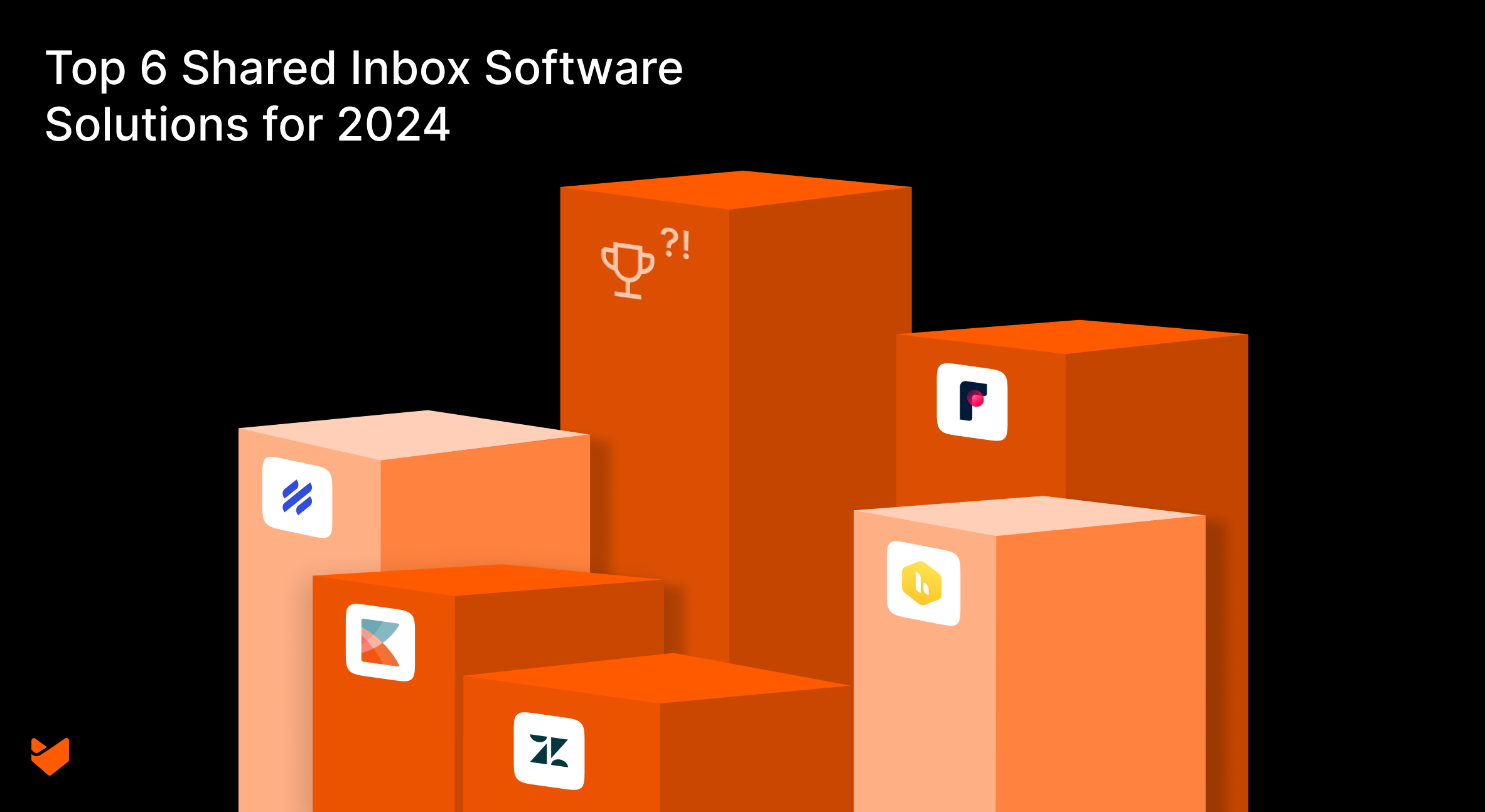
Missed emails, confused responsibilities, and frustrated customers – the shared inbox struggle is real. But there’s hope on the horizon. Shared inbox software: the unsung hero of team productivity and customer satisfaction.
As we step into 2026, the landscape of shared inbox solutions continues to evolve, offering more sophisticated features and seamless integrations than ever before. Discover how the top 6 shared inbox software solutions for 2026 are solving these common headaches. Let’s dive in and discover how these innovative solutions can revolutionize your team’s inbox management.
The Shared Inbox Revolution
Gone are the days of forwarding emails, cc’ing colleagues, and crossing your fingers that someone (anyone!) will respond to that urgent customer query. Shared inbox software is the superhero swooping in to save your team from communication chaos. But not all heroes wear capes, and not all shared inbox solutions are created equal.
Why Your Team Needs a Shared Inbox Solution Yesterday
Before we dive into our top picks, let’s talk about why you’re here. Maybe you’re tired of:
- Playing email tag with your team
- Customers getting multiple (or worse, zero) responses
- Losing track of who’s handling what
- Overwhelmed by the volume of unorganized customer communications
If you nodded your head to any of these, you’re in the right place. Now, let’s explore the top picks for shared inbox solutions.
1. HappyFox
HappyFox Help Desk stands out as a comprehensive shared inbox solution that goes beyond simple email management. It’s designed to be the central hub for all customer communications, offering a suite of features that cater to businesses of all sizes.
Key Features:
- Omnichannel support (email, phone, chat, social media)
- Internal collaboration features
- Smart automation with customizable workflows
- Integrated knowledge base
- Advanced reporting and analytics
- Customizable ticket fields and forms
- SLA management
- AI powered features for boosting productivity
- Collision detection features
2. Front
Front takes a unique approach to shared inbox management by blending email handling with team collaboration tools. This innovative platform is designed to make email feel more like a collaborative project management tool.
Key Features:
- Internal discussions alongside customer emails
- Multi-channel support (email, SMS, social media)
- Custom workflows and rules
- Analytics and reporting
- Seamless integration with various third-party tools
- Shared drafts and internal comments
- Collision detection to prevent duplicate work
3. Help Scout
Help Scout is the Marie Kondo of shared inboxes – it sparks joy with its clean, straightforward approach.
Key Features:
- Simple, intuitive interface
- Built-in knowledge base
- Customer profiles with conversation history
- Basic automation and workflows
- Satisfaction ratings and reporting
- Collision detection
- Mobile apps for iOS and Android
4. Hiver
Hiver is unique in its approach as it’s designed specifically for teams that use Gmail. It integrates seamlessly with Google Workspace, turning Gmail into a powerful shared inbox solution.
Key Features:
- Native Gmail integration
- Shared labels and notes
- Email templates
- Basic analytics
- Task assignment and tracking
- Collision alerts
- Email delegation
5. Kayako
Kayako takes a unique approach by focusing on the entire customer journey, not just individual interactions. This customer-centric philosophy is reflected in its feature set and overall design.
Key Features:
- Unified customer view across channels
- Automated workflows
- Self-service options
- Extensive customization
- Real-time collaboration tools
- Customer journey tracking
- Multichannel communication management
6. Zendesk
Zendesk offers a comprehensive suite of tools that extend beyond shared inbox management. Its robust feature set and extensive ecosystem make it a popular choice for businesses of all sizes.
Key Features:
- Multi-channel support
- Advanced ticketing system
- Extensive app marketplace
- Customizable workflows
- AI-powered answer bot
- Advanced analytics and reporting
- Community forums and knowledge base
Why HappyFox is the Best Shared Inbox Software
While each solution has its strengths, HappyFox edges out the competition in several key areas:
1. True Omnichannel Support
Unlike some competitors that focus primarily on email, HappyFox seamlessly integrates support across email, phone, chat, and social media. This unified approach ensures no customer falls through the cracks, regardless of their preferred communication channel.
2. Automation That Actually Saves Time
HappyFox’s Smart Rules go beyond basic auto-responders. They allow you to create complex, condition-based workflows that can dramatically reduce manual work. Whether it’s ticket assignment, prioritization, or triggering specific actions, HappyFox’s automation capabilities are a cut above the rest.
3. Customization Without Complication
While solutions like Zendesk offer customization, they often require technical expertise. HappyFox strikes a balance, offering robust customization options through an intuitive interface. This means you can tailor the system to your needs without calling in the IT cavalry.
4. A Knowledge Base That Works For You, Not Against You
Unlike standalone knowledge base solutions, HappyFox’s integrated knowledge base actively assists your support process. It suggests relevant articles to agents based on ticket content and allows for easy sharing, making it a dynamic part of your support ecosystem.
5. Reporting That Drives Action
While most solutions offer basic analytics, HappyFox’s reporting tools provide actionable insights. From team performance metrics to customer satisfaction trends, these reports are designed to help you continually improve your support operations.
6. Scalability That Grows With You
Whether you’re a small startup or a multinational corporation, HappyFox has you covered. Its flexible pricing and feature set allow it to scale seamlessly with your business, unlike some competitors that are either too basic for large teams or too complex for small ones.
7. AI-Powered Support Evolution
HappyFox leads the pack with its AI integration capable of transforming ticket handling, providing quick personalized answers, and automating knowledge base creation. This AI-driven approach significantly boosts efficiency and response times, setting a new standard in customer support technology.
Making the Switch: Implementing Your New Shared Inbox Solution
Ready to level up your shared inbox game? Here’s a quick roadmap to get you started:
- Assess Your Needs: What are your pain points? What features are must-haves?
- Get Your Team On Board: Change can be scary. Involve your team in the decision-making process.
- Plan Your Migration: Don’t just dive in. Plan how you’ll move your existing data and workflows.
- Train Your Team: Take advantage of the chosen platform’s training resources to get everyone up to speed quickly.
- Start Small, Then Scale: Consider starting with a pilot team before rolling out to the entire organization.
- Continually Optimize: Use the platform’s reporting tools to identify areas for improvement and refine your processes.
Wrapping up
At the end of the day, the best shared inbox solution is the one that works for your team. Each platform we’ve discussed has its strengths, and the right choice depends on your specific needs and constraints.
However, if you’re looking for a solution that combines powerful features, intuitive design, and unparalleled scalability, HappyFox emerges as the top contender. Its blend of omnichannel support, smart automation, and user-friendly customization makes it a versatile choice for businesses of all sizes.
Ready to transform your team’s email management from chaos to harmony? Sign up for a personalized demo of Happyfox Help Desk.





