In a digital-first world, delivering exceptional customer service is more critical than ever. Businesses are turning to AI customer service bots to meet rising expectations while optimizing operations. These bots can handle repetitive queries, provide instant responses, and operate around the clock—transforming how customer support teams function.
But building an effective AI customer service bot is not a plug-and-play task. It requires careful planning, technical know-how, and an understanding of customer behavior. This guide will walk you through the process, offering insights to create a bot that truly elevates your support strategy.
What is an AI Customer Service Bot?
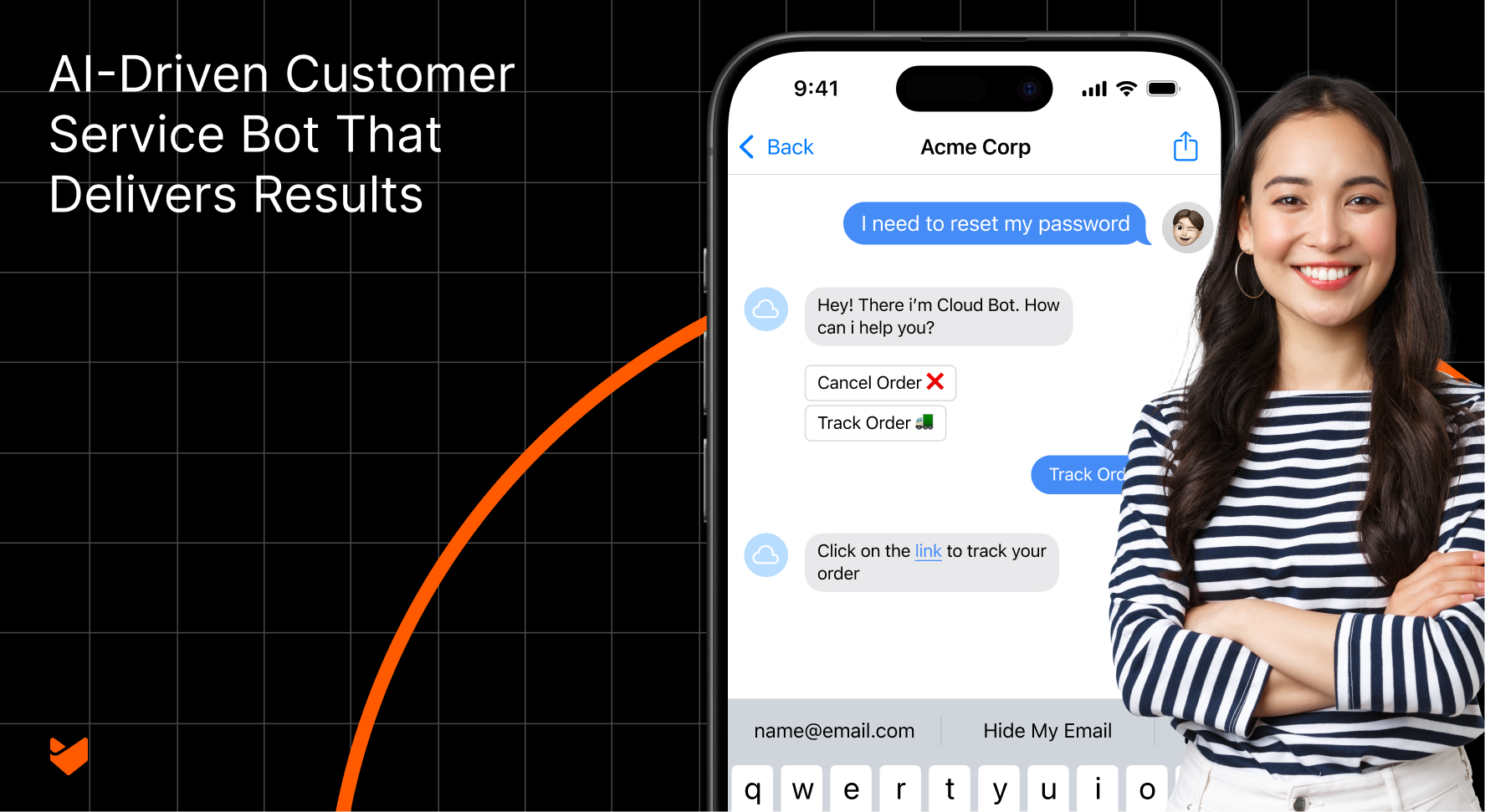
An AI customer service bot is an automated system powered by Artificial Intelligence (AI) that interacts with users through text or voice. These bots use Natural Language Processing (NLP) to understand user inputs and Machine Learning (ML) to improve over time.
Unlike traditional chatbots limited to scripted responses, AI bots can understand context, process complex queries, and provide accurate resolutions. Whether it’s answering FAQs, routing tickets, or escalating issues, these bots ensure efficiency and scalability in customer service.
Why AI Customer Service Bots Are the Future of Support
The adoption of AI-powered bots is soaring, with businesses leveraging them to improve efficiency and customer experience. Here’s why:
- 24/7 Availability: Customers receive assistance anytime, eliminating long wait times.
- Scalability: Handle multiple queries simultaneously without compromising quality.
- Cost-Effectiveness: Reduce the workload on support teams and lower operational costs.
- Improved Accuracy: Provide consistent and error-free responses.

Key Capabilities of an AI Customer Service Bot
Building an effective AI customer service bot requires a set of features that directly enhance the customer experience and streamline support operations. Here are the must-have features to focus on:
- Instant Response Handling
The bot should provide immediate answers to common queries, ensuring customers aren’t left waiting. This feature helps manage high query volumes and reduces response times significantly. - Context-Aware Conversations
AI bots can maintain context within conversations, enabling them to provide more accurate and relevant answers. For instance, they can remember details like the user’s previous query or interaction history during a session. - Omnichannel Support
Customers engage on multiple platforms—websites, mobile apps, email, and social media. The bot must function seamlessly across these channels, allowing users to continue their interactions without disruption. - Dynamic Ticket Routing
When a query needs escalation, the bot can automatically assign it to the right team or agent based on factors such as ticket category, priority, or customer segment. - Customizable Conversational Flows
Tailor the bot’s behavior and responses to align with your company’s tone, style, and business needs. This ensures that interactions feel authentic and personalized. - Data-Driven Personalization
Leveraging customer data, the bot can offer personalized recommendations, address users by name, and suggest solutions tailored to their specific needs or preferences. - Proactive Engagement
An AI bot can initiate conversations based on user behavior. For example, it can offer assistance when a customer lingers on a product page or detect when a user might need help completing a purchase. - Advanced Analytics and Reporting
The bot provides detailed insights into user interactions, frequently asked questions, and areas needing improvement. This helps in refining the bot and improving customer support strategies.
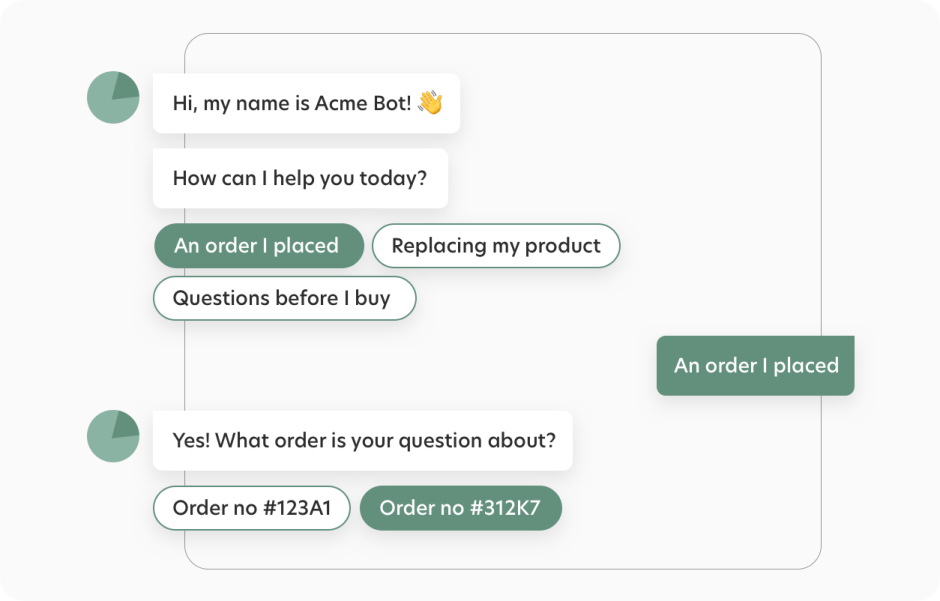
Step-by-Step Guide to Building an AI Customer Service Bot
Step 1: Define Objectives and Use Cases
Begin by identifying what you want the bot to achieve. Define clear goals such as:
- Reducing ticket volume.
- Resolving common queries instantly.
- Improving response times for specific customer segments.
Prioritize use cases based on their frequency and impact. For example, start with FAQs and gradually expand to more complex scenarios.
Step 2: Choose the Right AI Technology Stack
Selecting the right tools and platforms is crucial. Consider these options:
- Frameworks: Google Dialogflow, IBM Watson, or Microsoft Bot Framework.
- Open-Source Tools: Rasa or Botpress for customizable solutions.
- APIs: Leverage pre-built integrations for speech recognition, NLP, and more.
Tip: Evaluate each tool based on scalability, ease of integration, and cost to ensure long-term viability.
Step 3: Design Conversational Flows
Crafting intuitive conversational flows is essential for user satisfaction.
- Map User Journeys: Outline paths for each use case, covering potential variations in user inputs.
- Set Clear Boundaries: Define when the bot should escalate an issue to a human agent.
- Error Handling: Prepare fallback responses for ambiguous queries to guide users effectively.

Step 4: Train the Bot with Relevant Data
AI bots are only as good as the data they’re trained on. Use:
- Historical support tickets.
- FAQ documents.
- Knowledge base articles.
Organize data into categories and tag it appropriately. Periodically update the bot with new data to improve its accuracy.
Step 5: Integrate with Existing Systems
For seamless operations, the bot must integrate with your existing infrastructure:
- CRM: For customer context and history.
- Helpdesk Software: To create, update, or escalate tickets.
- Knowledge Base: For instant access to resources.
APIs and webhooks play a key role in enabling real-time data exchange between systems.
Step 6: Test for Accuracy and Usability
Testing is vital to ensure the bot meets user expectations.
- Metrics to Track: Response time, accuracy, and user satisfaction.
- User Testing: Involve internal teams or select customers for beta testing.
- Iterate: Refine the bot based on feedback and performance data.
Step 7: Deploy and Monitor Performance
Deploy the bot in phases to minimize disruptions. Use performance analytics to track:
- Query Resolution Rates: Percentage of queries resolved without human intervention.
- Escalation Frequency: How often issues are handed off to human agents.
- Customer Feedback: Measure satisfaction levels post-interaction.
Best Practices for Building Effective AI Bots
- Focus on Simplicity and Clarity: Ensure the bot’s interface and responses are easy to understand.
- Prioritize Security: Use encryption and comply with regulations like GDPR and HIPAA.
- Enable Feedback Loops: Allow users to provide feedback to improve bot responses.
- Regular Maintenance: Keep the bot’s knowledge base updated and monitor performance regularly.
Overcoming Common Challenges
Handling Ambiguity in Inputs
- Train the bot to recognize synonyms and contextual variations.
- Use fallback options to clarify ambiguous queries.
Scaling for High Volumes
- Invest in cloud-based infrastructure for elasticity.
- Optimize bot performance to handle spikes in traffic.
Gaining Team Buy-in
- Educate support teams on the bot’s benefits.
- Involve them in testing and fine-tuning processes.
Did you know?
Research by Gartner shows that by 2027, chatbots will become the primary customer service channel for a quarter of organizations
The Hidden Complexities of Building Your Own Bot
Developing a custom chatbot might seem like a flexible solution, but the journey is fraught with technical, financial, and time-intensive challenges. From assembling a skilled team to managing infrastructure and ensuring seamless integration, the hidden complexities can quickly spiral beyond expectations.
1. Technical Challenges
- AI Model Development: Creating reliable NLP models requires deep AI expertise
- Infrastructure Setup: Managing servers, databases, and scaling mechanisms
- Security Implementation: Building enterprise-grade security protocols
- Integration Complexity: Creating custom connectors for various platforms
2. Resource Requirements
- Data Science Team: $150,000+ annually per expert
- AI Engineers: $120,000+ annually per developer
- Infrastructure Costs: $5,000-$15,000 monthly
- Ongoing Maintenance: $3,000-$8,000 monthly (Source: Glassdoor Salary Data 2023)
3. Time Investment
- Initial Development: 6-12 months
- Testing Phase: 2-3 months
- Integration Period: 1-2 months
- Training Period: 2-3 months
Why HappyFox AI Chatbot is the Smarter Choice
With HappyFox’s AI-powered Chatbot, you can bypass the headaches of building from scratch and deploy a robust, enterprise-ready bot in days. Packed with advanced features and offering predictable costs, it’s a solution designed to deliver value without the overhead.
1. Immediate Deployment
- Ready in Days, Not Months: Quick setup and configuration
- Pre-built Integration: Works instantly with your help desk
- Zero Technical Debt: No infrastructure management needed
2. Enterprise-Grade Features Out of the Box
- Advanced NLP engine
- Multi-language support
- Secure data handling
- Automatic scalability
- Real-time analytics
3. Cost-Effective Solution
- No development costs
- No infrastructure expenses
- Predictable monthly pricing
- Immediate ROI
Conclusion
Building an AI customer service bot in-house demands significant time, resources, and expertise. While it can enhance operations and customer experience, the challenges of development, maintenance, and scaling can be daunting.
Why reinvent the wheel? With HappyFox AI Chatbot, you get a ready-to-deploy, enterprise-grade solution that transforms your support strategy without the complexities. Make the smarter choice—elevate your customer experience today!