


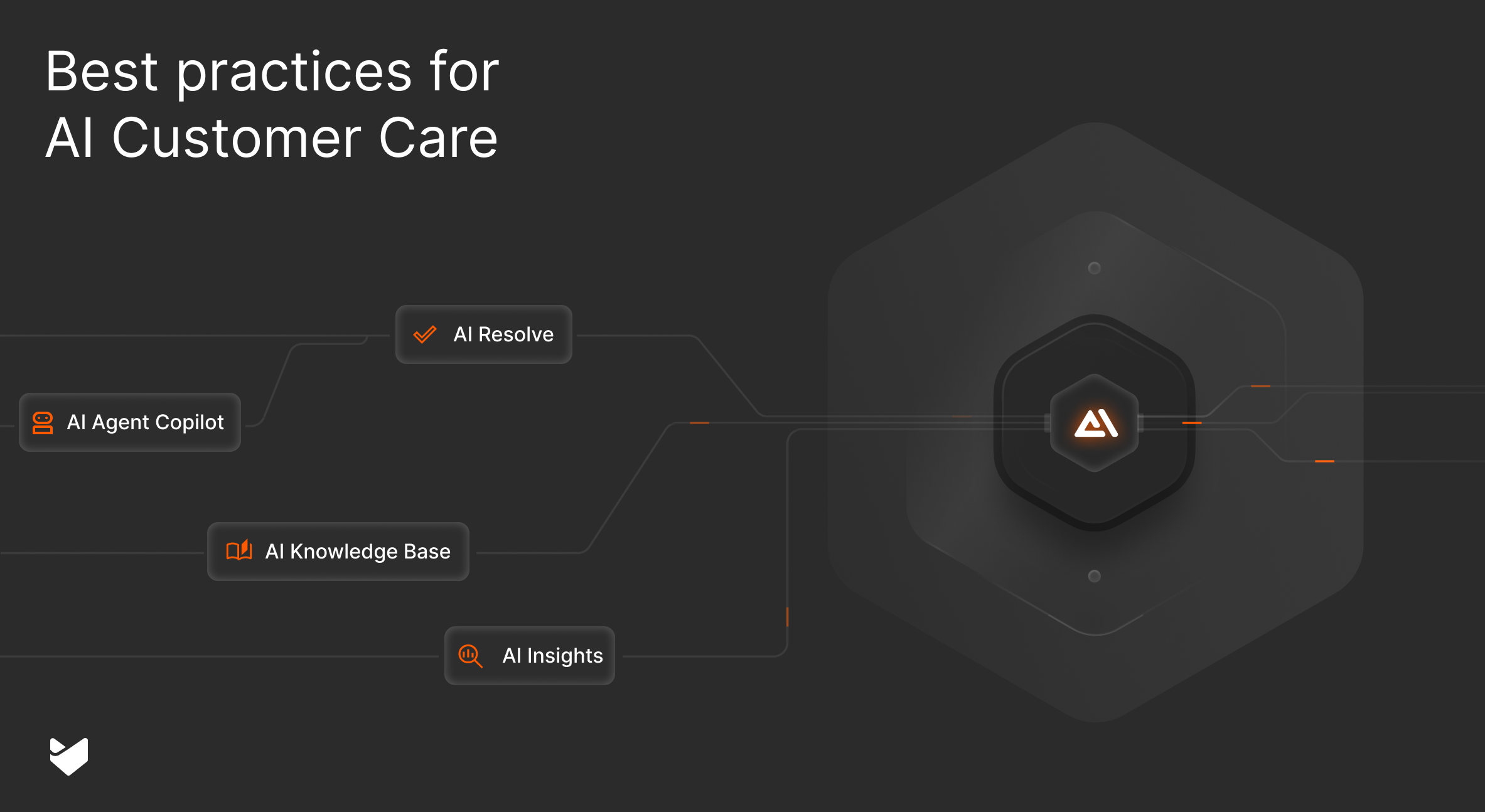
“Your ticket has been received” – but what happens next matters most. Support teams handling hundreds of tickets daily struggle to make each interaction feel personal. The solution lies in intelligent AI tools that help agents deliver tailored support at scale, transforming generic responses into personalized experiences that build customer loyalty.
What is AI Customer Care?
AI customer care is a support solution that combines artificial intelligence with customer service operations to streamline and enhance support delivery. It automates routine tasks, provides intelligent assistance to agents, analyzes customer interactions, and delivers data-driven insights – all while helping support teams handle higher ticket volumes efficiently without compromising service quality.
What is Personalized AI Customer Care?
Personalized AI customer care uses artificial intelligence to analyze customer interactions, provide context-aware support, and help agents deliver tailored solutions for each customer. Unlike generic automated responses, AI-powered personalization ensures every customer gets relevant, customized assistance based on their specific situation and history.
Key benefits of personalized AI customer care include:
- Faster resolution times through smart ticket analysis
- More accurate responses based on historical data
- Improved customer satisfaction through contextual understanding
- Reduced agent workload while maintaining quality
- Consistent support experience across all channels
- Proactive problem-solving through pattern recognition
5 Best Practices for Personalizing AI Customer Care
1. Leverage Customer Context Intelligently
Your AI support system should understand who your customer is and what they need – before they even ask.
Feature Spotlight: AI Agent Copilot analyzes customer history and context to:
- Summarize previous interactions
- Identify customer preferences
- Suggest personalized responses
- Provide relevant historical context to agents
Implementation Checklist:
- Configure customer data integration
- Set up historical interaction analysis
- Enable automatic context summaries
- Train agents on using contextual insights
2. Create Dynamic Knowledge Recommendations
Static support articles aren’t enough. Your knowledge base should evolve and adapt based on customer needs.
Feature Spotlight: AI Knowledge
- Identifies knowledge gaps based on customer queries
- Suggests content updates based on usage patterns
- Evaluates and ranks knowledge base articles
- Recommends personalized solutions
3. Enable Predictive Support
Don’t wait for customers to report issues – anticipate and address them proactively.
Feature Spotlight: AI Insights
- Analyzes patterns in customer behavior
- Identifies potential issues before they escalate
- Suggests proactive outreach opportunities
- Tracks the effectiveness of predictive interventions
Pro Tip: Use AI Insights to identify common pain points in your customer journey and create targeted, preventive support content.
4. Implement Smart Ticket Routing
Every customer query should go to the agent best equipped to handle it.
Feature Spotlight: AI Agents
- Analyzes ticket content and context
- Routes to the most qualified agent
- Suggests relevant solutions
- Learns from successful resolutions
5. Provide Personalized Self-Service Options
Self-service shouldn’t mean impersonal service.
Feature Spotlight: AI Resolve
- Delivers contextual answers on your support center
- Adapts responses based on user behavior
- Suggests relevant additional resources
- Learns from customer interactions
Implementing Personalized AI Customer Care
- Assess Your Current State
- Evaluate existing personalization capabilities
- Identify gaps in customer data
- Review current support metrics
- Set Clear Objectives
- Define personalization goals
- Establish success metrics
- Create implementation timeline
- Prepare Your Data Foundation
- Consolidate customer data
- Clean and organize historical interactions
- Set up data integration protocols
- Deploy AI Tools Strategically
- Start with core features
- Train your team
- Monitor early results
- Optimize and Scale
- Gather feedback
- Refine algorithms
- Expand personalization scope
Pro Tip:
Start small with personalization. Focus on one channel or customer segment first, perfect your approach, then expand gradually.
Common Implementation Challenges and Solutions
| Challenge | Solution | Impact |
|---|---|---|
| Maintaining Personal Touch | Use AI as a copilot, not replacement | 28% higher CSAT |
| Data Quality | Implement regular data cleaning processes | 40% better accuracy |
| Agent Adoption | Provide comprehensive training and showcase wins | 65% faster adoption |
| Integration Complexity | Choose flexible, API-first solutions | 50% faster deployment |
| Scale Management | Implement gradual rollout strategy | 35% fewer issues |
Measuring the Impact of Personalized AI Customer Care
Track these key metrics to gauge success:
- Customer Satisfaction (CSAT)
- First Contact Resolution Rate
- Average Resolution Time
- Customer Effort Score
- Agent Productivity
- Knowledge Base Effectiveness
Pro Tip:
Set up custom dashboards in HappyFox to track personalization metrics that matter most to your business.
Future-Proofing Your Personalized Support Strategy
Stay ahead with these emerging trends:
- Emotion AI integration
- Predictive personalization
- Hyper-contextual support
- Voice-based personalization
- Cross-channel consistency
Conclusion: Transform Your Customer Care with AI Personalization
Generic support experiences are a thing of the past. With HappyFox’s AI-powered personalization tools, you can deliver tailored, efficient support that drives satisfaction and loyalty. From smart ticket routing to predictive support, our comprehensive solution helps you create support experiences that feel personal, no matter how many customers you serve.
Ready to personalize your customer care with AI? Book a demo with HappyFox today and see how our intelligent personalization tools can transform your support operations.





