


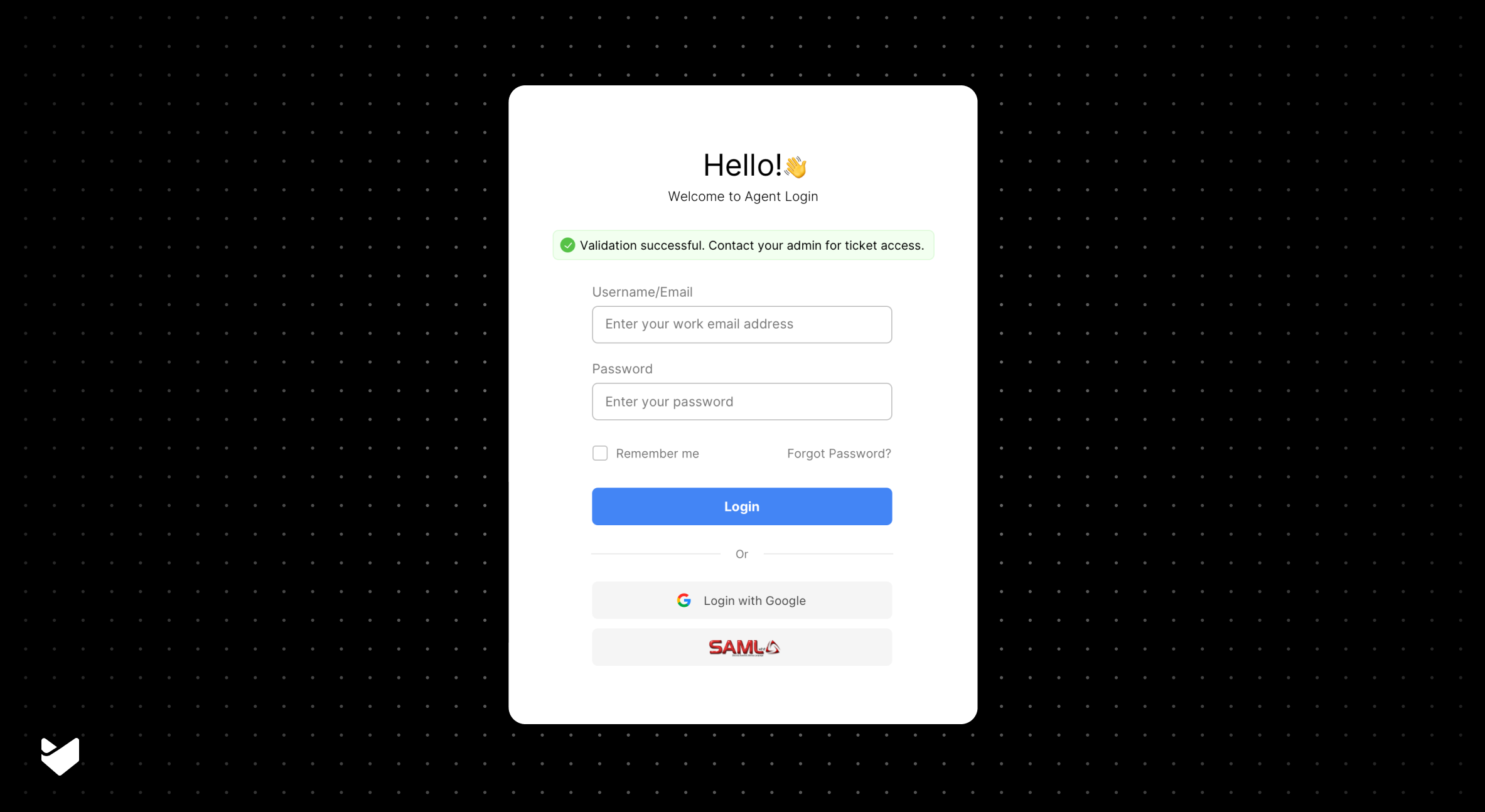
Picture this: Your employees start their day by logging into six different applications. For your help desk alone, agents and customers each need separate logins. Sound familiar? SAML authentication is changing this landscape, with 81% of enterprises now using it for secure, single sign-on access. Let’s break down what this means for your help desk.
What is SAML Authentication for Help Desks?
SAML (Security Assertion Markup Language) is like a secure digital passport. Instead of creating new credentials for every application, users authenticate once through their identity provider (like Azure AD or Okta) to access all their authorized applications – including your help desk.
Why SAML Matters for Help Desks:
- Single sign-on convenience
- Enhanced security protocols
- Reduced password management overhead
- Simplified user access
Key Benefits of SAML Authentication
1. Enhanced Security
- Centralized authentication control
- Encrypted data transfer
- Reduced password-related vulnerabilities
2. Improved User Experience
- One-click access to help desk
- No additional passwords to remember
- Seamless application switching
3. Administrative Efficiency
- Centralized user management
- Automated user provisioning
- Simplified access control
Common SAML Implementation Challenges
Challenge 1: Integration Complexity
Solution: Choose a help desk with pre-built SAML connections to major identity providers.
Challenge 2: User Management
Solution: Implement automatic user synchronization between your identity provider and help desk.
Challenge 3: Configuration
Solution: Look for platforms offering step-by-step setup guides and support.
The HappyFox SAML Solution
HappyFox is a comprehensive help desk ticketing system that provides robust SAML authentication capabilities. Our SAML integration supports both agents and end-users, offering enterprise-grade security with simple implementation.
Key SAML Features in HappyFox
1. Enterprise Identity Provider Support
- Azure Active Directory
- Okta
- OneLogin
- Smartsignin
- Custom SAML-compatible solutions
2. Advanced Security Options
- X.509 certificate support
- Encrypted SAML assertions
- Custom field mapping
- Flexible authentication policies
3. Implementation Flexibility
- Separate agent/end-user authentication
- Optional traditional login disabling
- Custom callback URLs
- Automated user provisioning
Learn more about HappyFox SAML authentication
Real-World Setup Process
- Initial Configuration
- Navigate to Apps >> Single Sign-on
- Select Custom SAML Method
- Enter SSO Target URL
- Upload SAML certificate
- Security Options
- Enable encrypted assertions
- Configure authentication scope
- Set up custom field mapping
- Define login policies
- User Management
- Set up automatic user creation
- Configure role assignments
- Define access permissions
- Enable field synchronization
Best Practices for SAML Implementation
- Planning Phase
- Identify user groups
- Document security requirements
- Plan rollout strategy
- Prepare training materials
- Implementation
- Start with a pilot group
- Test all authentication flows
- Document configuration
- Train support team
- Maintenance
- Regular security reviews
- Monitor authentication logs
- Update certificates as needed
- Maintain backup access
Making the Decision
Consider these factors when implementing SAML:
- Current authentication needs
- Security requirements
- User experience goals
- Integration capabilities
- Support requirements
See SSO vs Social Login vs SAML Help Desk authentication methods
Why Choose HappyFox for SAML Authentication?
HappyFox offers:
- Enterprise-grade SAML support
- Multiple identity provider options
- Simple implementation process
- Advanced security features
- Comprehensive support
- Flexible configuration
Ready to Secure Your Help Desk?
Transform your help desk authentication with HappyFox SAML integration:
- Enterprise-level security
- Seamless user experience
- Simple implementation
- Comprehensive support
Take the Next Step: Book a demo today to see how HappyFox’s SAML authentication can secure your help desk while enhancing user experience.





