


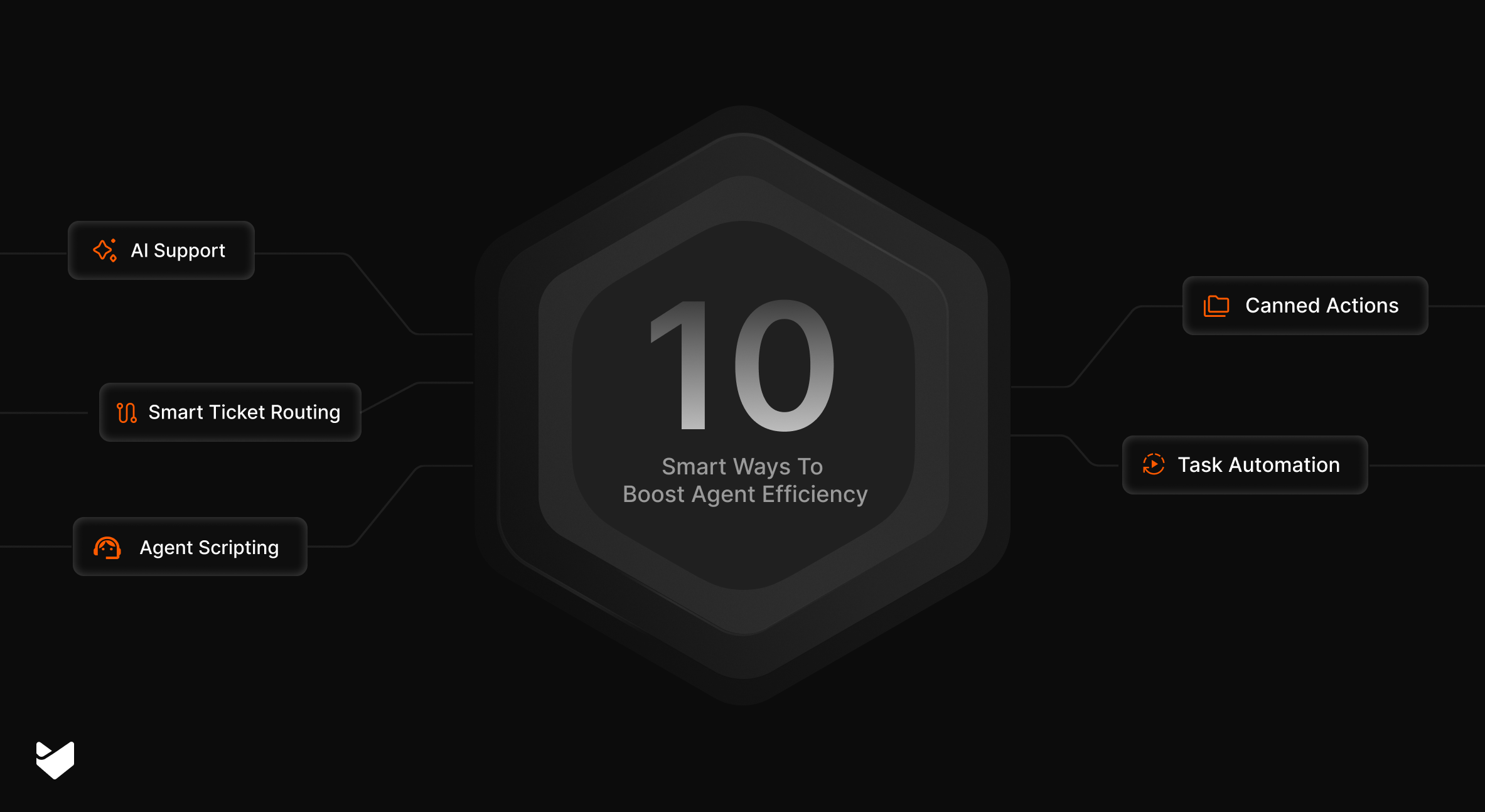
Your support agents handle dozens, if not hundreds, of customer inquiries daily. Every minute spent searching for information or navigating complex workflows is a minute that could be spent helping customers. Here are 10 proven strategies to boost your support agent’s productivity and efficiency.
1. Leverage AI-Powered Response Suggestions
Support agents spend considerable time crafting responses to common customer inquiries. AI assistance can dramatically cut this time while maintaining quality.
Feature Spotlight: HappyFox AI Copilot
– Analyzes ticket context and customer history
– Provides smart response suggestions

– Summarizes long email threads
– Identifies key issues and action items
– Learns from agent feedback and interactions
Pro Tip:
Train your AI system by marking particularly effective responses, helping it learn and improve suggestion accuracy over time.
2. Implement Smart Ticket Routing
Random ticket distribution creates bottlenecks and wastes agent expertise. Smart routing automatically assigns tickets to the most qualified agents based on:
– Agent skills and specialization
– Current workload
– Customer priority levels
– Ticket complexity
This ensures balanced workload distribution while matching tickets with the right expertise.
3. Utilize Agent Scripting for Complex Processes
When handling complex troubleshooting scenarios, agents often need to follow specific steps. Agent scripting provides interactive decision trees that:
– Guide agents through proper troubleshooting sequences
– Ensure consistent problem resolution
– Reduce training time for new agents
– Capture customer responses systematically
Feature Spotlight: HappyFox Agent Scripting
– Creates dynamic scripts based on ticket types
– Provides step-by-step guidance
– Allows for branching logic based on customer responses
– Tracks time spent on each step
4. Automate Repetitive Tasks
Identify and automate routine tasks that consume agent time:
– Ticket categorization and prioritization
– Status updates and notifications
– SLA monitoring and alerts
Implementation Checklist:
– [ ] List common repetitive tasks
– [ ] Set up automation rules
– [ ] Test workflows
– [ ] Monitor automation effectiveness
– [ ] Refine rules based on results
5. Centralize Knowledge Management
A robust knowledge base serves as your support team’s central nervous system. Implement these knowledge management best practices:
– Organize articles in logical categories
– Keep content up-to-date

– Include search-friendly keywords
– Add visual aids when possible
– Track article effectiveness of articles by raising tickets from support portal
Feature Spotlight: HappyFox Knowledge Base
Smart article suggestions based on ticket content
Multilingual knowledge base support
Internal and external knowledge bases
Rich text editor with image and video support
6. Use Canned Actions for Quick Responses
Create pre-written responses and actions for common scenarios:
– Standard greetings and closings
– Frequently requested information
– Common troubleshooting steps
– Status update messages
– Transfer notices
Pro Tip: Review and update canned responses regularly based on customer feedback and changing needs.
7. Enable Multi-Channel Support
Modern customers use multiple channels to seek support. Streamline multi-channel support by:
– Consolidating all channels in one interface
– Maintaining context across channels
– Preserving conversation history
– Enabling quick channel switching
Use Case: A multi-brand retail company struggled with fragmented customer communications across email, social media, and chat channels. After implementing omnichannel support solution:
Agents accessed all customer interactions from a single dashboard
Smart routing directed inquiries to appropriate department specialists
Response times decreased by 50% across all channels
Customer context was preserved when switching channels
Support team size remained the same despite 30% increase in ticket volume
8. Implement Task Management
Break down complex tickets into manageable tasks:
– Create subtasks for multi-step resolutions
– Assign tasks to appropriate team members
– Track task progress
– Set task priorities and deadlines
Learn more: IT support task management – Guide
9. Use Real-Time Analytics for Performance Optimization
Monitor key metrics to identify improvement areas:
– First response time
– Resolution time
– Customer satisfaction scores
– Agent productivity metrics
10. Integrate Essential Tools
Connect your help desk with other critical business tools:
– CRM systems
– Communication platforms
– Project management tools
– Asset management systems
– Billing software
How HappyFox Empowers Agent Productivity
HappyFox brings these productivity-boosting strategies together in one unified platform:
Intelligent Automation Suite
Smart Ticket Distribution: Automatically routes tickets based on agent expertise, workload, and SLAs
Workflow Automation: Eliminates manual tasks through customizable rule engines
Proactive Alerts: Notifies agents about SLA breaches, and required actions
Canned Actions: Enables one-click application of predefined responses, status updates, and ticket actions
Streamlined Task Management
Ticket Subtasks: Break down complex issues into manageable steps
Visual Task Boards: Track progress with customizable Kanban-style views
Dependencies Management: Set and monitor task relationships
Resource Allocation: Efficiently distribute work across team members
Progress Tracking: Monitor completion rates and identify bottlenecks
AI-Powered Agent Assistance
Context-Aware Suggestions: Analyzes ticket history and customer context to recommend solutions
Quick-Action Templates: Provides one-click access to common responses and actions
Auto-Categorization: Tags and categorizes tickets automatically with 95% accuracy
Knowledge Optimization
Dynamic Article Suggestions: Surfaces relevant knowledge base articles while agents work
Content Gap Analysis: Identifies missing documentation based on ticket patterns
Multilingual Support: Automatically suggests articles in customer’s preferred language
Performance Analytics & Insights
Real-Time Monitoring: Track key metrics and SLA compliance as they happen
Agent Performance Dashboards: Measure individual and team productivity metrics
Custom Reports: Generate insights specific to your business needs
Agent Empowerment Tools
Interactive Script Builder: Creates step-by-step guides for complex support scenarios
Visual Task Boards: Track progress with customizable Kanban-style views
Resource Management: Efficiently distribute and monitor work across team members
Unified Support Infrastructure
Omnichannel Ticketing: Single interface for email, chat, phone, and social media support
Smart Routing: Directs inquiries to appropriate teams based on channel and content
Seamless Integrations: Connects with 100+ business tools including CRM, project management, and communication platforms
Contextual History: Maintains complete customer interaction history across all channels
Results That Speak
Organizations using HappyFox report:
- 20% Reduction in incoming support emails
- <2 hours Response time for 95% of tickets
- 40% Increase in agent productivity
Ready to transform your support team’s productivity? Get Started with HappyFox Today





