Did you know that up to 80% of support tickets are for issues already addressed in existing knowledge bases? It’s a staggering statistic that highlights a critical challenge faced by enterprise support teams worldwide. While a wealth of information exists, connecting users to the right answers remains an ongoing struggle.
For many enterprises, the sheer volume of routine support tickets creates a constant battle, preventing teams from focusing on high-impact issues. But what if you could slash that ticket load nearly in half?
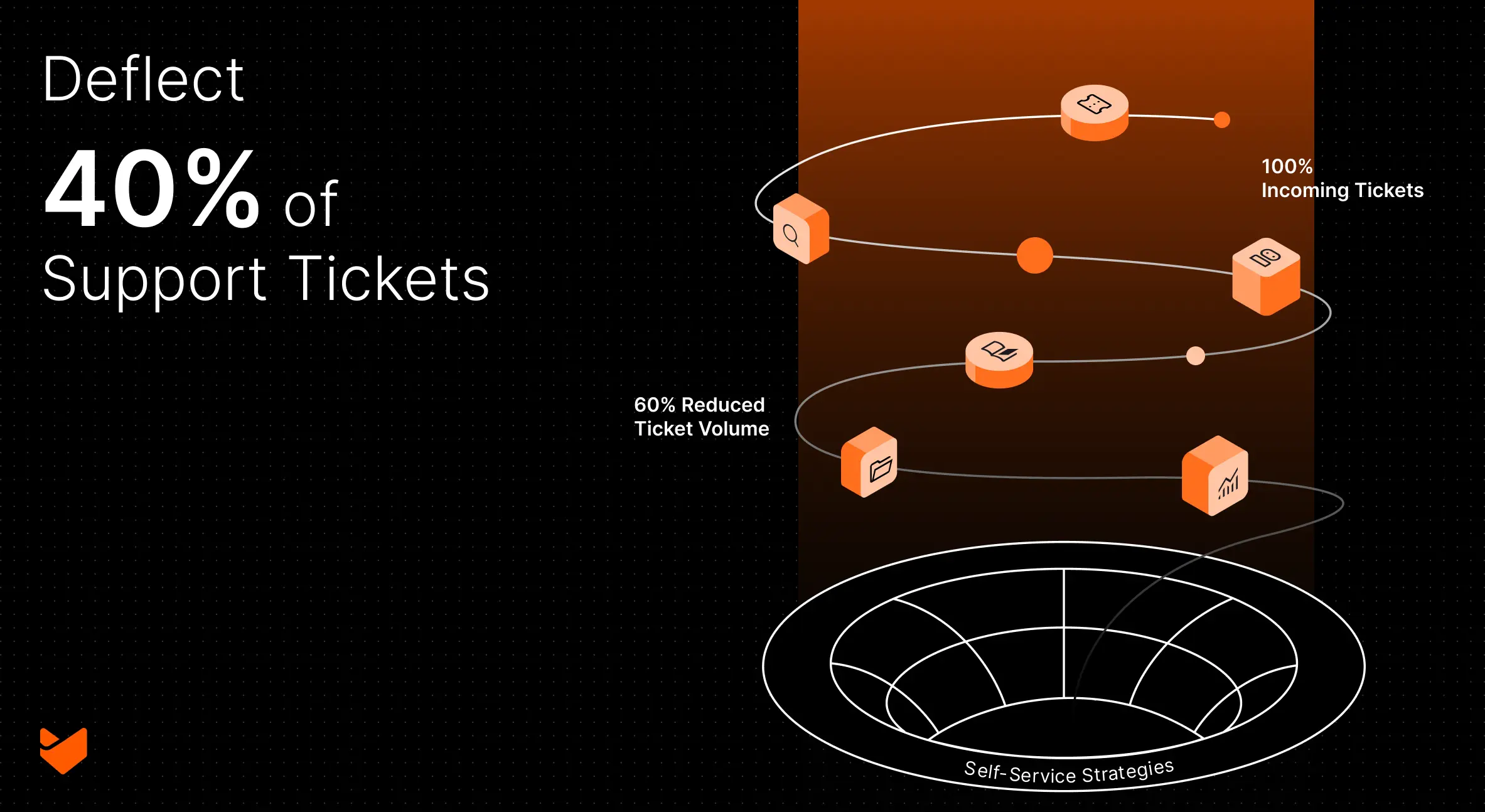
Let’s explore 9 battle-tested enterprise ticket deflection strategies that can help you achieve an impressive 40% reduction in support tickets, transforming your support from reactive to proactive.
Why Enterprise Ticket Deflection Matters
Before diving into strategies, let’s consider the impact of effective ticket deflection:
- Reduced support costs: Fewer tickets mean lower operational expenses
- Faster resolution times for complex issues: Your team can focus on challenging problems
- Improved customer satisfaction: Users get immediate answers without waiting in a queue
- Increased agent job satisfaction: Eliminating repetitive tasks boosts morale and retention
- Enhanced scalability: Support more users without proportionally increasing staff
Now, let’s unlock the secrets to supercharging your self-service capabilities.
1. Build a Comprehensive Knowledge Base
A well-organized, easily searchable knowledge base is the cornerstone of any successful self-service strategy. It serves as a centralized repository for your organization’s collective wisdom, available 24/7 to both customers and support agents.
Key steps:
- Identify your most common support issues through ticket analysis
- Create clear, concise articles addressing each topic
- Use a logical categorization system for easy navigation
- Implement a powerful search function with natural language processing
- Regularly update and refine content based on user feedback and support trends
Pro Tip: Use HappyFox’s AI-powered knowledge base to automatically suggest relevant articles to users as they type their queries. This intelligent system learns from user interactions, continuously improving its recommendations over time.
Best practices for knowledge base articles:
- Use simple, jargon-free language
- Break down complex processes into step-by-step instructions
- Include visual aids like screenshots, diagrams, or videos
- Add a “Related Articles” section to guide users to additional relevant information
- Implement a versioning system to track article updates and maintain accuracy
2. Implement an AI-Powered Chatbot
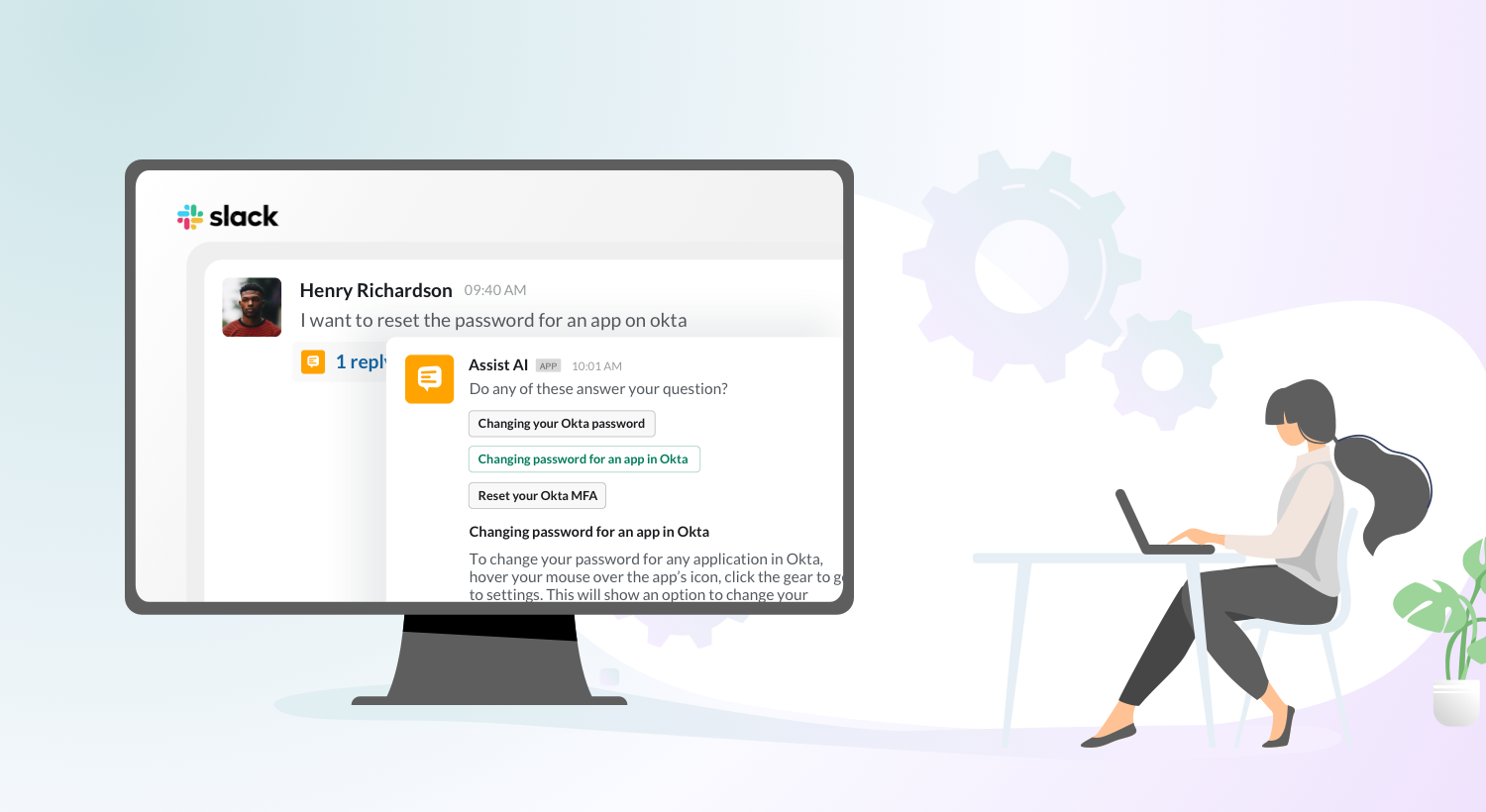
Chatbots have evolved from simple rule-based systems to sophisticated AI-driven assistants capable of handling a significant portion of routine inquiries. By providing instant answers 24/7, chatbots can dramatically reduce ticket volume while improving user experience.
Benefits:
- Immediate response to common questions, reducing wait times
- Scalable support without additional staff, handling multiple queries simultaneously
- Consistent answers to frequently asked questions
- Seamless escalation to human agents when needed
- Valuable data collection on user needs and pain points
Feature Spotlight: HappyFox Chatbot
HappyFox’s AI Chatbot integrates seamlessly with your knowledge base, providing instant, accurate responses to customer queries. It learns from each interaction, continuously improving its ability to resolve issues without human intervention. Key features include:
- Natural language processing for understanding user intent
- Multi-language support for global enterprises
- Customizable chat flows to guide users through complex processes
- Integration with ticketing system for smooth handoffs to human agents
Implementation strategies:
- Start with a focused scope, addressing your most common queries
- Train your chatbot on your knowledge base content
- Develop a clear escalation path for complex issues
- Regularly analyze chatbot performance and user feedback
- Continuously refine and expand your chatbot’s capabilities
3. Create Interactive Troubleshooting Guides
Static FAQs are a thing of the past. Today’s users expect dynamic, interactive experiences that guide them through problem-solving processes. Interactive troubleshooting guides empower users to resolve issues independently, reducing the need for direct support intervention.
Implementation tips:
- Break complex processes into simple, actionable steps
- Use visual aids like screenshots, GIFs, or videos to illustrate each step
- Implement a branching logic system to address various scenarios
- Include progress indicators to show users where they are in the process
- Offer the option to create a ticket if the guide doesn’t resolve the issue
Pro Tip: Use HappyFox’s customizable workflows to create dynamic troubleshooting guides that adapt based on user inputs, providing personalized support experiences. This feature allows you to build decision trees that guide users through complex diagnostic processes, increasing the likelihood of successful self-resolution.
Example: Interactive Network Troubleshooter
- User selects their issue (e.g., “Can’t connect to Wi-Fi”)
- Guide asks about device type and operating system
- Based on responses, guide provides specific steps (e.g., how to reset network settings on an iPhone)
- User confirms whether each step resolves the issue
- If unresolved, guide escalates to create a ticket with all troubleshooting steps logged
By implementing interactive guides, you not only deflect tickets but also gather valuable data on common user issues and the effectiveness of your troubleshooting steps.
4. Optimize Your Support Portal
A well-designed support portal serves as the gateway to your self-service resources. It should be intuitive, user-friendly, and guide users effortlessly to the information they need.
Key elements:
- Clear navigation with logical categories
- Prominent search functionality with autocomplete and smart suggestions
- Featured articles addressing common issues and recent product updates
- Easy ticket submission process for unresolved problems
- User account management for personalized experiences
Implementation tips:
- Conduct user testing to identify pain points in your current portal design
- Implement responsive design for seamless mobile access
- Use analytics to track user journeys and optimize content placement
- Integrate single sign-on (SSO) for enterprise customers
- Provide language options for global user bases
5. Leverage Community Forums
Harness the power of your user community to provide peer-to-peer support. Community forums can significantly reduce ticket volume by allowing experienced users to share their knowledge and solutions.
Benefits:
- Tap into collective knowledge of power users and experts
- Reduce strain on official support channels
- Foster a sense of community among users
- Provide valuable insights into user needs and pain points
Implementation Checklist: Launching Community Forums
- Set up forum categories aligned with your product/service areas
- Create clear guidelines for user participation and moderation
- Assign moderators to manage discussions and highlight helpful responses
- Implement a gamification system to reward active, helpful community members
- Integrate forum search with your main knowledge base for comprehensive results
Pro Tip: Use HappyFox’s community forum integration to seamlessly connect your forum with your ticketing system. This allows support agents to easily convert helpful forum responses into knowledge base articles, continuously expanding your self-service resources.
6. Implement Smart Ticket Deflection
Smart ticket deflection uses AI to suggest relevant self-service resources before users submit a ticket, potentially resolving issues without creating support requests.
How it works:
- As users begin typing their issue, AI analyzes the content in real-time
- Relevant knowledge base articles, community forum threads, and troubleshooting guides are instantly suggested
- Users can find solutions without creating a ticket, reducing support volume
Pro Tip: HappyFox’s Smart Suggestions feature uses advanced natural language processing to understand user intent, providing highly accurate article recommendations. It learns from user interactions, continuously improving its suggestions over time.
Implementation strategies:
- Integrate smart deflection into your ticket submission form
- Use it within your chatbot for multi-channel deflection
- Implement on high-traffic support pages and product areas
- Regularly analyze deflection rates and refine suggestion algorithms
- Use deflection data to identify knowledge gaps and create new content
7. Create Video Tutorials
Some users prefer visual learning, making video tutorials an essential component of a comprehensive self-service strategy. Short, focused videos can effectively guide users through complex processes or troubleshooting steps.
Best practices:
- Keep videos short and focused (2-5 minutes)
- Use clear, step-by-step instructions with on-screen annotations
- Include captions for accessibility and users in sound-sensitive environments
- Host videos on a platform that integrates with your knowledge base
- Create playlists or series for related topics
Pro Tip: Use HappyFox’s multimedia support to embed videos directly in knowledge base articles, providing a seamless experience for users who prefer visual instructions.
8. Implement In-App Support
Provide contextual help within your product or service interface to address user questions at the point of need, reducing the likelihood of support ticket creation.
Key features:
- Tooltips for complex features or new functionality
- Integrated knowledge base search within the application
- Quick links to relevant support articles based on user context
- Guided tours for new users or after major updates
- In-app chat support for immediate assistance
Pro Tip: Use HappyFox’s API to seamlessly integrate your knowledge base content into your product interface, providing instant, contextual support without forcing users to leave your application.
9. Analyze and Optimize
Continuous improvement is key to maintaining effective self-service and ticket deflection. Regularly analyze user behavior and support metrics to identify areas for optimization.
Key metrics to track:
- Self-service adoption rate
- Article usefulness ratings
- Search query patterns and unsuccessful searches
- Ticket deflection rate
- Time to resolution for self-service vs. agent-assisted support
Implementation strategies:
- Set up dashboards in HappyFox to monitor key self-service metrics
- Conduct regular content audits to identify outdated or underperforming articles
- Use A/B testing to optimize article titles, layouts, and content structure
- Analyze ticket trends to identify new topics for self-service content
- Gather feedback from both users and support agents to drive improvements
Embracing the Future of Enterprise Support
As we’ve explored, implementing these 9 proven strategies can dramatically reduce your ticket volume, transforming your support operations from reactive to proactive. With HappyFox’s comprehensive self-service toolkit—encompassing AI-powered knowledge bases, intelligent chatbots, and smart ticket deflection—you’re equipped to achieve that impressive 40% reduction in support tickets.
The benefits extend far beyond mere numbers:
- Empowered customers who find solutions quickly and independently
- A support team freed to focus on complex, high-value interactions
- Improved operational efficiency and reduced costs
- Enhanced customer satisfaction through faster, more effective support
Are you ready to revolutionize your enterprise support strategy? Don’t let the avalanche of routine tickets bury your team’s potential any longer. Embrace the future of efficient, effective enterprise support with HappyFox.
Take the first step towards transforming your support operations today. Book a demo with HappyFox and discover how our powerful self-service solutions can help you achieve that game-changing 40% reduction in ticket volume. Your journey to streamlined, proactive support starts here.