Help desk and service desk are two terms that get used interchangeably in most conversations, but they are not the same thing. The difference is not just semantic. They represent different operational models, serve different organizational needs, and align to different levels of IT maturity. Choosing the wrong one is not a disaster, but it does mean either underbuilding your support function or overcomplicating it.
If you are evaluating which model to implement, or trying to understand why your current setup is not scaling the way you expected, this article covers exactly that: what each one is, what it does, how they compare across the metrics that matter, and how to decide which fits where your organization is right now.
TL;DR
A help desk is a reactive, user-facing support function focused on resolving technical issues quickly. A service desk covers the full IT service management lifecycle incident, problem, and change management and aligns IT with business objectives. A help desk is right for organizations needing straightforward issue resolution. A service desk is right when IT maturity, ITIL alignment, and long-term service strategy matter.
Help Desk vs Service Desk: What’s the Difference?
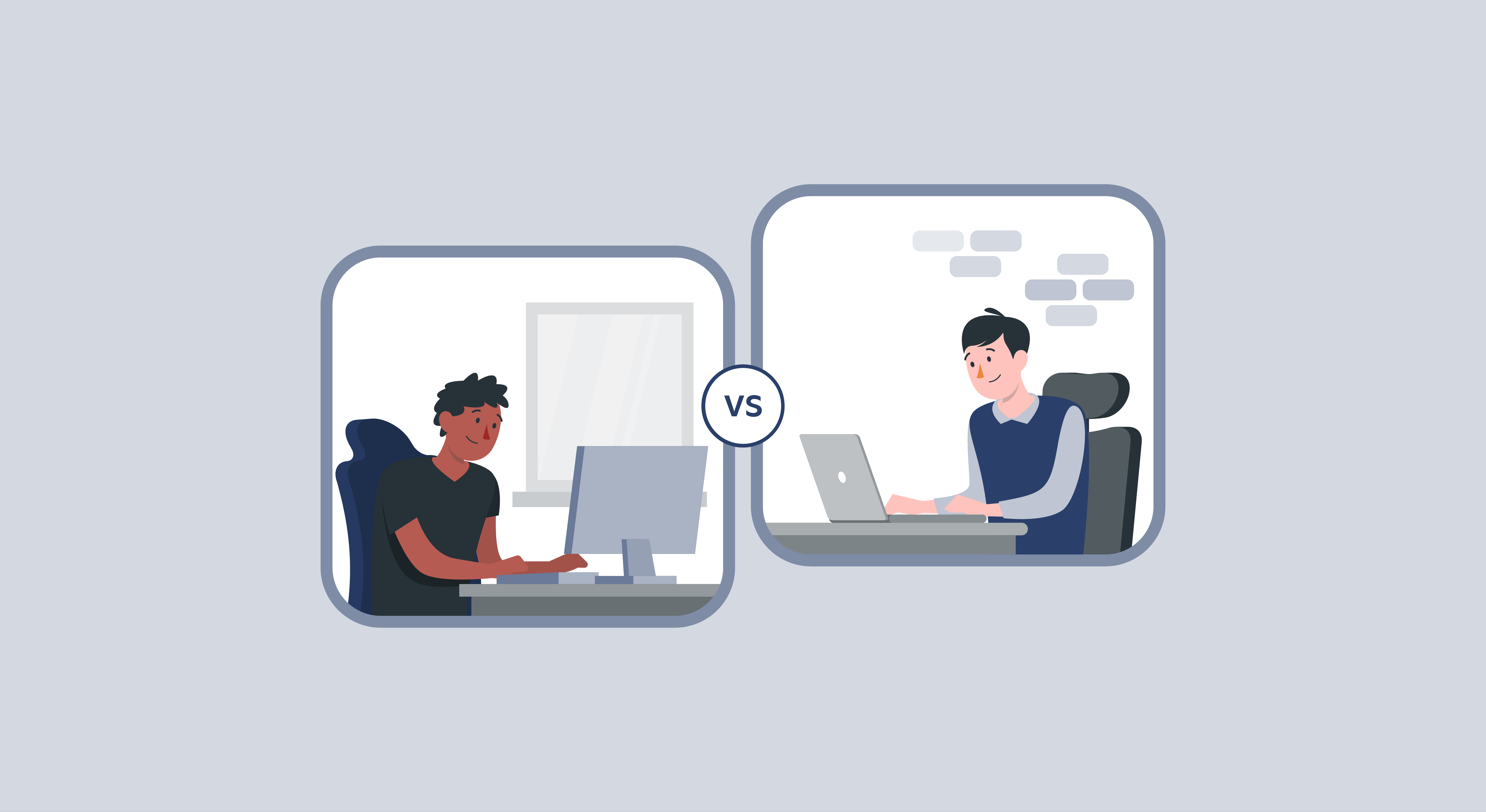
Both handle support requests and both sit between users and IT. The differences show up in what they do beyond that baseline. Here is how they compare across six dimensions, with examples of what each looks like in practice.
| Aspect | Help Desk | Service Desk |
| Metrics Focus | Ticket volume, response time, resolution speed | SLA compliance, service quality, business impact, user satisfaction |
| Scope | Resolving specific technical issues and user requests | Full ITSM lifecycle: incidents, problems, changes, service requests |
| Approach | Reactive fixes issues as they occur | Proactive identifies patterns, prevents recurrence |
| Function | Tactical resolves individual user issues | Strategic improves overall IT service delivery |
| Service Level | Basic SLA tracking on response and resolution times | Formal SLA management with defined targets across all ITSM processes |
| Business Alignment | Focused on IT operations and end-user issue resolution | IT positioned as a strategic enabler aligned to organizational goals |
Metrics Focus
A help desk measures what it can control: how fast tickets were picked up, how quickly they were closed, and whether the user was satisfied. A service desk measures a wider set of outcomes. SLA compliance across different service types, the percentage of incidents resolved without escalation, how many changes were deployed without causing a follow-on incident.
Example: a help desk manager reviews average resolution time and CSAT scores in their weekly report. A service desk manager also looks at how many problem records were closed this quarter versus left open with workarounds, and what percentage of changes went through the advisory board successfully.
Scope
A help desk’s scope starts and ends with the ticket. A service request comes in, it gets resolved, it closes. The service desk’s scope includes everything that happens around the ticket: what category of issue is this, has it happened before, what is the root cause, does this change need review before it goes live?
Example: a user reports their VPN keeps dropping. A help desk reconnects it and closes the ticket. A service desk reconnects it, checks whether this is the fourth VPN ticket this month from the same team, opens a problem record to investigate the underlying network configuration, and flags a proposed fix through the change management process before deploying it.
Approach
Reactive versus proactive is the sharpest distinction between the two. A help desk responds to what users bring to it. A service desk does that and also looks ahead: what changes are coming that need review, what patterns in this week’s incidents suggest a deeper issue, what SLAs are at risk before they are breached?
- Help desk: a server goes down, the team restores it and closes the ticket.
- Service desk: the same server goes down, gets restored, but the team also investigates why it went down, documents the root cause, and reviews whether the scheduled maintenance window for that server needs to be brought forward.
Function
Tactical versus strategic. A help desk’s function is keeping individual users unblocked. A service desk’s function includes that, but also improving the overall reliability and quality of IT services over time. These are not competing goals, but they require different processes, different reporting, and in many cases different mindsets across the team.
Service Level
Both use SLAs, but differently. A help desk SLA typically covers response time and resolution time: we will acknowledge within four hours, we will resolve within 24. A service desk SLA covers a broader range of commitments across different service types, with different targets for incidents versus service requests versus changes, and formal consequences when targets are missed.
Example: a help desk SLA might say all P1 incidents are acknowledged within 30 minutes. A service desk SLA might say P1 incidents are acknowledged within 15 minutes, escalated to a senior engineer within 30, and resolved or workaround in place within two hours, with post-incident review completed within 48 hours.
Business Alignment
This is the most significant difference for organizations above a certain size. A help desk operates as an IT support function. A service desk operates as a business function that happens to be run by IT. Service desks report on IT performance in business terms: service availability, the cost and frequency of major incidents, how changes to IT infrastructure are affecting business operations.
Help Desk Overview
Definition and Purpose
Think of a help desk as the front door for IT problems. When something breaks, a user walks in, reports it, and the help desk takes it from there. Every request becomes a ticket, every ticket gets an owner, and nothing slips through. It is a reactive model by design, and for a lot of organizations that is exactly what they need.
The focus is speed and resolution. How fast did the team respond? How quickly was the issue fixed? Was the user satisfied? Those are the questions a help desk is optimized to answer. It does not concern itself with why the same printer keeps jamming every Monday or whether this category of incidents is trending up. That is a different conversation for a different tool.
Benefits of a Help Desk
- Every request is tracked from submission to resolution, so nothing gets lost in a shared inbox or forgotten in a Slack thread.
- Automatic routing sends tickets to the right agent based on category or team, cutting out the manual triage that slows response times.
- A shared knowledge base handles recurring questions without agents rewriting the same answer repeatedly, freeing up time for more complex issues.
- Performance is measurable for the first time: response times, resolution rates, and CSAT scores give managers real data to work with instead of anecdotal feedback.
- Self-service options let users resolve straightforward issues on their own, reducing inbound volume and giving agents more time for tickets that actually need them.
Key Features of Help Desks
Ticket Management
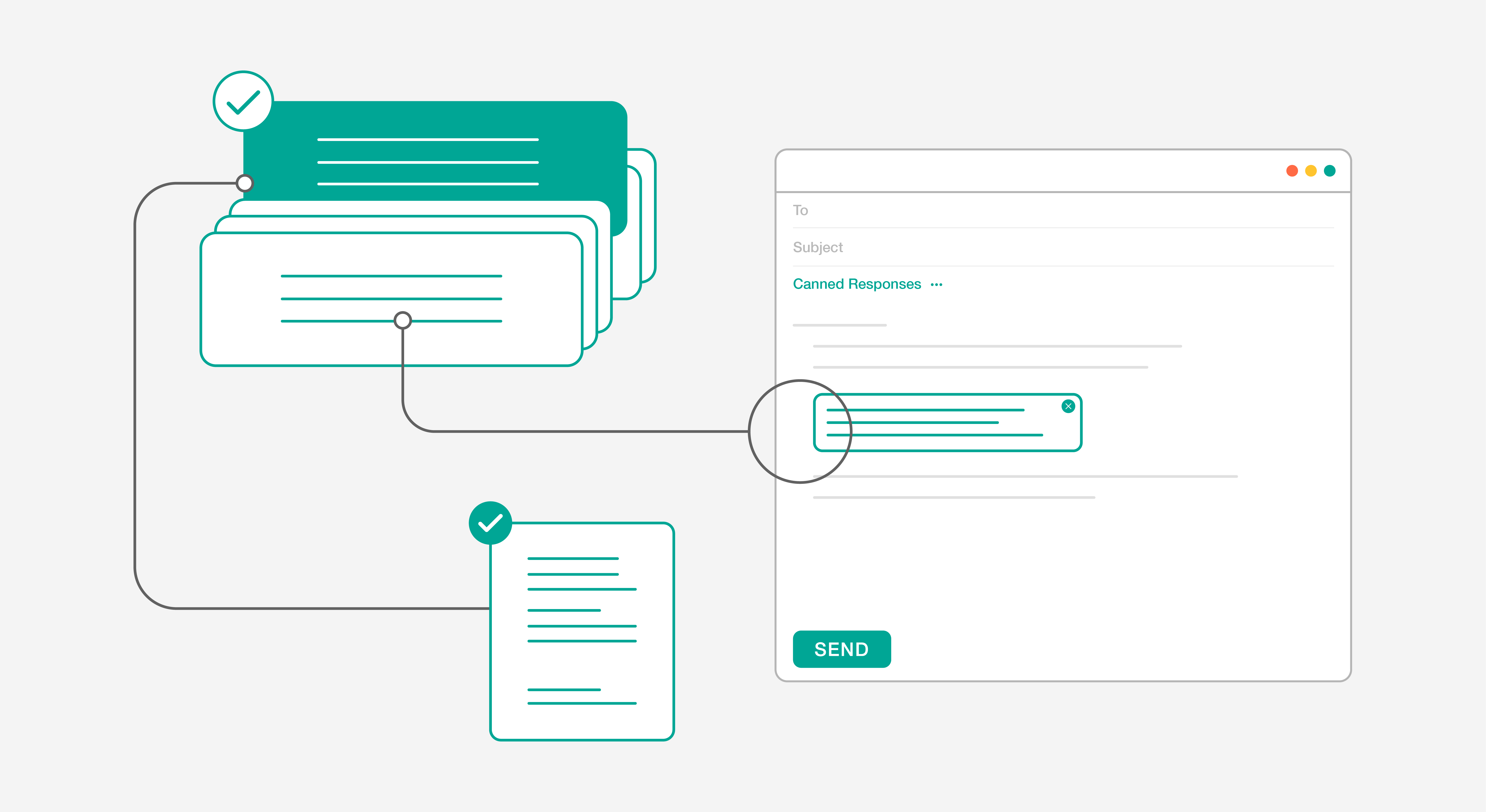
Every incoming request, regardless of whether it arrived by email, chat, phone, or a web form, gets converted into a ticket the moment it enters the system. That ticket carries a category, a priority level, an assigned owner, and a status that updates as the request moves through the support process. This single mechanism is what transforms support from a series of individual conversations into a managed, measurable operation. Routing rules send tickets to the right team automatically. SLA timers fire before deadlines are missed. Managers can see at a glance what is open, what is overdue, and where the queue is building up. For teams moving from a shared inbox, the difference in visibility alone is significant.
Knowledge Base
A knowledge base is a centralized library of documented solutions, troubleshooting guides, step-by-step instructions, and answers to common questions. It serves two audiences simultaneously: agents who need to resolve tickets faster without reinventing fixes they have already documented, and users who want to find an answer themselves before raising a request at all.
- Agents reduce average handle time on repeat issues because the fix is already documented and searchable.
- Users resolve straightforward problems independently through self-service search, reducing inbound ticket volume.
- New team members get up to speed faster because institutional knowledge is written down rather than locked in the heads of senior agents.
Self-Service Portal
A self-service portal is where users go to submit tickets, track the status of open requests, and search the knowledge base without needing to contact the support team directly. For users, it is faster than waiting in a phone queue or chasing a reply on email. For IT teams, it handles a portion of request intake and basic resolution without any agent involvement.
A well-designed self-service portal does more than reduce ticket volume. It gives users visibility into what is happening with their request, which cuts down on the follow-up contacts that consume agent time without moving anything forward. The combination of a solid knowledge base and an intuitive portal can realistically deflect 20 to 30 percent of potential tickets before they are ever submitted.
Service Desk Overview
Definition and Purpose
A service desk is what happens when an organization decides IT should be managed, not just maintained. It handles everything a help desk does, and then a significant amount more: service requests, change management, problem management, service level tracking, and continual improvement. ITIL defines it as the single point of contact between the IT function and the business, which is a more demanding job description than it might first appear.
The orientation is fundamentally different from a help desk. A help desk asks what broke and how do we fix it. A service desk asks what is the health of our IT services, what is driving these incidents, and what do we need to change so fewer of them happen? That shift from reactive resolution to proactive service management is what separates the two models in practice.
Benefits of a Service Desk
- Recurring incidents get permanently resolved rather than repeatedly patched, because problem management investigates root causes instead of just closing tickets.
- Change-related outages reduce significantly when every significant infrastructure change goes through a structured review before deployment.
- IT services are delivered against formal SLAs that reflect business priorities, giving leadership real accountability rather than response time averages.
- Leadership gets service quality reporting in business terms: availability, incident frequency, change success rates, and trend data over time.
- IT moves from a reactive cost center to a function that can demonstrate its contribution to business outcomes.
- Cross-team coordination improves because incidents, problems, and changes all flow through a single managed process rather than being handled informally across different teams.
- Continual service improvement becomes possible because the service desk generates the data needed to identify where investment will have the most impact.
Key Features of Service Desks
Incident Management
Incident management in a service desk is more structured than basic ticket handling. Every incident is logged, categorized by type, and prioritized based on its impact on the business, not just the urgency reported by the user. A major incident affecting 200 people gets a different response path than a single user who cannot access a file. Escalation routes are predefined so high-impact issues reach the right people quickly rather than sitting in a general queue. SLA clocks run against each incident from the moment it is logged. And when the same incident type appears repeatedly across the week or month, that pattern flows directly into problem management rather than being treated as a series of unrelated events.
Where this differs from a basic help desk: the goal is not just to close the ticket. It is to restore normal service, document what happened, and feed that data into a process that asks why it happened. That last step is what a help desk does not do.
Problem Management
Problem management is the mechanism by which a service desk stops fighting the same fires indefinitely. When a pattern of related incidents emerges, a problem record is opened. The team investigates the underlying cause, documents findings, and works toward a permanent fix rather than repeatedly applying the same workaround. Until the permanent fix is ready, the workaround is documented so every agent handling related incidents is working from the same resolution rather than discovering it independently each time.
The distinction between an incident and a problem matters here. An incident is a service disruption that needs to be resolved now. A problem is the underlying condition that keeps causing incidents. A service desk tracks both separately. A help desk typically only sees the incident.
Change Management
Every significant change to the IT environment goes through a structured review before it is implemented. New software deployments, hardware changes, configuration updates, infrastructure modifications: all are assessed for potential impact, risk, and dependencies before anyone touches a production system. The change advisory board, or a lighter equivalent depending on the organization’s size, reviews proposed changes, approves them, and ensures the right teams are notified. If a change needs to be rolled back, the process for doing that is also defined in advance.
IT Service Management (ITSM): A Quick Definition
ITSM is the broader discipline that both help desks and service desks sit inside. It covers the full picture of how IT services are designed, delivered, managed, and improved across an organization. A help desk touches one corner of ITSM. A service desk touches most of it. ITIL, the most widely adopted ITSM framework, is the set of practices that defines how each process should work. When people talk about ITIL compliance or ITSM maturity, they are really asking how much of this framework is actually running in the organization versus just being referenced in documentation.
When to Choose Each Option
Choose a Help Desk When:
Your IT environment is straightforward, your team is small, and the primary job is getting users back to work when something breaks. A help desk is the right fit when immediate issue resolution is the goal and there is no pressing need to manage changes formally, track root causes across incidents, or produce service quality reports for leadership. Budget matters too. A help desk is significantly less expensive to implement and operate than a full service desk, and for many organizations it provides everything they actually need without the overhead of processes they would never fully use.
One thing worth saying directly: choosing a help desk is not settling. An organization of 80 people with a three-person IT team running a disciplined help desk is doing IT support correctly. The goal is fit, not status.
Choose a Service Desk When:
Ask yourself these questions before deciding.
- Are the same incidents coming back repeatedly with no one formally investigating why?
- Have recent changes to your environment caused outages that a review process might have caught?
- Does leadership ask IT for service quality data and currently get a ticket count spreadsheet in response?
- Are you operating under compliance requirements that expect documented ITSM processes?
- Is your IT infrastructure complex enough that informal coordination between teams regularly causes delays or gaps?
If two or more of those are yes, a service desk is the right model. The processes it introduces are not complexity for its own sake. They are the structure that prevents the problems you are already experiencing from getting worse as the organization grows.
Comparing Help Desks and Service Desks
Scope of Services
A help desk’s scope is bounded by what users bring to it. A user has a problem, the help desk resolves it, the ticket closes. Anything outside that cycle, patterns across incidents, upcoming infrastructure changes, recurring failure modes, sits outside what the help desk is designed to handle.
A service desk’s scope is the entire lifecycle of IT services: what gets delivered, to what standard, how changes are controlled, what happens when issues recur, and how the overall quality of IT improves over time. For IT managers, that difference translates directly into staffing and process design. A help desk needs technical staff and a ticketing tool. A service desk needs defined process owners, separate workflows for incidents versus problems versus changes, and a team that thinks in terms of service management rather than just ticket closure.
ITIL Compliance
A help desk typically covers incident management. That is one ITIL practice. Change management, problem management, service level management, and continual service improvement are not part of the help desk model, which means an organization relying solely on a help desk is ITIL-compliant in a narrow sense at best. For organizations where auditors, regulators, or enterprise procurement processes expect evidence of structured ITSM, a help desk alone will not satisfy those requirements.
Infrastructure and Organization Compatibility
Smaller organizations with standardized equipment, limited software complexity, and a manageable user base tend to find help desks well-suited to their environment. The issues are predictable, the fixes are repeatable, and formal problem or change management processes would add overhead without adding value.
The signal that an organization has outgrown its help desk is usually one of three things: recurring incidents nobody is tracking to root cause, changes causing outages because there is no review process, or leadership asking IT questions about service performance that the help desk cannot answer. When any of those show up consistently, the help desk model has reached its ceiling for that environment.
Assessing Your Organization’s Needs
The most useful frame for making this decision is not comparing feature lists. It is looking at the problems your IT function is experiencing right now and asking which model addresses them.
Requests getting lost or going unanswered? A help desk solves that. The same incidents appearing week after week with no permanent fix? That is a problem management gap and it belongs to a service desk. Changes causing outages? Change management. Leadership asking for IT service reports and getting a spreadsheet of ticket counts? Service level management. The model you need is the one that addresses the specific gaps you have, not the one that sounds more sophisticated on paper.
Conclusion
Both service desk software solutions and help desk solutions provide companies essential support frameworks. Help desks provide almost immediate support to resolve urgent and important issues while a service desk helps companies to put effective business practices in place in addition to issue resolution. HappyFox Help Desk gives you a service delivery setup that can run several service desk operations. Book a one-on-one demo with our product specialists to know about our integrated solution.
Frequently Asked Questions
1. What is the difference between a help desk and a service desk?
A help desk focuses on resolving immediate technical issues and customer requests, while a service desk has a broader scope-it manages the entire IT service lifecycle, aligns IT with business goals, and includes functions like change management and service delivery optimization.
2. Which is better: help desk or service desk?
Neither is universally better-it depends on organizational needs. Small teams often start with a help desk for reactive issue resolution, while larger, mature operations benefit from a service desk that integrates ITIL practices, automates workflows, and proactively manages services.
3. Can a help desk evolve into a service desk?
Yes. Many organizations begin with a help desk and transition to a service desk as operations mature. The evolution involves adopting ITSM frameworks, expanding from incident management to service requests and change management, and integrating processes for proactive service delivery.
4. How do help desks and service desks align with ITSM?
Help desks address operational incidents within ITSM, while service desks embody the full ITSM framework-covering service strategy, design, transition, and continuous improvement. Service desks ensure IT services deliver measurable value to business operations and end users.
5. When should a business upgrade from help desk to service desk?
Upgrade when ticket volumes grow, multiple teams handle requests, or when strategic IT alignment becomes essential. A service desk offers structure, automation, and governance-ideal for scaling support, ensuring compliance, and improving visibility across service delivery.